

How to Secure PII in Salesforce Production with Contour
Key takeaways:
Standard Salesforce access controls are all-or-nothing. You can't control partial visibility based on actual need.
PII protection must cover every UI layer at once, not just profiles or page layouts individually.
Contour is a Salesforce data masking app that turns PII protection into an automated, auditable process instead of a one-time manual setup.
As Salesforce environments evolve, sensitive information often becomes far more accessible than intended. A support agent looking into a billing issue might open a case and find a customer's full Social Security number, complete payment history, or even a note containing health information that has nothing to do with the ticket. Nobody intended for this to happen. More often, it's just what happens when Salesforce orgs grow without anyone specifically thinking about how to secure PII (personally identifiable information) in Salesforce production.
Sandboxes get a lot of attention when it comes to data protection, and rightly so. But production is where your real customers, real employees, and real sensitive data live every single day. If your approach to Salesforce PII security stops at profiles and permission sets, you likely have gaps you don't know about yet.
In this article, we’ll explore what PII actually looks like inside a Salesforce org, why standard access controls fall short, and how a purpose-built Salesforce data masking app like Contour helps organizations secure sensitive data in production.
What Counts as PII in a Salesforce Production Org
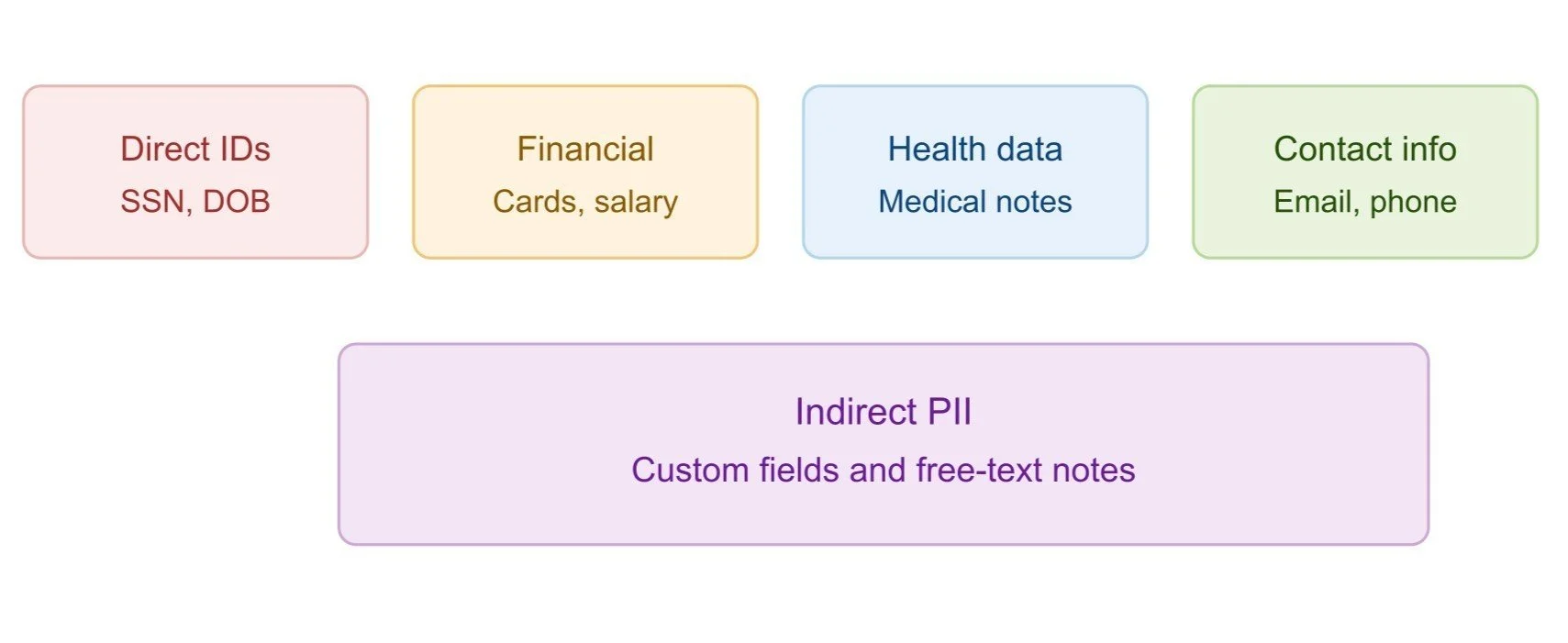
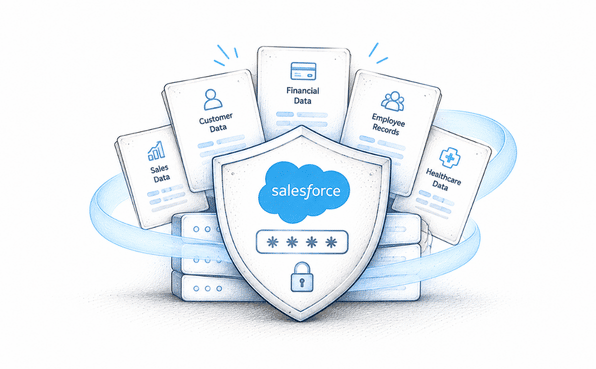
Before you can protect personal data, it helps to know exactly what you're protecting. Personally Identifiable Information (PII) in Salesforce is broader than most teams assume, and it tends to hide in more places than the obvious fields.
Direct identifiers: names, social security numbers, government IDs, dates of birth.
Financial data: bank account numbers, payment card details, salary and compensation figures.
Health information: medical notes, insurance details, anything tied to HIPAA-protected data.
Contact details: email addresses, phone numbers, home addresses.
Indirect PII: custom fields, free-text notes, and fields added by third-party integrations that quietly capture sensitive data nobody flagged.
A custom field built for a one-off project two years ago, or a description field where a rep pastes account details out of habit. These rarely show up on anyone's radar until an audit or a breach forces the issue. Production PII carries more risk than sandbox PII precisely because real users are interacting with real records every day, not just during a testing cycle.
Why Standard Salesforce Access Controls Fall Short
Salesforce's native tools like profiles, permission sets, or field-level security are solid for controlling broad access. The problem is they're built around an all-or-nothing model. If a user has access to a field, they see the entire value. There's no built-in way to show a partial or masked version of that same field to someone who only needs limited visibility.
Think about the practical implications of this. A support agent verifying a customer's identity might only need the last four digits of an account number, not the whole thing. A contractor helping with a short-term project might need to see that a record exists without seeing every sensitive detail inside it. Native Salesforce data security tools don't offer this kind of nuance; you either grant access or you don't.
Profiles and permission sets answer 'can this user see the record?' They don't answer 'how much of this field should this specific user actually see?' That gap is exactly where unnecessary PII exposure happens.
This is the core reason Salesforce sensitive data protection needs something beyond what ships natively with the platform.
How Contour Secures PII in Production
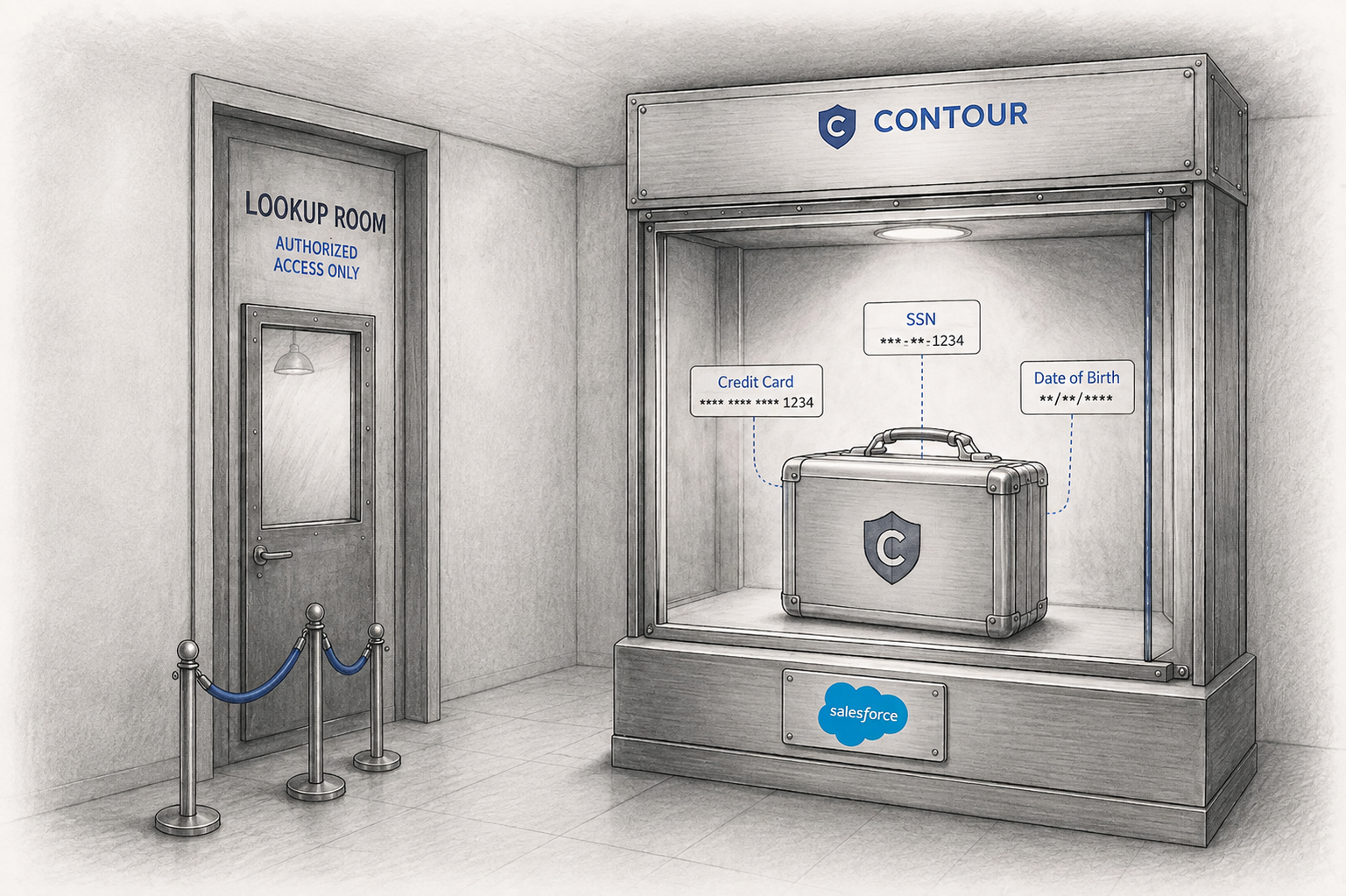
A Salesforce data masker like Contour is built specifically to close this gap. Instead of relying purely on permission set configuration, it gives you real-time, role-based control over what different users see, field by field, without touching the underlying data those users don't need to see.
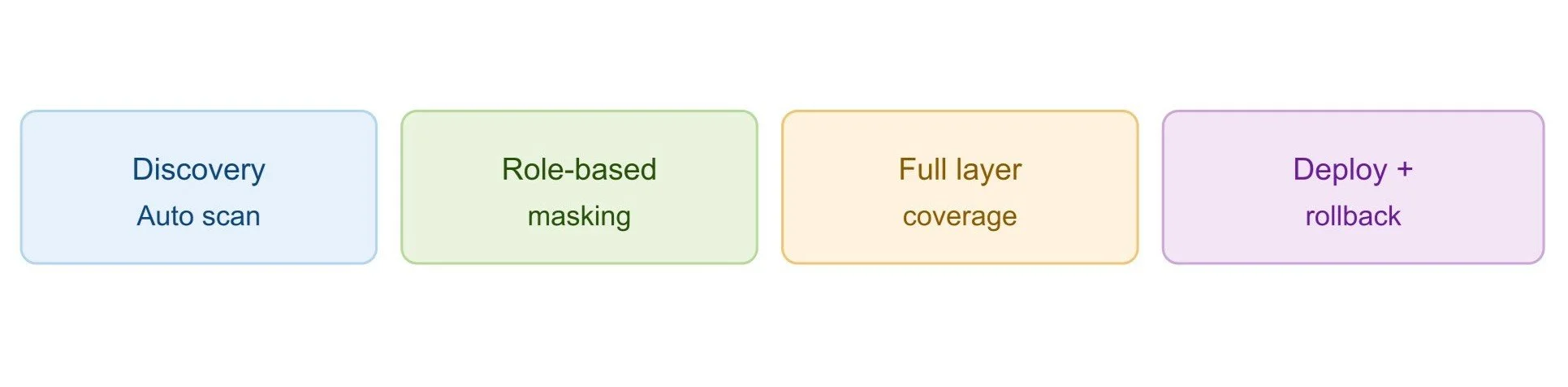
Automated discovery: Contour scans your entire org to identify PII across every object, not just the fields an admin already knows about.
Role-based masking: Different personas see different levels of the same field in real time, based on profile, role, or permission set.
Coverage across every UI layer: Masking rules apply consistently across Page Layouts, Lightning Pages, Profiles, and Permission Sets. So a field masked in one place doesn't stay exposed in another.
Deployment with rollback: changes are deployed with full logging and can be reversed in a single click if something needs adjusting.
None of this requires custom Apex or a development cycle. It's click-based configuration, which means your security and admin teams can respond to new PII risks without waiting on engineering bandwidth.
Step-by-Step: Securing PII in Production with Contour
Here's what the process of protecting sensitive data like PII looks like when using a Salesforce data masking tool like Contour.
1. Run a scan to identify PII fields. Start with a full org scan so Contour surfaces every sensitive field automatically, rather than relying on manual review.
2. Review and classify sensitive fields by risk level. Not every PII field carries the same risk. Sort fields by sensitivity so you can prioritize the ones that matter most first.
3. Configure masking rules by persona or role. Decide who needs full visibility, who needs partial visibility, and who needs none at all, and set masking rules accordingly.
4. Deploy across all layers in bulk. Apply your configuration across Page Layouts, Lightning Pages, Profiles, and Permission Sets in a single deployment rather than field by field.
5. Monitor via audit trail and adjust as needed. Use the built-in logs to track what's been masked, when, and by whom, and revisit configurations as your org changes.
This structure turns Salesforce PII protection into a repeatable process rather than a one-off project that quietly goes stale.
Real-World Scenarios Where This Matters
A few situations come up again and again where this kind of masking makes a real difference.
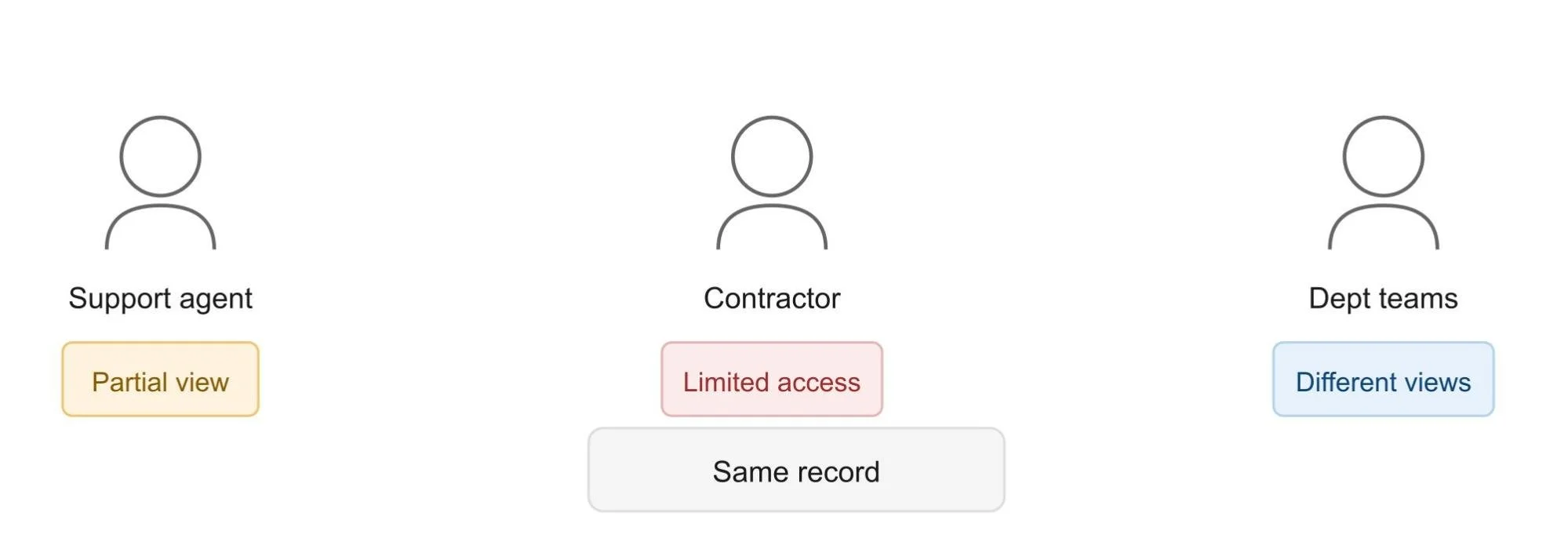
Support agents needing partial visibility: verifying an account without seeing the full number, reducing exposure without slowing down the support workflow.
Contractors and partners with limited, temporary access: giving external users what they need for a project without handing over full record visibility that outlasts the engagement.
Cross-department visibility differences: sales, finance, and support teams often need very different levels of access to the same customer record, and masking makes that distinction possible without a maze of custom permission sets.
In each of these cases, the goal isn't to lock everyone out. The goal here is to match visibility to actual need, which is really the whole point of choosing serious Salesforce data masking.
Best Practices for Ongoing PII Protection in Production
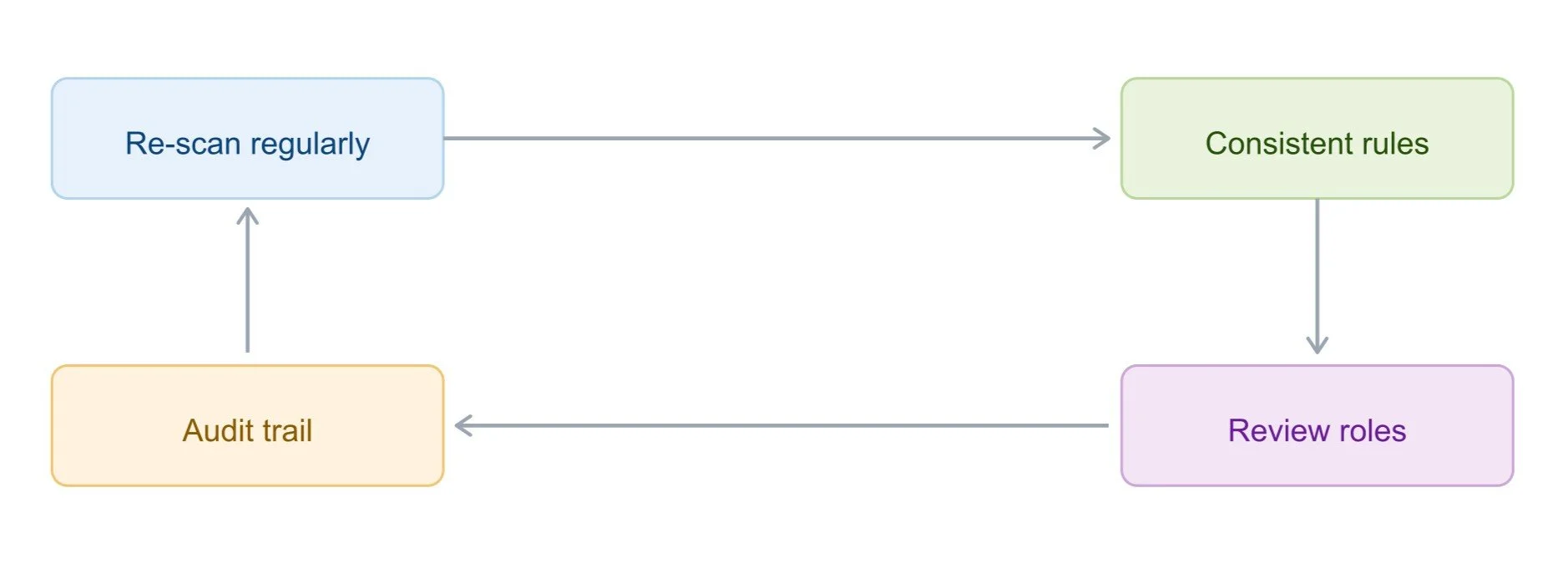
Securing PII in Salesforce isn't a one-time task. A few best practices keep protection solid as your org evolves.
1. Re-scan regularly: New fields and integrations appear constantly, and periodic scans catch PII before it becomes a blind spot.
2. Apply consistent rules across personas: Avoid ad hoc exceptions that quietly undo the logic of your masking strategy.
3. Maintain audit trail documentation: Keep records of every scan, configuration, and deployment so you're ready for a Salesforce compliance review without scrambling.
4. Review and adjust as roles change: When someone moves teams, or a contractor's engagement ends, update masking rules to reflect their new (or removed) access needs.
Common Mistakes to Avoid
A few mistakes come up often enough that they're worth calling out directly.
Masking only one UI layer - a field hidden on a page layout but still visible through a Lightning component or an overlooked permission set isn't actually protected.
Treating PII protection as a one-time setup - orgs change constantly, and a masking configuration from a year ago won't account for what's been added since.
Ignoring contractor and partner access reviews - external users are often the last to get reviewed, even though they frequently carry more risk than internal employees.
Conclusion
Protecting PII in a live Salesforce org takes more than profiles and permission sets. Production data needs real-time, role-based protection that adapts to who's actually looking at a record, not a blanket all-or-nothing access model.
Contour turns this into an automated, auditable process: scanning your org for PII, applying consistent masking across every layer, and giving you the documentation to prove your Salesforce PII security holds up when it matters. If you haven't taken a close look at how much Personally Identifiable Information is currently visible in your production org, now is a reasonable time to start.
Frequently Asked Questions
-
PII includes direct identifiers like names and SSNs, financial data such as card numbers and salaries, health information, contact details, and indirect PII hiding in custom fields, free-text notes, or fields added by third-party integrations over time.
-
Profiles and permission sets work on an all-or-nothing model; if a user has field access, they see the entire value. There's no native way to show a partial or masked version to someone who only needs limited visibility into that same field.
-
Contour scans your org automatically to find PII, then applies role-based masking in real time across Page Layouts, Lightning Pages, Profiles, and Permission Sets simultaneously without requiring custom code or leaving any single layer unprotected.
-
Masking personally identifiable information should be reviewed regularly. Re-scan whenever new fields, integrations, or roles are added, and adjust masking rules whenever a contractor's access changes or an employee moves teams.
Related Readings

Let’s Talk

Drop us a note, we’re happy to take the conversation forward 👇🏻
