

Key takeaways:
Sensitive data exposure builds up quietly through cloned profiles and forgotten access, not through one dramatic mistake.
Unmasked sandboxes multiply your exposure risk instead of containing it; most orgs run 8-10 sandbox copies for every production environment.
If you can't produce an audit trail of sensitive data access, that absence is itself a compliance and security gap.
Most Salesforce sensitive data exposure doesn't happen because someone made a dramatic mistake. It happens quietly, over time, as an org grows, new fields get added, new people get access, and nobody circles back to check whether all of that still makes sense. By the time anyone notices, the exposure has usually been sitting there for months.
The good news is that these gaps tend to leave visible clues if you know where to look. So, let’s walk through five signs that suggest your org is carrying a Salesforce data security risk right now, why each one matters, and what to do about it.
Sign 1: Contractors or External Users Can See Full Customer Records
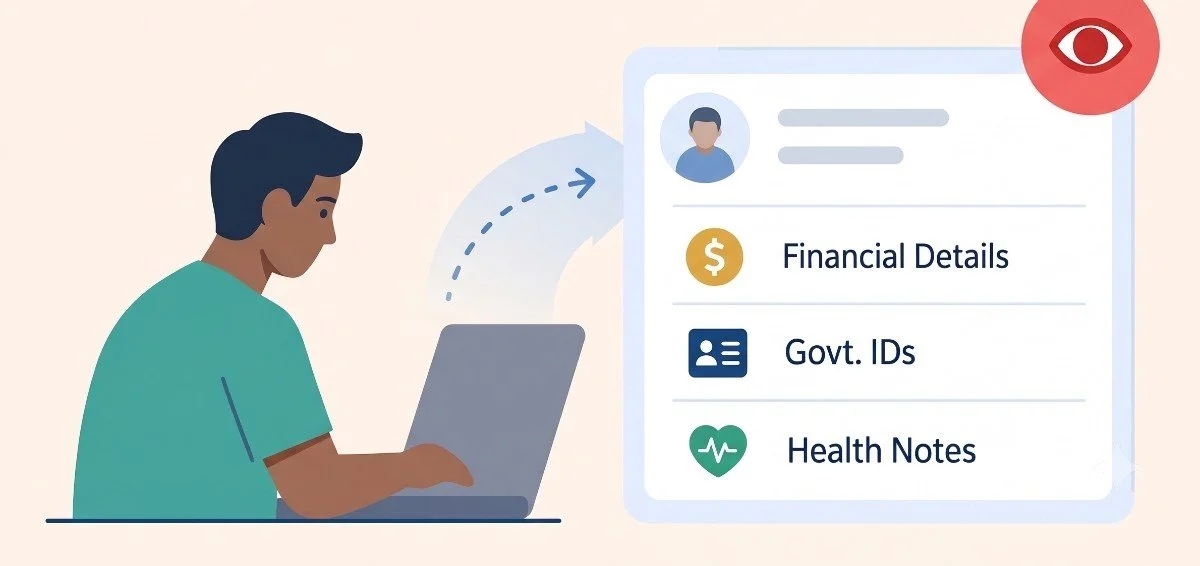
This is one of the most common patterns, and it usually isn't intentional. A contractor gets brought in for a specific project. Maybe a data migration, maybe a short-term integration build, and rather than configuring precise access, someone grants them a broad profile because it's faster. The project wraps up, but the access often doesn't get revoked, or it was too broad from the start.
If contractors, partners, or temporary staff can open a customer record and see everything in it - full financial details, government IDs, health notes - and regardless of whether their actual task requires it, that's a clear Salesforce security vulnerability. It’s not about distrust, but it’s about the basic principle that access should match need, and broad access rarely does.
“A contractor who needs to fix one field on a support ticket doesn't need to see the customer's entire financial history. If they can, that's exposure, not convenience.”
Sign 2: Sandbox Refreshes Bring In Real, Unmasked Data
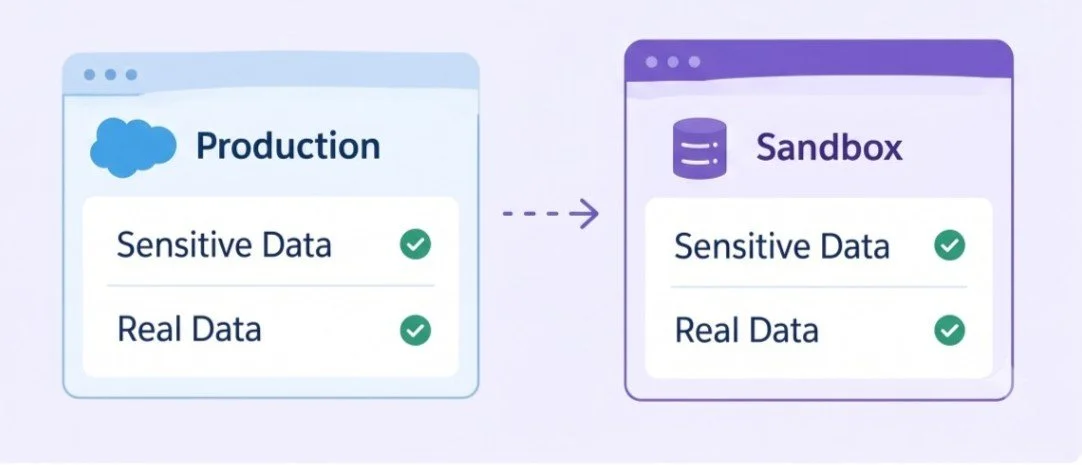
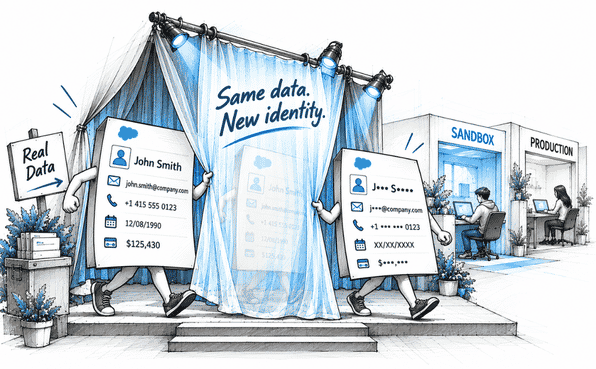
It’s worth checking: when your sandboxes refresh, do they pull a full, unmasked copy of production? For a lot of orgs, the honest answer is yes, and it's treated as normal because "it's just a sandbox."
But sandboxes are frequently accessed by developers, QA teams, and sometimes contractors who have no reason to see real customer information. If your sandbox environments look identical to the production org in terms of sensitive data, you've effectively multiplied your exposure across every environment instead of containing it to one. This is one of the clearest, most fixable signs of a Salesforce data security risk, because the fix doesn't require touching production at all, just changing what happens during refresh.
Sign 3: Multiple Profiles Have Broad Access to Sensitive Fields
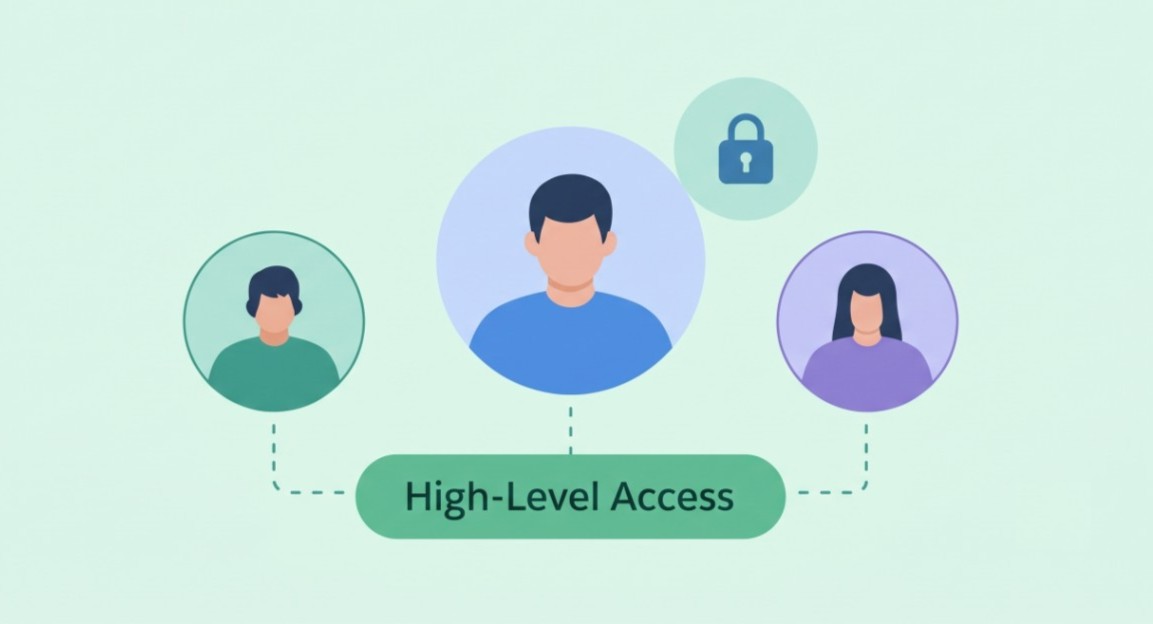
Take a look at your profiles and permission sets. If you find several of them granting "View All" or similarly broad access to objects containing sensitive fields and nobody can clearly explain why each one needs that level of access, that's a red flag worth taking seriously.
This tends to happen gradually. A profile gets cloned to save setup time, and the clone inherits access nobody specifically reviewed. A permission set built for one team's project gets reused for a different team later, without anyone checking whether the original scope still makes sense. Individually, none of these decisions feel risky. Together, they create a pattern where far more people have access to sensitive data than the business actually intended.
Cloned profiles carrying over access nobody meant to grant
Permission sets reused across teams without a scope review
"Temporary" access that was never actually temporary
Any one of these on its own might not be a crisis. All three together usually mean your access model has drifted further from your actual security intentions than anyone realizes. That’s where incorporating the principle of least privilege becomes helpful for better data protection and allowing access only as much as required.
Sign 4: You Can't Confidently Answer "Where Does Our Sensitive Data Live?"
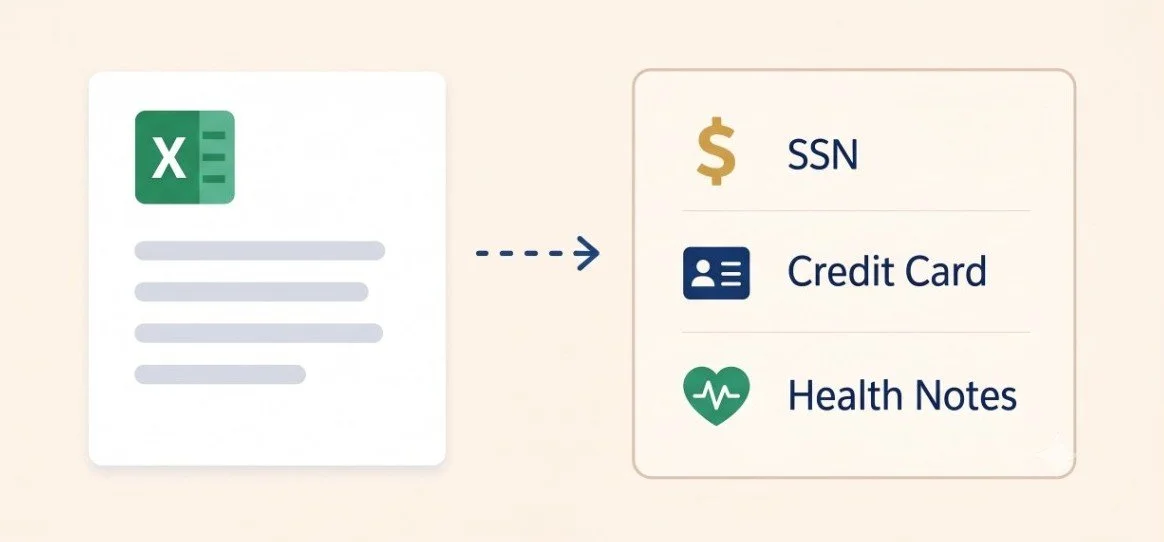
This is less about a specific setting and more about a gap in knowledge, but it's arguably the most important sign of Salesforce sensitive data exposure on this list. If someone asked you right now to list every object and field in your Salesforce org containing sensitive data, could you do it accurately, or would you be guessing based on what you remember building?
Most enterprise orgs have grown well past the point where any single person can hold that map in their head. New objects get added for one-off projects. Integrations quietly introduce new fields. A support agent starts pasting sensitive notes into a description field because it's convenient, and that field was never flagged as sensitive in the first place. If your answer to "where does sensitive data live" starts with "I think" rather than "here's the list," that uncertainty is itself a form of Salesforce sensitive data exposure, because you can't protect what you haven't identified.
This is exactly the gap a Salesforce data masker is built to close. Rather than relying on anyone's memory, a tool like Contour runs a full org scan that automatically sweeps every supported object and flags sensitive fields for you. It also offers a Persona-Based Scan, which shows exactly which sensitive fields specific user roles and profiles can currently access. This can turn a vague sense of "we should probably check this" into a concrete, documented list.
Sign 5: There's No Audit Trail for Sensitive Data Access or Changes
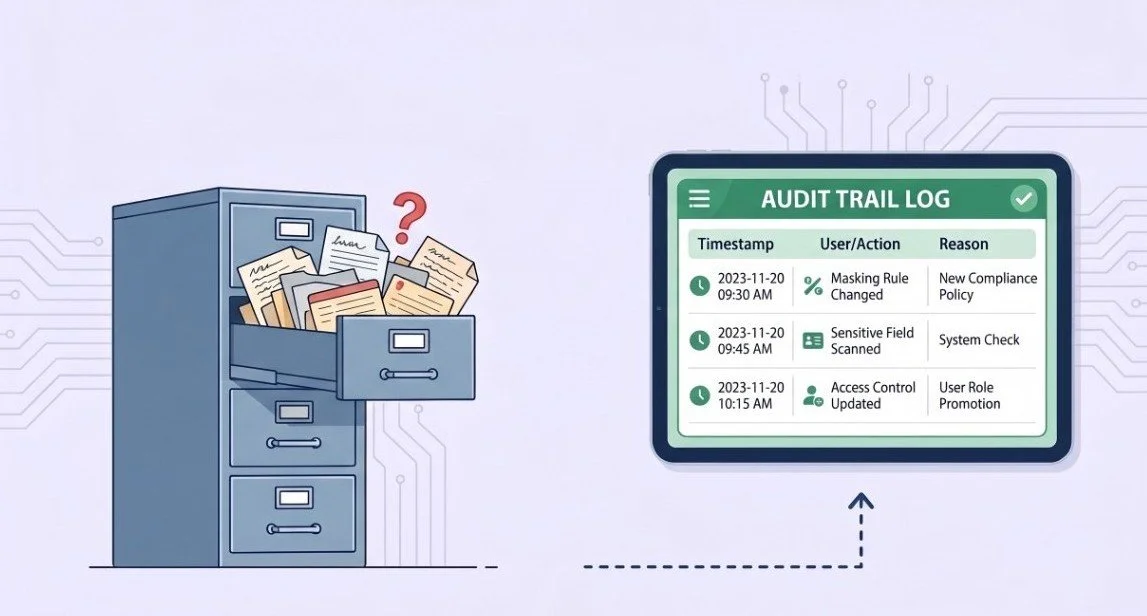
The last sign is about documentation, and it matters more than people usually expect. If your organization can't produce a clear record of when sensitive fields were reviewed, what access changes were made, and why, that absence is itself a compliance and security problem.
Salesforce compliance reviews increasingly expect proof, not just assurance. "We control access carefully" isn't a satisfying answer to an auditor who wants to see exactly what was scanned, when masking rules were configured, and what changed during the last deployment. Without that record, you're left reconstructing history from memory and old emails when someone finally asks.
A properly configured masking process solves this almost as a side effect. Every scan, every configuration change, and every deployment gets logged automatically, which means the documentation exists before anyone asks for it rather than being assembled under pressure afterward.
What to Do If You Recognize Signs of Salesforce Data Exposure
If one or two of these signs sound familiar, you're not alone. Most Salesforce orgs have at least one of these gaps somewhere, simply because orgs grow faster than manual review processes can keep up with. So, the reasonable next step isn't panic but a structured response.
Start with data discovery. Run a scan across the entire org rather than guessing where sensitive fields might be.
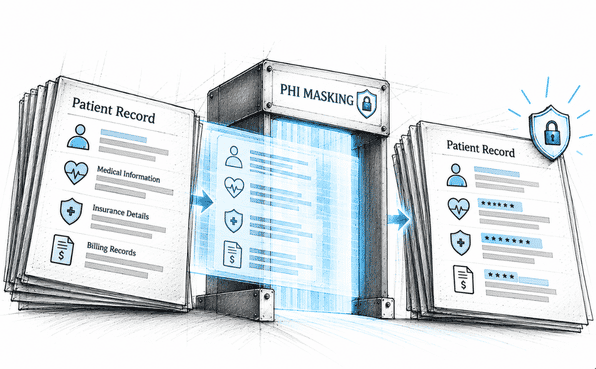
From there, review access patterns, including profiles, permission sets, and any broad grants that don't have a clear justification. Prioritize the highest-risk fields for masking first: financial details, government IDs, health information, or PII.
And build documentation into the process from the start, so you're never struggling to explain what's been done.
This is where Salesforce data protection stops being a vague goal and becomes a concrete, repeatable process. The top Salesforce data masking apps like Contour come with a mass configuration that makes the access-review step practical at scale, letting you apply masking rules across multiple fields and profiles at once rather than configuring each one individually. And because it deploys with a full audit trail and a rollback option, you're not stuck choosing between moving quickly and moving carefully.
Conclusion
Sensitive data exposure in Salesforce rarely announces itself. It builds up quietly through cloned profiles, unmasked sandboxes, forgotten contractor access, and a general uncertainty about where sensitive fields actually live. None of the five signs covered here require a dramatic incident to notice. They're visible right now if you take a direct look.
The organizations that handle this well aren't the ones with zero sensitive data. They're the ones who've actually checked for these signs, found the gaps, and closed them with a process they can repeat, not a one-time fix they hope holds up. If any of these five signs sounded familiar while reading, that's a reasonable place to start looking more closely at your own org.
Frequently Asked Questions
-
More common than most teams realize. Security researchers have found sandbox and Experience Cloud misconfigurations exposing sensitive data across hundreds of organizations in recent years, often due to overly broad guest user permissions or unmasked sensitive data rather than sophisticated attacks.
-
Full Copy Sandboxes replicate production data into environments with weaker controls. Organizations often maintain 8 to 10 sandbox copies per production environment, meaning each refresh multiplies the exposure surface if data isn't masked.
-
Both matter, but overly broad internal access is one of the most common root causes. Misconfigured permissions and excessive internal privileges have led to real public exposure incidents, sometimes without any external attacker involved at all.
-
Yes. OAuth-based connected apps have been directly linked to major Salesforce data theft incidents, where stolen or overly broad tokens gave attackers access to CRM data without needing a password or triggering typical login alerts.
-
Run a full scan of your org to identify sensitive fields and review who currently has access to them. This surfaces cloned profiles, broad permission sets, and unmasked sandbox data faster than manual review ever could.
Related Readings

Let’s Talk

Drop us a note, we’re happy to take the conversation forward 👇🏻
