Best Salesforce Data Masking Tools in 2026 (Comparison Guide)
Key Summary:
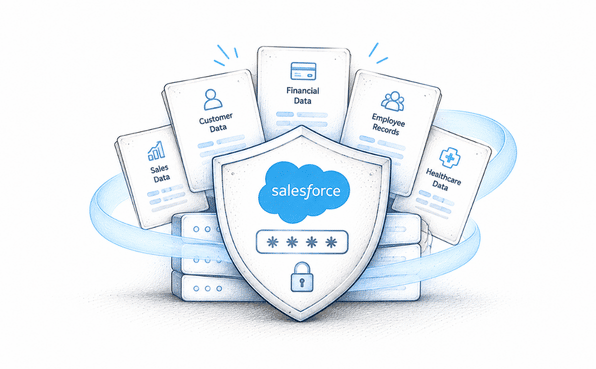
Data masking secures sensitive data in sandboxes and supports compliance.
The best masking tool depends on your security and automation needs.
Strong masking tools offer visibility control with reliable deployment and rollback.
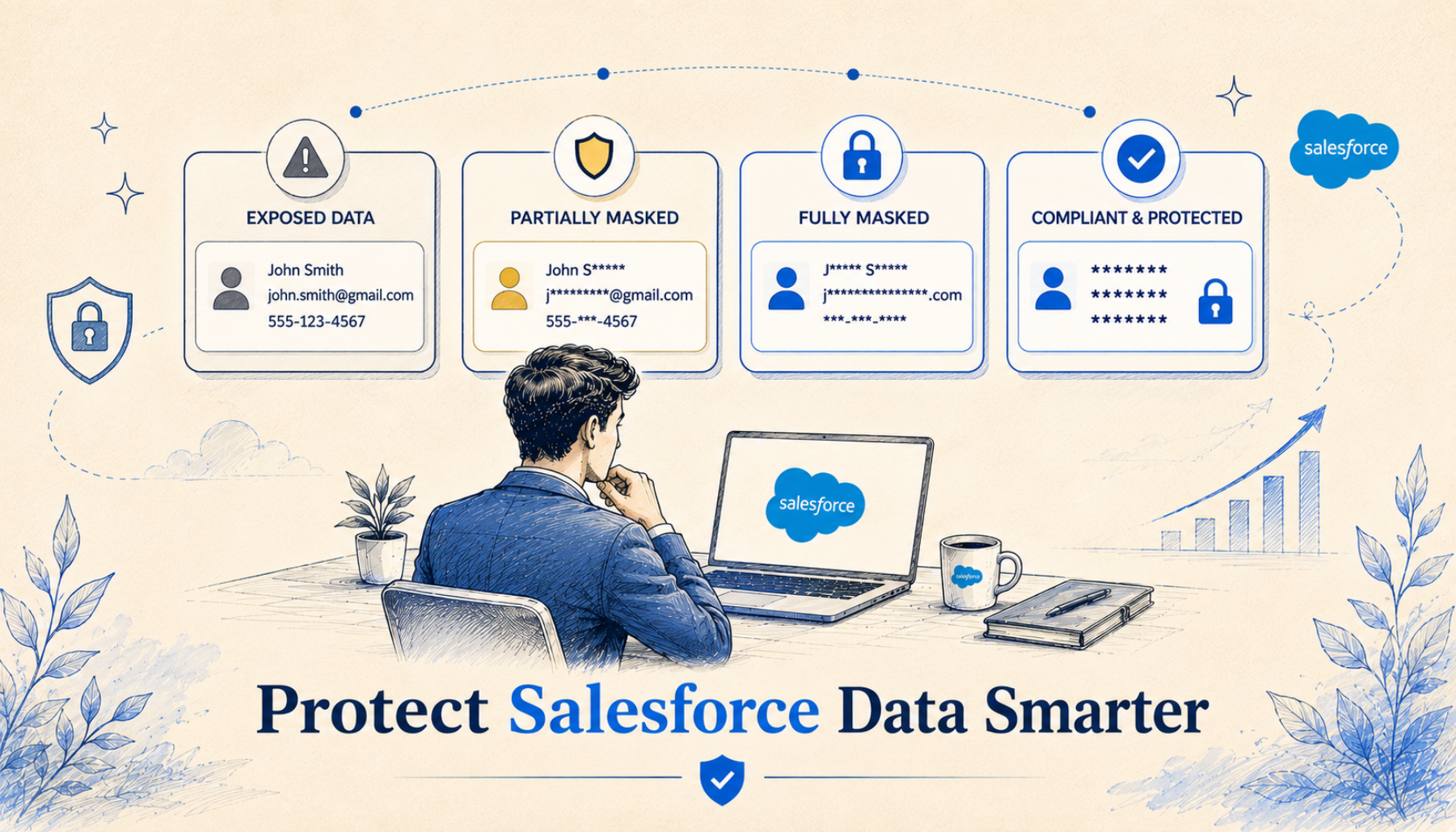
Most Salesforce orgs are sitting on a data security problem they haven't fully solved yet. Production data gets copied into sandboxes. Sensitive fields are visible to users who don't need to see them. Profiles get cloned without anyone auditing what access they carry. And all of this happens while compliance regulations like GDPR, HIPAA, and CCPA apply just as much to your test environments as to your live org.
Data masking is the solution. However, choosing the right data masking app matters too. Not every masking solution is built for the same job, and using the wrong one for your situation can leave you with gaps in coverage, wasted time, or failed compliance.
In this guide, we will compare the best Salesforce data masking tools. We’ll break down what each one does well, where it falls short, and which type of team or use case it is best for.
What Makes Salesforce Data Masking Uniquely Challenging?
In Salesforce, data is presented across Page Layouts, Lightning Pages, Profiles, and Permission Sets. All of these can expose a field to the wrong user independently of each other.
Sandboxes contain full copies of production records, sometimes in 20 to 30 separate environments simultaneously. And different user personas like sales reps, finance teams, developers need different levels of access to the same data.
A robust data masking solution needs to handle all of this: automated detection, flexible configuration, reliable deployment, sandbox coverage, and ongoing governance.
Comparing The Best Salesforce Data Masking Apps
1. Contour: Best for Production Org Field-Level Masking with UI Control
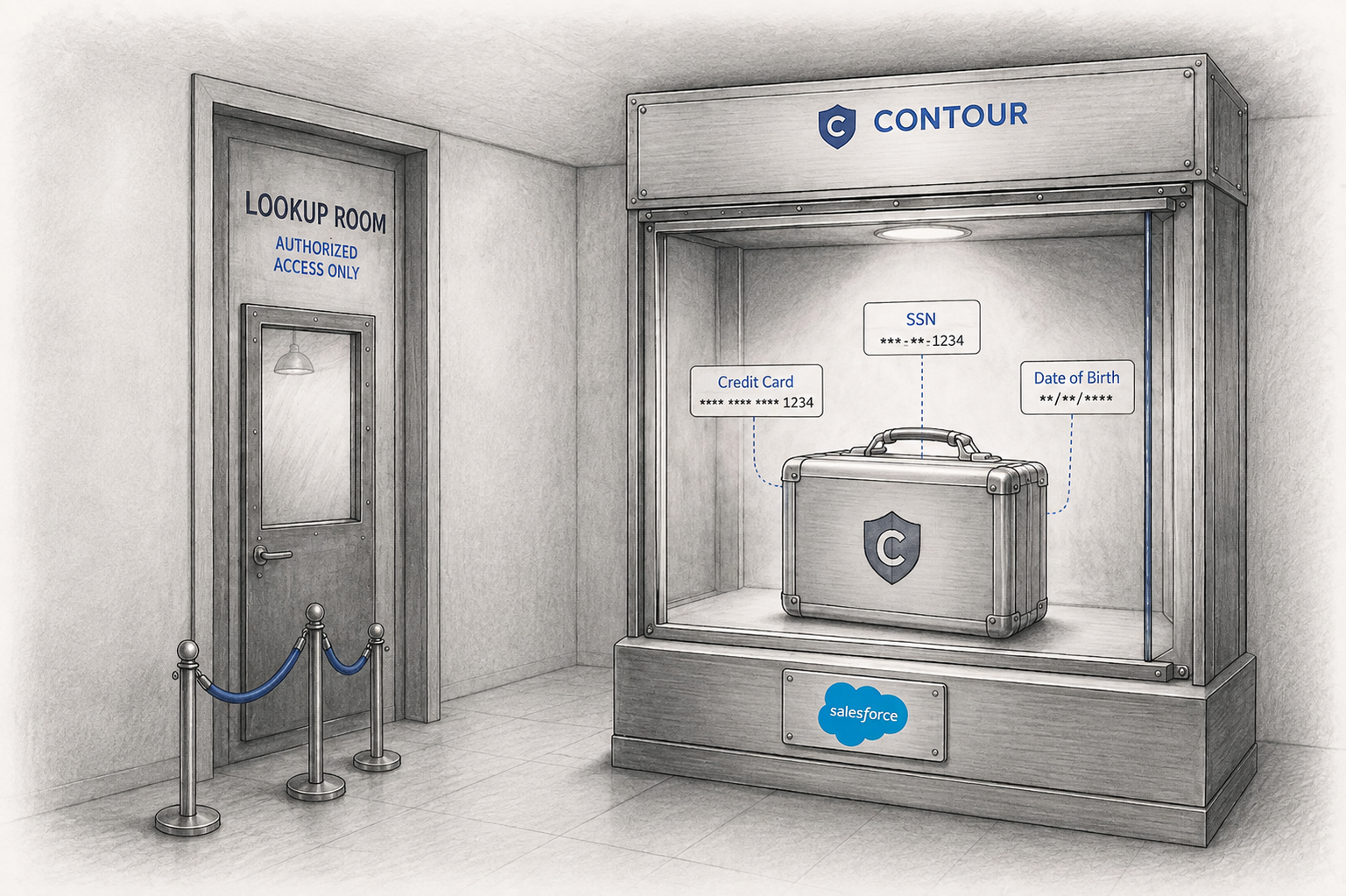
Contour is a Salesforce-native app built to mask sensitive fields directly within a production org, not just in sandboxes. Masking directly in production org surely makes it a unique choice. What sets it apart is that it controls visibility at every layer of the Salesforce UI: Page Layouts, Lightning Pages, Profiles, and Permission Sets. This means masked fields aren't just hidden in one view; they're consistently obscured across every page a user might encounter them.
Customized and Multi-faceted Scanning
Contour begins with a scan. Admins have the option to run a variety of scans. Admins can run a Full Org Scan to sweep across all objects and auto-detect sensitive fields, a Custom Scan to focus on specific objects and fields, or a Persona-Based Scan that analyses data exposure based on user profiles and personas. Once a scan completes, all identified sensitive fields are visible on the Sensitive Fields page with full details, and that’s where configuration begins.
Mass Configuration at Scale
One of Contour’s most practical features is the Mass Configuration. Admins can configure multiple fields at once. You can bulk apply masking rules, page layout updates, and permission set changes that turn what could be days of manual work into a matter of hours.
Deployment and Rollback
Contour provides a comprehensive deployment system and logs every change in real-time. The deployment records are created automatically and track exactly what’s changed. Contour comes with pre-built masking patterns and a custom pattern creation that covers a wide array of fields and objects. Crucially, it also offers a complete Rollback capability. That means, admins can reverse any deployment with a single click. It restores fields to their pre-deployment state across layouts, pages, profiles, and permission sets. Every rollback creates its own record, giving teams a full audit trail.
Best For
Large enterprises with heavy compliance responsibilities.
Teams that need to mask sensitive fields in production, not just sandboxes.
Orgs with complex permission hierarchies and multiple user personas.
Admins who want end-to-end visibility from scan to deployment to rollback.
Compliance-driven teams need a complete audit trail of all masking activity.
2. Odaseva: Best for Enterprise Sandbox Anonymization at Scale
Odaseva is an enterprise-grade Salesforce data platform that offers data masking as part of a broader suite. Its masking product is focused specifically on sandbox environments, helping large organizations ensure their development and testing environments contain anonymized rather than real customer data.
Key Capabilities
Odaseva's masking solution auto-detects sensitive fields using Salesforce's own data classification framework. That means it works in harmony with any classifications your team has already applied. It offers a library of more than 40 pre-built anonymization patterns covering standard objects like Contact, Opportunity, Case, and Chatter, as well as custom objects. For teams with specific requirements, custom patterns can be created using regex and Odaseva's own advanced syntax.
Odaseva also claims to prepare sandboxes for testing and development fast while preserving data relationships during anonymization. So, test environments continue to behave like production environments, which matters for accurate QA.
Scalable for Enterprises
Odaseva is trusted by enterprise customers. It is designed for organizations operating at genuine scale, with expert-led onboarding and ongoing guidance available. However, it is an external platform rather than a purely native Salesforce app, which means data does leave the org during processing. This could be a consideration for teams with strict data residency requirements.
Best For
Large enterprises with complex sandbox environments and heavy compliance obligations.
Teams already using Odaseva for backup or data privacy who want a unified platform.
Organizations that want expert-guided setup and ongoing optimization support.
Orgs that need anonymized sandbox data for Agentforce or BI initiatives.
3. Flosum: Best for Teams Combining Migration and Masking
Flosum is primarily known as a Salesforce DevOps platform, and its Data Migrator product reflects that heritage. While it includes data masking as a feature, its core strength is in data migration. Masking is integrated into that workflow as a compliance layer rather than being a standalone masking app.
Migration-First Approach
Flosum Data Migrator handles multi-object, multi-relationship migrations using SOQL-driven filters for better control. For teams whose primary challenge is moving data between orgs or seeding sandboxes with the right data, Flosum is extremely capable. With its field-level masking, the data is protected in transit.
Compliance and Security
Flosum brings zero-trust architecture, GDPR, and CCPA-aligned migration flows, full audit trail logging, and Hyperforce compliance. It also integrates with popular DevOps tools, making it a natural fit for teams already running release pipelines.
Best For
DevOps and release management teams that need data migration and masking in one tool.
Organizations moving data between orgs as part of sandbox seeding or environment management.
Teams with existing Flosum DevOps deployments are looking to add data protection capabilities.
4. DataMasker by Cloud Compliance: Best for Sandbox-First Teams
DataMasker by Cloud Compliance does one thing and does it extremely well: it masks data in Salesforce sandbox environments automatically, at refresh time, without any manual intervention.
Set-and-Forget Sandbox Masking
A great feature of DataMasker is its automatic execution at sandbox refresh. Masking rules are configured once per field, and every time a sandbox is refreshed. DataMasker applies those rules automatically. There are no post-refresh scripts to run, no tickets to raise, and no waiting. The sandbox is ready for safe use as soon as the refresh completes.
100% Native, Data Never Leaves
DataMasker is built entirely in Apex, hosted inside your Salesforce org, and authenticated by your org's own security. No data is sent to external servers, no middleware is required. Cloud Compliance staff have no access to your records. For teams with data residency requirements or zero-trust security mandates, this architecture is a significant advantage.
Best For
Teams whose primary challenge is unmasked sandbox data accessible to contractors and developers.
Organizations running CI/CD pipelines that want masking to happen automatically as part of the pipeline.
High-volume orgs that need to mask many records quickly and reliably.
Side-by-Side Feature Comparison
Here's a quick comparison of the top Salesforce data masking apps across the features:
| Feature | Contour | Odaseva | Flosum | DataMasker |
|---|---|---|---|---|
| Primary Focus | Production field masking & UI access control | Sandbox anonymization & compliance | Data migration + sandbox masking | Sandbox masking at refresh |
| Scan Types | Full Org, Custom, Persona-Based | Auto-detect via Salesforce classification | Not a primary scan tool | Field-level rules, no scan engine |
| Auto Sensitive Field Detection | Yes (built-in scan engine) | Yes (Salesforce classification framework) | No | No |
| Masking Patterns | Configurable per field/data type | pre-built + custom regex patterns | Built-in field-level masking | Pre-built templates + custom |
| Mass Configuration | Yes | No | No | No |
| Page Layout & Lightning Control | Yes | No | No | No |
| Profile & Permission Set Control | Yes | No | No | No |
| Deployment & Rollback | Yes (full rollback engine) | No | No | No |
| Production Focus | Yes | No (sandbox focused) | No (sandbox focused) | No (sandbox focused) |
| Setup Complexity | Clicks-based, no code | Guided setup with expert support | Pre-configured templates | Clicks-based, no Apex needed |
| Compliance Coverage | GDPR, CCPA, HIPAA, SOC 2, PCI-DSS | GDPR, CCPA | GDPR, CCPA | GDPR, CCPA, HIPAA, SOC 2, FINRA |
| Data Stays in Org | Yes (100% native app) | No (external platform) | Cloud + customer-hosted options | Yes (100% native) |
| Best For | Orgs masking production fields with UI-layer control | Enterprise sandbox compliance at scale | Teams needing migration + masking together | Sandbox-first compliance with DevOps integration |
Final Thoughts
Data masking in Salesforce is not a one-size-fits-all problem, and these four tools reflect that reality. Contour by Concretio owns the production org masking space with its unique combination of scanning, better control, and deployment management. Odaseva brings enterprise scale and breadth to sandbox anonymization. Flosum weaves masking into a larger DevOps and migration workflow. And DataMasker delivers good speed and automation for sandbox-focused teams.
In 2026, with AI agents increasingly reasoning over Salesforce data and regulators paying closer attention to both non-production and production environments, there is no good reason to leave sensitive data exposed anywhere in your Salesforce estate. The tools exist. The question is simply which one fits where you are today.
For further guidance or to find the best data security solution, connect with our certified Salesforce consultants.
Frequently Asked Questions
-
Contour is unique because it is a Salesforce-native app built to mask sensitive fields within a production org, controlling visibility across every layer of the Salesforce UI.
-
Modern tools like Contour mask data in the UI layer for unauthorized users without altering the underlying raw data in your production environment.
-
No. While sandbox masking is common for developers, production org masking is essential to protect live data from over-privileged internal users and contractors.
-
Data masking helps organizations meet legal requirements like GDPR and HIPAA by ensuring that PII and health records are only visible to those who strictly need them.
Related Reading

Let’s Talk

Drop us a note, we’re happy to take the conversation forward 👇🏻