

How to Pass a Salesforce Security Audit and Compliance
Key takeaways:
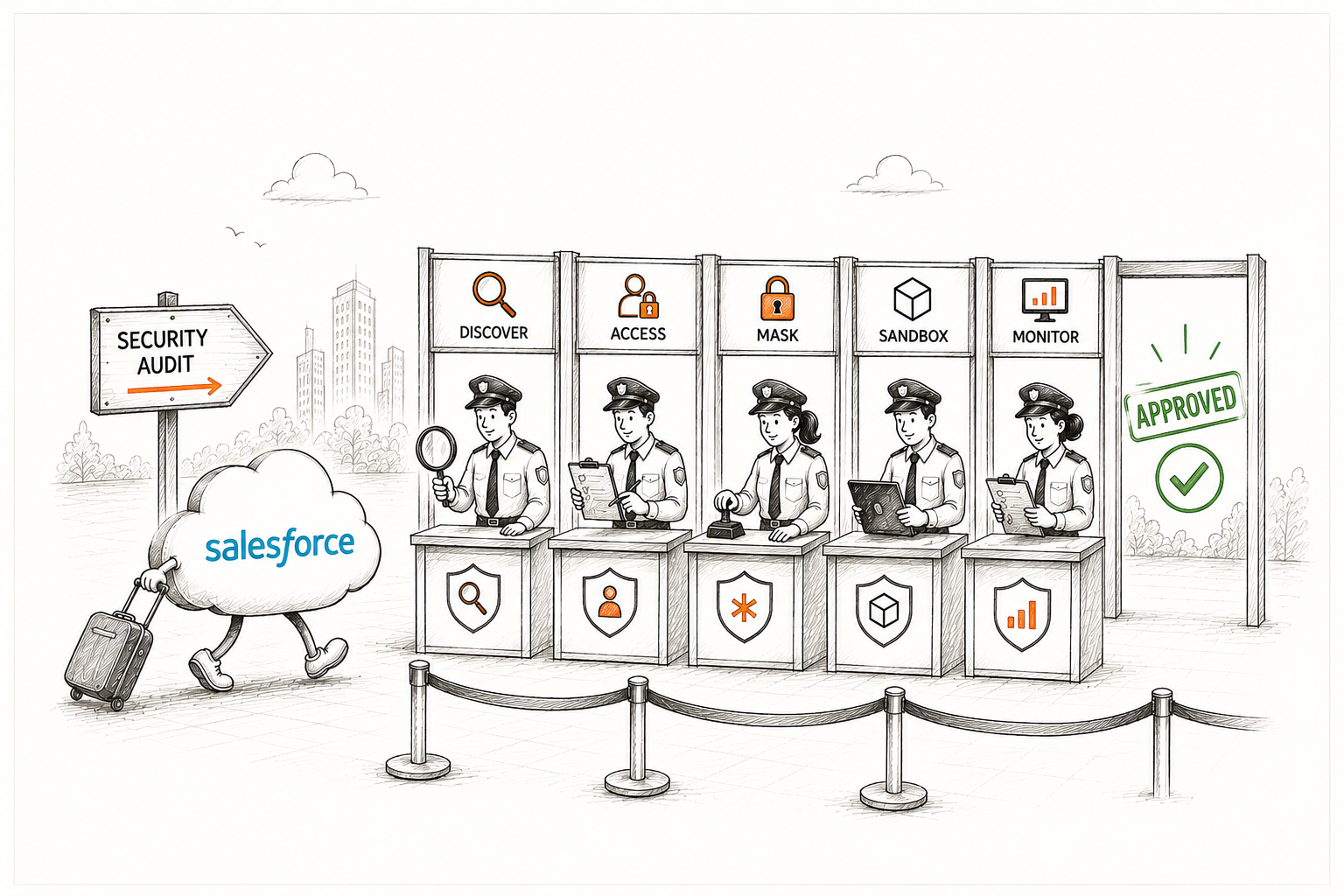
Treat compliance as an ongoing habit. Successful organizations view Salesforce security as a continuous, daily practice.
You cannot protect what you don’t know exists, so start by identifying sensitive data and applying masking to secure it in both production and sandboxes.
Maintain detailed documentation of scans and configuration changes to prove your security posture to auditors without manual effort.
You know the feeling when someone mentions a compliance review, and suddenly you're wondering if your org is actually ready. Where does sensitive data live? Who can see it? Can you prove any of this if someone asks?
Here's the idea that changes everything: passing an audit isn't about scrambling the week before. It’s about treating Salesforce data security as an ongoing habit rather than a one-time project. Organizations that pass audits smoothly aren't the ones with perfect orgs. They're the ones who know exactly where their risks are and can show, clearly, that they're managing them.
This guide walks through what auditors actually look for, the most common gaps that trip teams up, and practical steps to pass a Salesforce security audit.
What Does a Salesforce Security Audit Actually Evaluate?
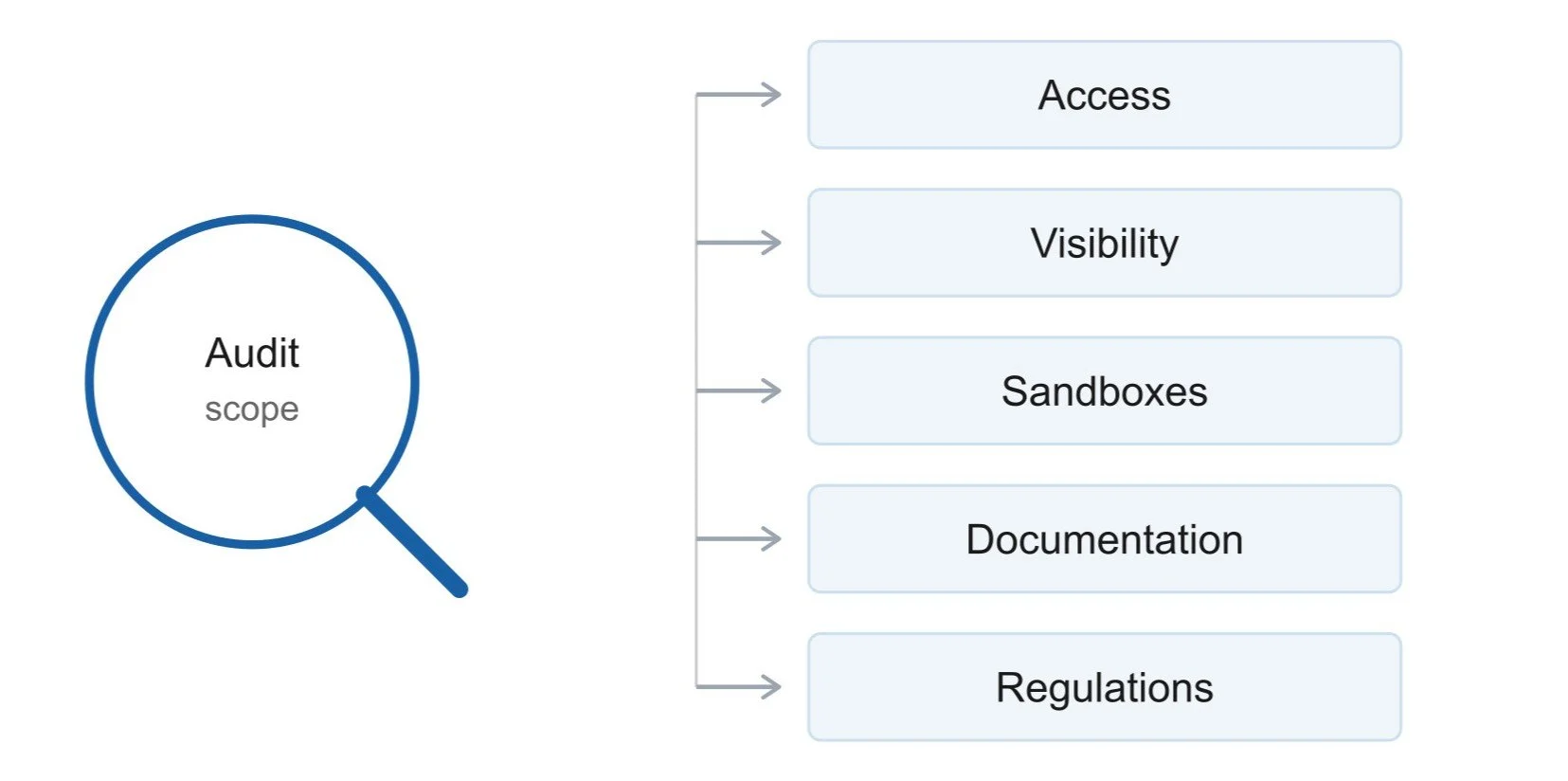
A Salesforce security audit isn't just one check but a review across several areas of your org. Auditors typically evaluate:
Access control and user permissions.
Data visibility across profiles, permission sets, page layouts, and Lightning pages.
Sandbox security practices.
Documentation and audit evidence.
Compliance with applicable regulations (GDPR, HIPAA, CCPA, etc.).
If any of these areas have gaps, that's where Salesforce compliance reviews get uncomfortable. More often than not, the biggest gap comes down to one thing: unprotected sensitive data sitting somewhere it shouldn't be.
Start With a Data Inventory: Know What You're Protecting
Here's something a lot of teams don't realize until it's too late: you can't protect what you don't know exists.
Salesforce orgs grow over time. New objects get created. New integrations add new fields. New teams start storing new types of information. Somewhere in that growth, sensitive data like social security numbers, financial details, health records, and payment information end up scattered across dozens of objects. Often, nobody has a complete map of where it all lives.
This is usually the first thing that breaks down during a Salesforce security audit. When an auditor asks "where is your sensitive data, and how do you protect it?" and the honest answer is "we're not entirely sure", that's a serious problem.
“You can't secure sensitive data you haven't identified. Discovery is the foundation everything else is built on.”
Building this inventory manually is possible, but it's slow and easy to get wrong. Someone has to click through every object and field, and new fields get missed constantly. This is exactly where a Salesforce data masking app like Contour earns its keep.
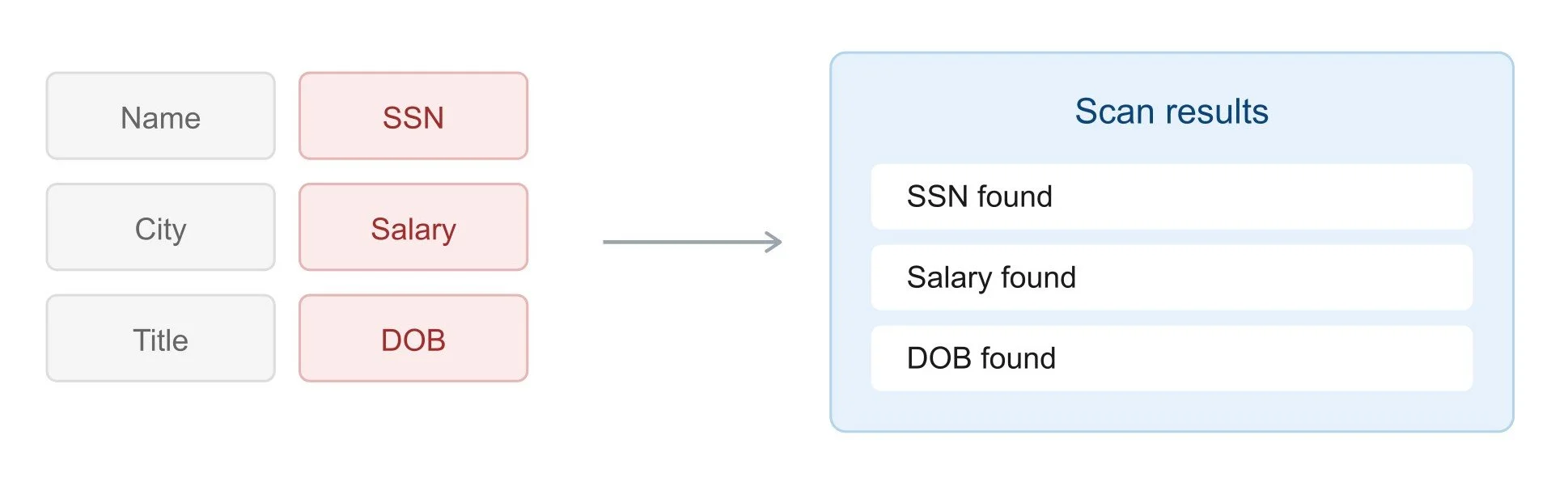
Instead of manually hunting for sensitive fields, Contour runs a full org scan that automatically goes through every supported object and flags sensitive data for you. You can find out which sensitive fields specific user roles can currently access. This automated discovery solves the biggest blind spot most organizations carry into an audit.
Manage Access Control and Permission Sets for Better Security
Once you know what sensitive data you have, the next question is who can actually see it. This means reviewing your profiles and permissions sets for over-permissioned users. The over-permissioned users are the people who have access to fields they don’t need for their job.
It also means applying the principle of least privilege consistently by giving people access to exactly what they need, nothing more. So, you’re paying attention to role hierarchies and sharing rules, since access can quietly expand through inheritance in ways that aren't obvious at first glance.
Common mistakes here include:
Cloned profiles that carry over access nobody meant to grant
Permission sets that were created for a temporary project and never cleaned up
Contractors or external users who retain access long after their engagement ends
Any one of these can trigger an audit finding. A Salesforce data masking solution helps here too, but differently than you might expect. Rather than relying purely on complex permission engineering, masking gives you a second layer of protection. Even if a profile is slightly too permissive, a masked field stays masked, the underlying sensitive value simply isn’t exposed.
Contour applies this control consistently across Page Layouts, Lightning Pages, Profiles and Permission Sets in one deployment. So you’re not trying to keep four different configuration surfaces in sync manually.
Address the Sandbox Problem for Salesforce Compliance
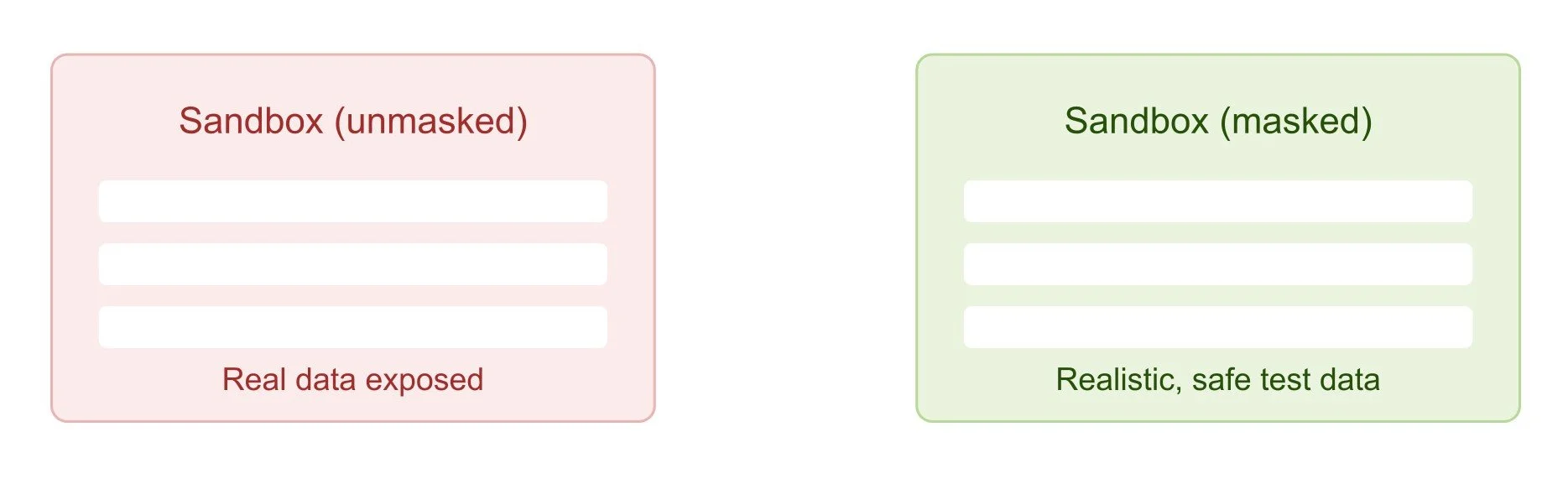
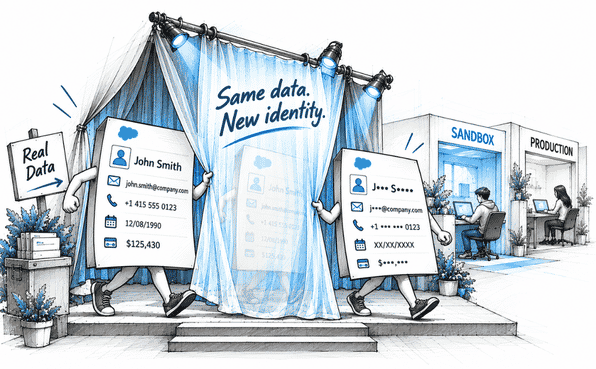
Here's a pattern that shows up again and again in Salesforce security audits: production data is reasonably well protected, but sandboxes are a mess. Think about it. Every time a sandbox refreshes, it typically pulls a full copy of production data.
Real customer names.
Financial records.
Contact information.
Other sensitive production data.
This data sitting in an environment that developers, QA teams, and sometimes external contractors can access freely. Auditors know this and it's one of the first things they check.
If your sandboxes aren't masked, you're exposing your organization to unnecessary compliance risks. Data masking addresses this by:
Replacing sensitive production data with realistic but fictitious values.
Preserving usable test data for development and QA teams.
Preventing the exposure of real customer information in sandbox environments.
Reducing the likelihood of compliance and security audit findings.
Whether you handle this manually or through a dedicated Salesforce data masking solution, the goal is the same: no sandbox should ever contain real, unmasked sensitive data.
Protect Personally Identifiable Information (PII) in Salesforce Org
If there's one category of data that shows up in almost every audit conversation, it's personally identifiable information. Salesforce PII protection tends to be where auditors focus most of their attention, and for good reason.
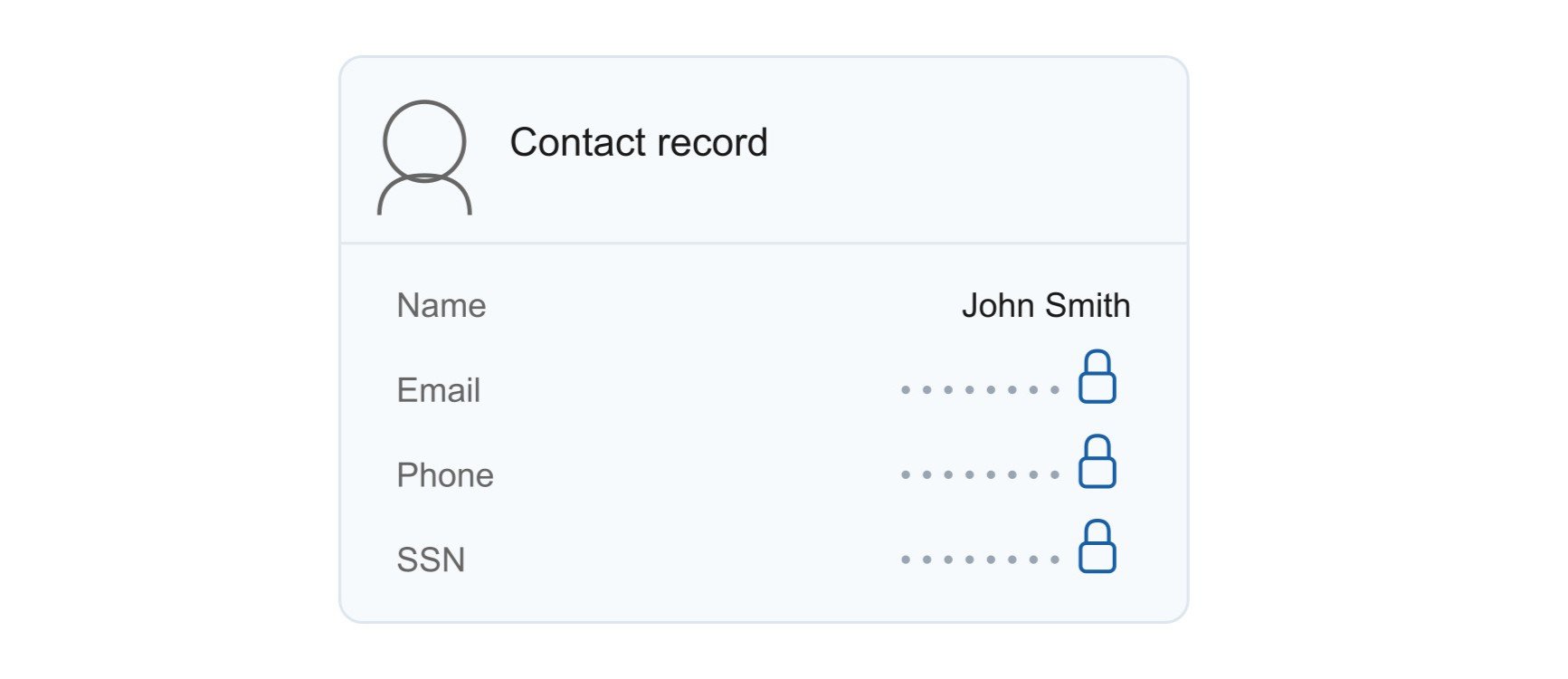
PII includes anything that can identify a specific person: names, email addresses, phone numbers, social security numbers, dates of birth, financial account details. This is exactly the kind of data that regulations like GDPR, CCPA, and HIPAA are designed to protect and exactly the kind of data that often lives across Salesforce orgs without anyone fully tracking it.
Teams still need to do their jobs, which sometimes means seeing real data. Strong Salesforce PII protection isn't about locking everything down but it's about matching visibility to actual need.
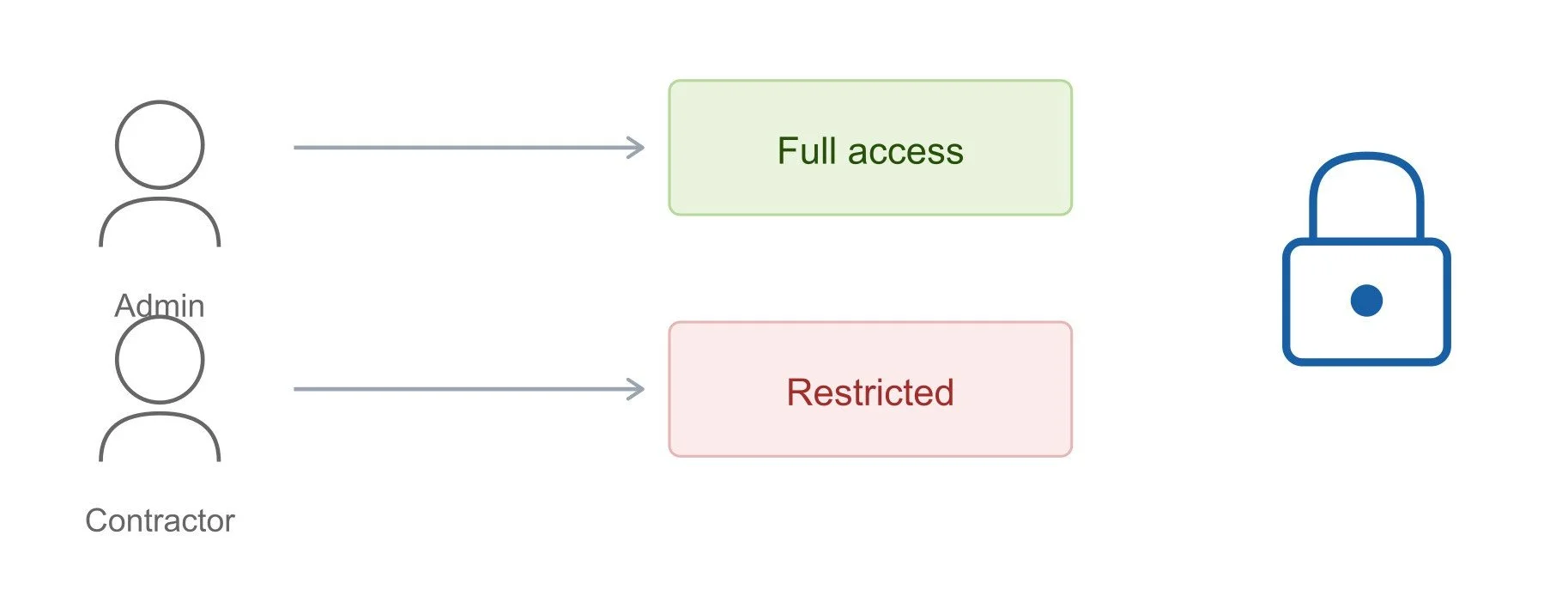
Different users require different levels of access:
Executives: Full access to sensitive data
Support representatives: Partial visibility based on job responsibilities
Contractors: No access to sensitive information
This is where Persona-Based Scan and Mass Configuration features become genuinely useful. You can use saleforce data masking solution like Contour to help you with custom scan and bulk masking. It lets you apply different masking rules to different fields, in bulk, without manually configuring each combination of user and field one at a time.
Build Documentation That Auditors Can Actually Use
Knowing your data is protected isn't enough. You need to be able to prove it. This is where documentation becomes just as important as the protection itself.
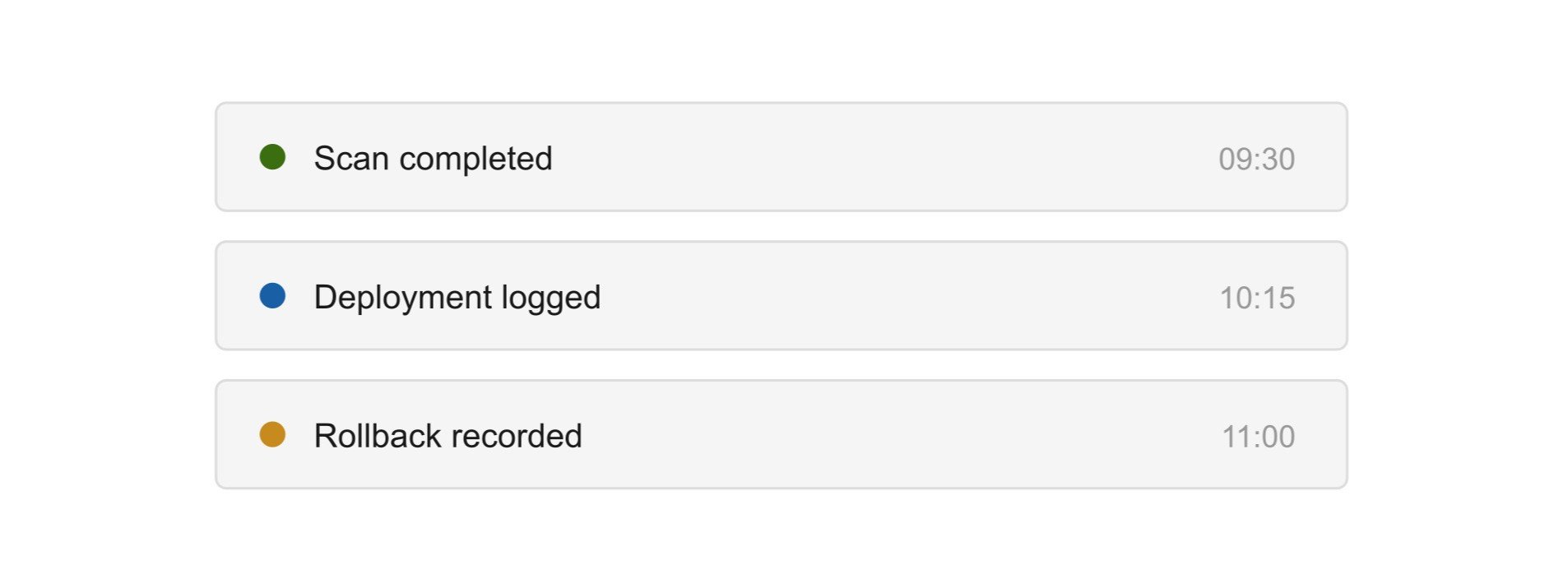
A good Salesforce security audit doesn't just want to hear "we mask our sensitive data." It wants to see it. When was the data scanned? What was found? What masking rules were applied? When were changes deployed? Has anything been rolled back, and if so, why? "We handle it" is not a sufficient answer. Auditors want logs, timestamps, and change history.
This is exactly why documentation should be automatic rather than manually maintained. Thanks to a salesforce data masking app like Contour that creates a trail of all the scans and deployments.
Every scan generates a timestamped record showing what was scanned and what was found.
Each deployment automatically creates a Deployment Record showing exactly which page layouts, Lightning pages, profiles, and permission sets were updated.
Every rollback creates its own record too, so the complete lifecycle of a field stays visible and auditable.
“Good documentation turns a stressful audit conversation into a five-minute walkthrough instead of a scramble through spreadsheets and old emails.”
Establish Ongoing Monitoring, Not a One-Time Fix
Here's the part that's easy to forget: security posture degrades over time without maintenance. A scan you ran a year ago doesn't account for the objects, fields, and integrations added since then.
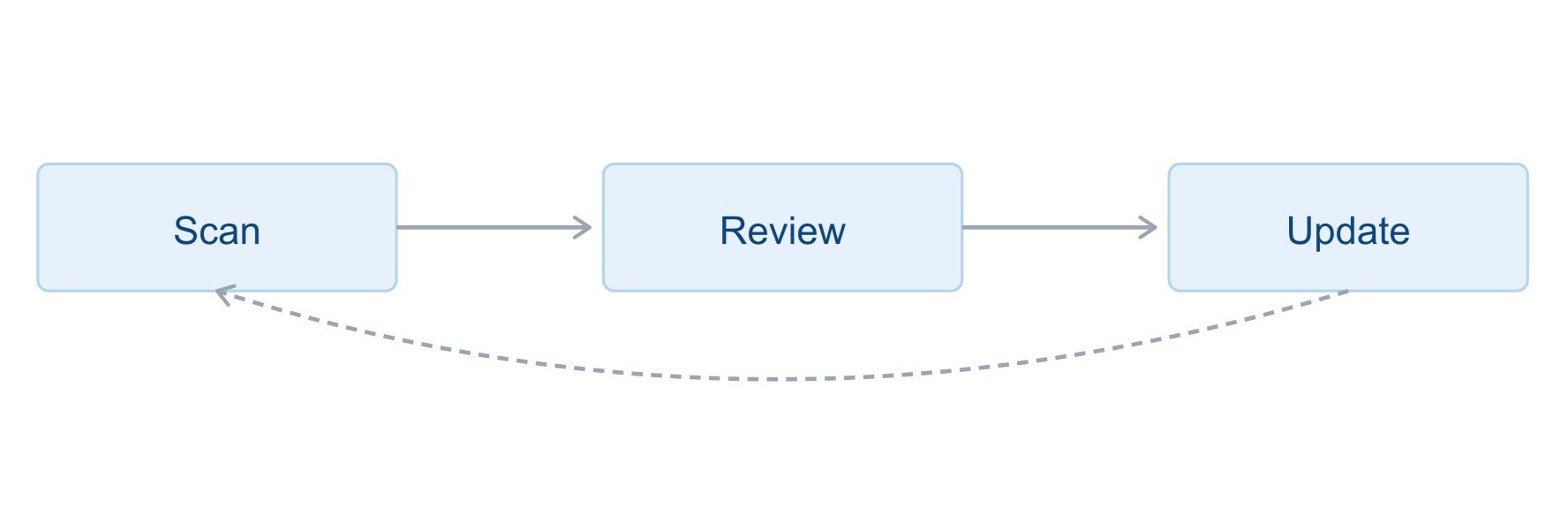
Set a schedule for reviews. Quarterly is reasonable for most orgs, and definitely before any major release or integration goes live. Treat Salesforce compliance as a continuous process rather than a project with an end date.
Running repeat scans with a Salesforce data masking solution makes this sustainable. Instead of a massive manual re-audit every year, a scheduled Complete Org Scan catches new sensitive fields quickly, and Mass Configuration lets you apply masking rules to newly discovered fields quickly.
A Salesforce Pre-Audit Checklist
Before your next Salesforce security audit, walk through this list:
1. Data discovery complete: every object and field scanned, not just the obvious ones.
2. Access reviewed and tightened: profiles and permission sets checked for over-permissioning.
3. Sandbox environments protected: no real sensitive data sitting unmasked in test orgs.
4. PII specifically flagged and controlled: visibility matched to actual role-based need.
5. Documentation up to date: scans, configurations, and deployments all logged with timestamps.
6. Ownership assigned: someone is responsible for ongoing monitoring, not just the initial setup.
The Bottom Line on Passing Your Next Audit
Salesforce security audits don't have to be stressful. The organizations that pass smoothly are the ones that treat sensitive data protection as an ongoing practice, not a last-minute scramble.
The core of that practice is simple: know where your sensitive data lives, control who can see it, mask it properly across every environment, and keep clear documentation of everything you've done. Use a Salesforce data masking app that makes all of this dramatically easier. Automating discovery, applying consistent masking rules across every UI layer, and building the audit trail for you as a natural part of the process rather than an extra task.
If your next audit is on the calendar, don't wait until the week before to figure out where your sensitive data lives. Start now. Scan your org, mask what needs protecting, and build the kind of documentation that makes Salesforce compliance feel routine instead of stressful.
Further Reading:
Static vs. Dynamic Data Masking: Which One Does Your Salesforce Org Actually Need?
What's New in Salesforce 2026: Summer, Spring, and Winter Releases
AI Governance in Salesforce: What Every Business Must Know
Comparison Guide: Best Salesforce Data Masking Tools in 2026
Salesforce security: Security Best Practices and more.
Related Reading

Let’s Talk

Drop us a note, we’re happy to take the conversation forward 👇🏻
