

Why Your Salesforce Production Data Should Be Masked
Key takeaways:
Production data carries higher risk than sandboxes, not lower. There's no buffer between a mistake and a real customer.
Access control decides who can open a record; masking decides how much of it they actually see. Salesforce production org needs both.
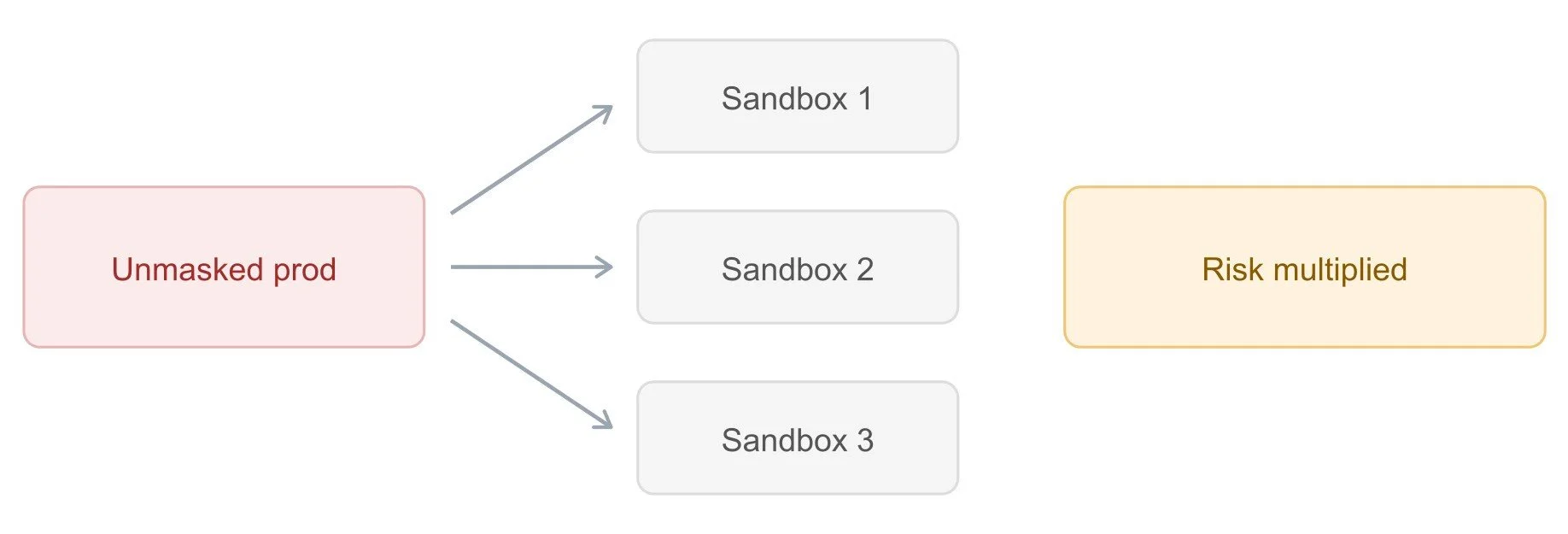
Unmasked production data doesn't just risk production, but it multiplies exposure across every sandbox copied from it.
How much of your Salesforce production data is currently visible to someone who doesn't actually need to see it? Most teams have never asked themselves that question directly, and if they did, the answer would probably surprise them.
Production tends to get less examined than sandboxes, for a strange reason: because it's real, people assume it's already being handled carefully. That assumption is exactly why production is often the most under-protected environment in the org. This article breaks down what production data actually contains, six concrete reasons it needs to be masked, and the best practices that make Salesforce data masking sustainable.
What Is Salesforce Production Data?
Production data is the live, active information running in your primary Salesforce org, as opposed to sandboxes, which are copies used for development, testing, and training. When a sales rep updates a deal, when a support agent closes a case, when a customer's record gets modified, that's happening in production. It's the real system, with real consequences attached to every interaction.
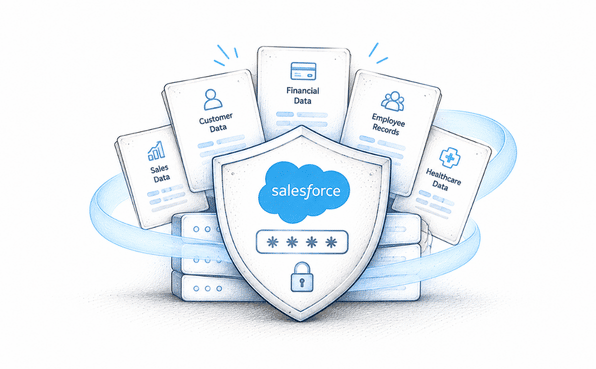
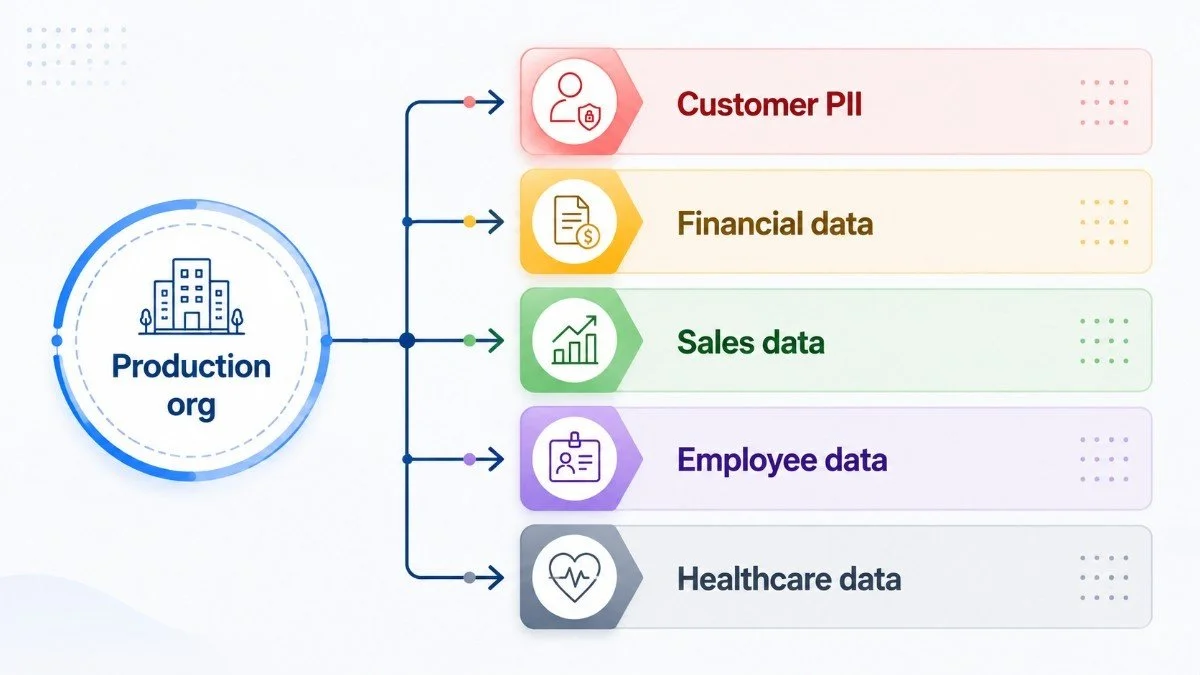
The problem is that "production" isn't one type of data; it's a mix of everything sensitive your business touches, all sitting in the same org. An enterprise Salesforce instance holds several categories of information that deserve very different levels of protection:
Customer PII: names, addresses, phone numbers, email addresses, and government-issued identifiers tied to real individuals.
Financial information: payment details, billing history, revenue figures, and bank account data.
Sales and opportunity data: deal terms, custom pricing, discount structures, and pipeline details that are often commercially sensitive.
Employee records: HR data, compensation details, performance reviews, and other internal personnel information.
Healthcare or regulated data, where applicable: patient records, insurance details, and other fields subject to HIPAA or similar compliance-restricted categories.
Once you look at production this way, as a mix of highly different sensitive data types all sitting in one place. It becomes clearer why Salesforce production org data protection deserves more deliberate attention than most orgs currently give it.
Why Salesforce Production Data Should Be Masked
Now that it's clear what kind of data actually lives in production, here's why that data specifically needs to be masked rather than just access-controlled.
Protect Sensitive Customer Information
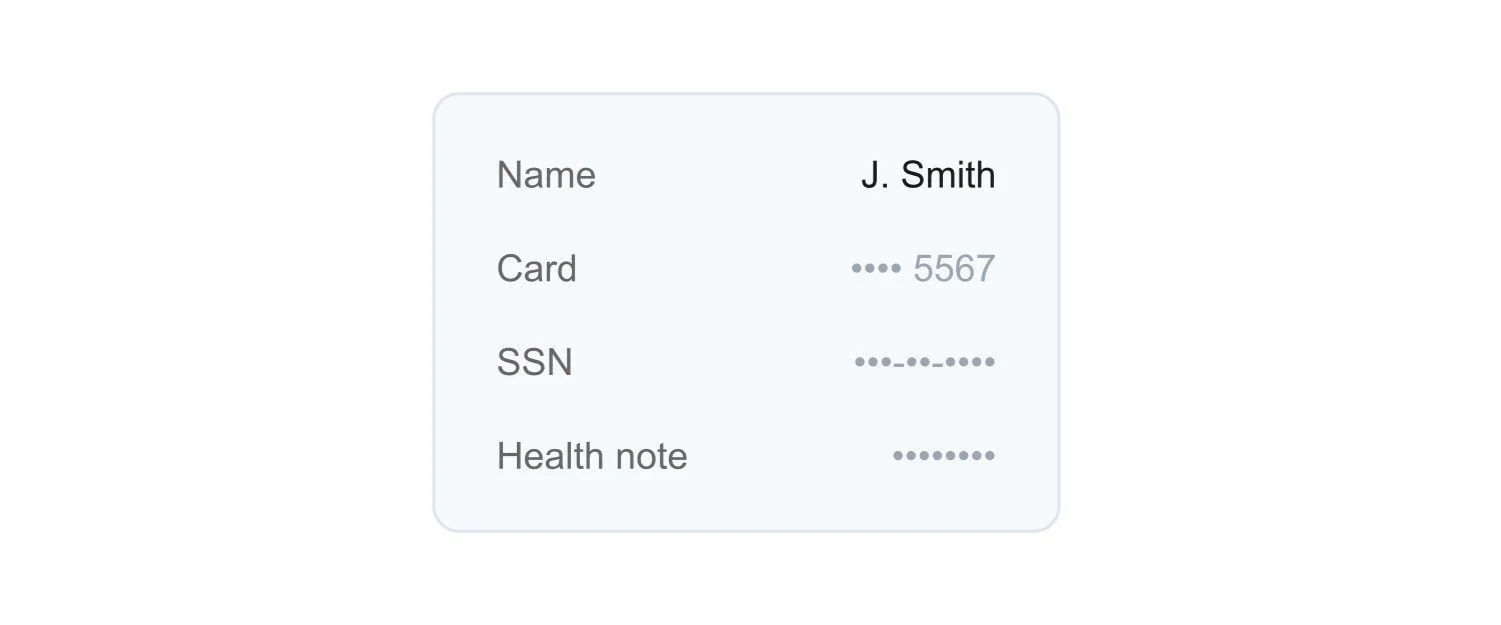
Every time a user opens a record, they're looking at real customer information. If that user has field access, they typically see the entire value, whether or not their job actually requires it. Salesforce data masking narrows that gap by limiting visibility to exactly what each user needs, rather than defaulting to full exposure for anyone with record access.
Ensure Compliance with Data Privacy Regulations
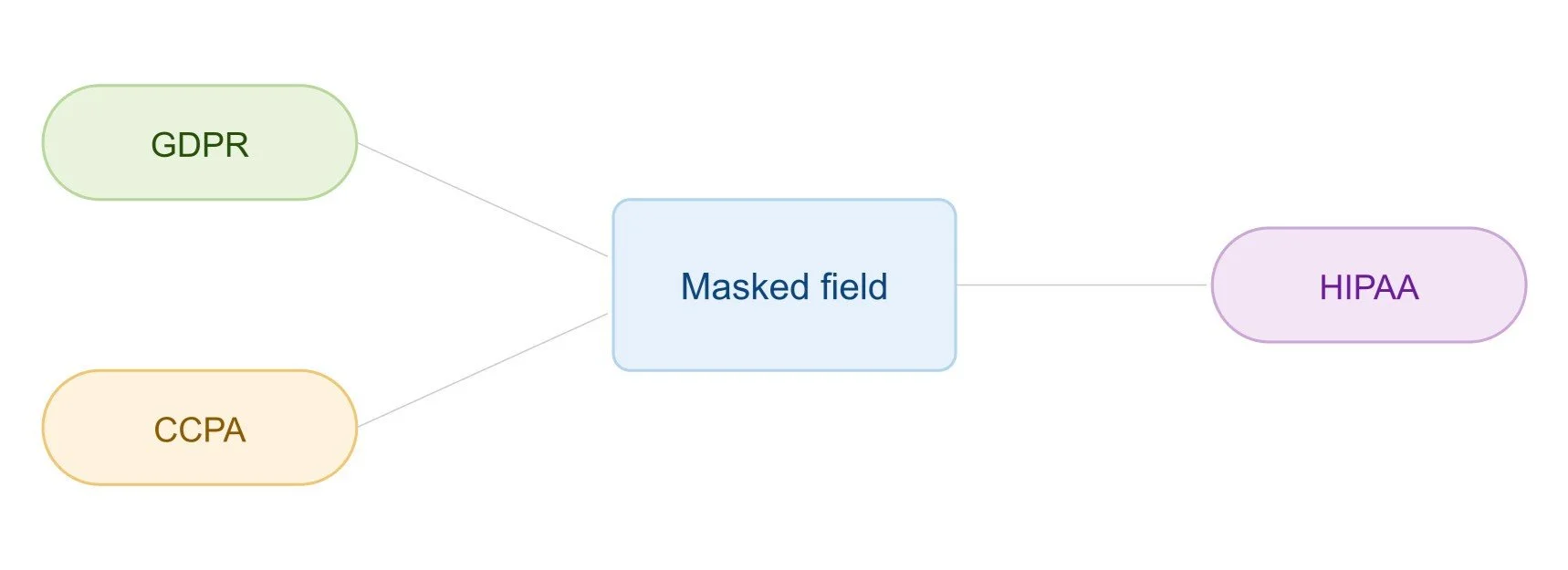
Regulations like GDPR, CCPA, and HIPAA don't just ask whether you control who can access a record. They increasingly expect proof that sensitive data is actively protected once access is granted. Salesforce compliance has shifted from "who can log in" to "what can they actually see," and masking is one of the few controls that directly answers that second question.
Reduce Security Risks in Sandbox Environments
This one might seem backwards at first, but it's a direct consequence of unmasked production: sandboxes are typically full copies of production data. If production itself is unmasked, every sandbox refresh multiplies that exposure across development, QA, and training environments, often with looser access controls than production ever had. Masking production data is, in part, how you prevent the sandbox problem from happening in the first place.
Prevent Insider Threats
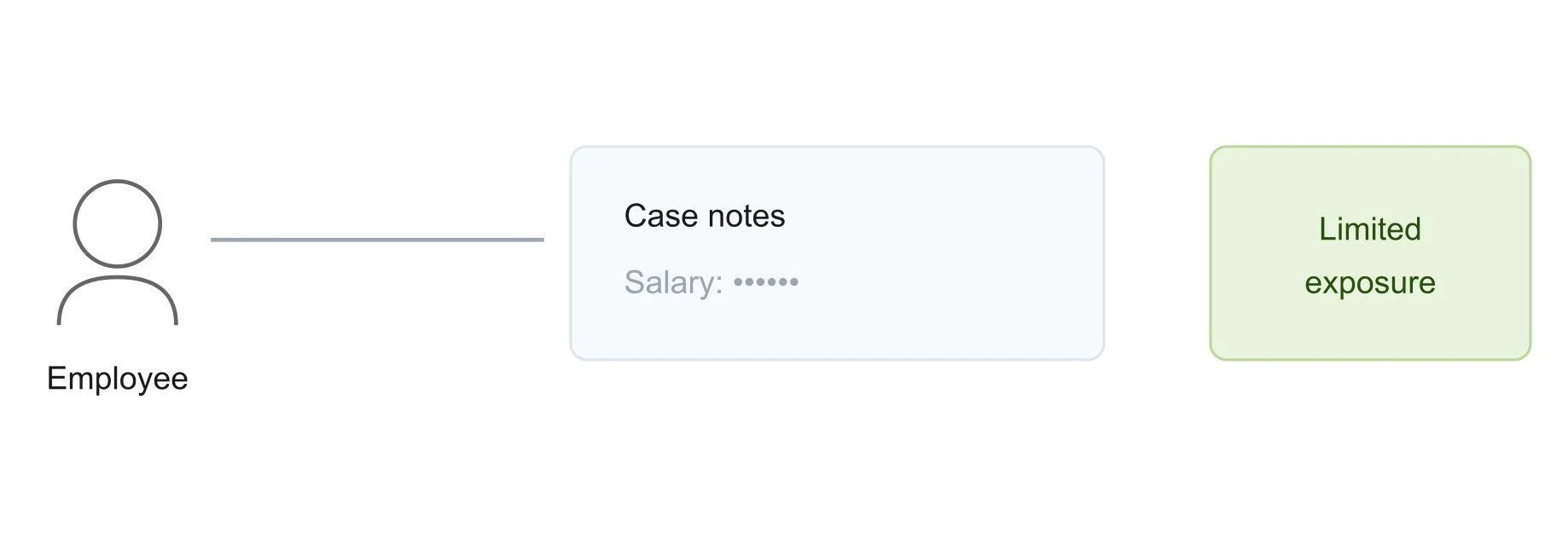
Employees and contractors with entirely legitimate access can still misuse sensitive data, whether intentionally or by accident. Pasting a customer's financial details into an unrelated document, or simply seeing more than they should during routine work. Masking limits how much any single person can see, which directly limits how much damage any single person can do, regardless of intent.
Secure Third-Party Integrations
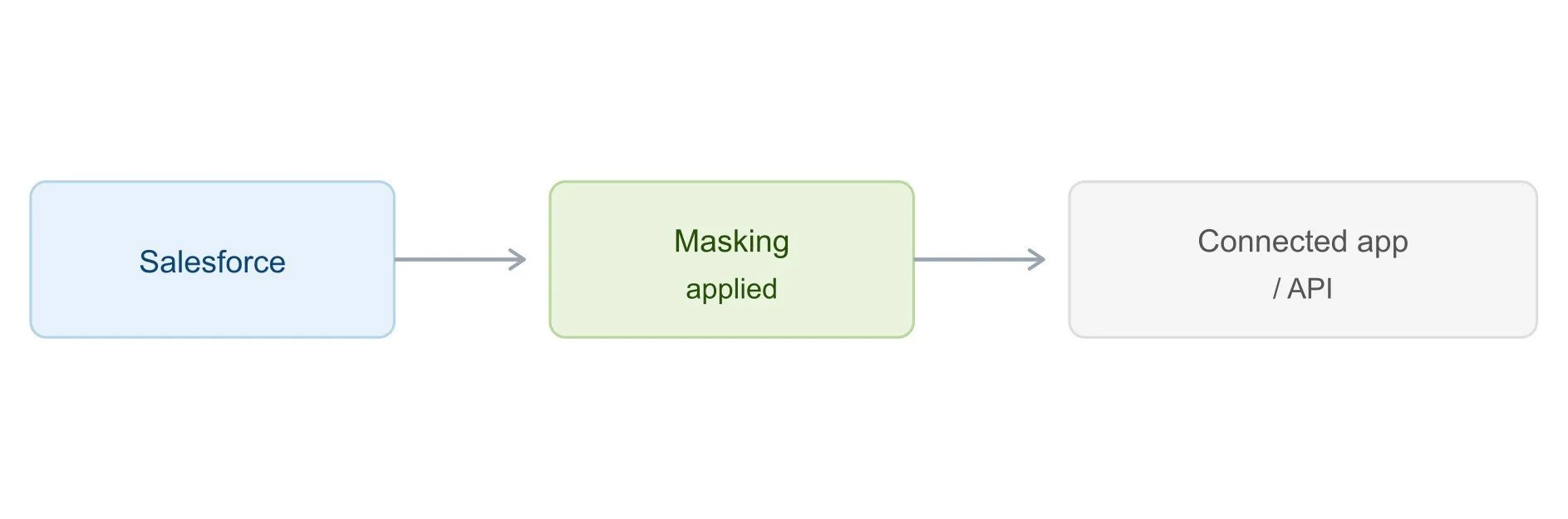
Connected apps and API integrations often pull more data than their actual function requires, simply because it's easier to grant broad access than to scope it precisely. Every integration is effectively another set of eyes on your sensitive fields. Salesforce data masking protects that data even as it flows through third-party connections, rather than relying entirely on the integration's own security practices.
Avoid Costly Data Breaches
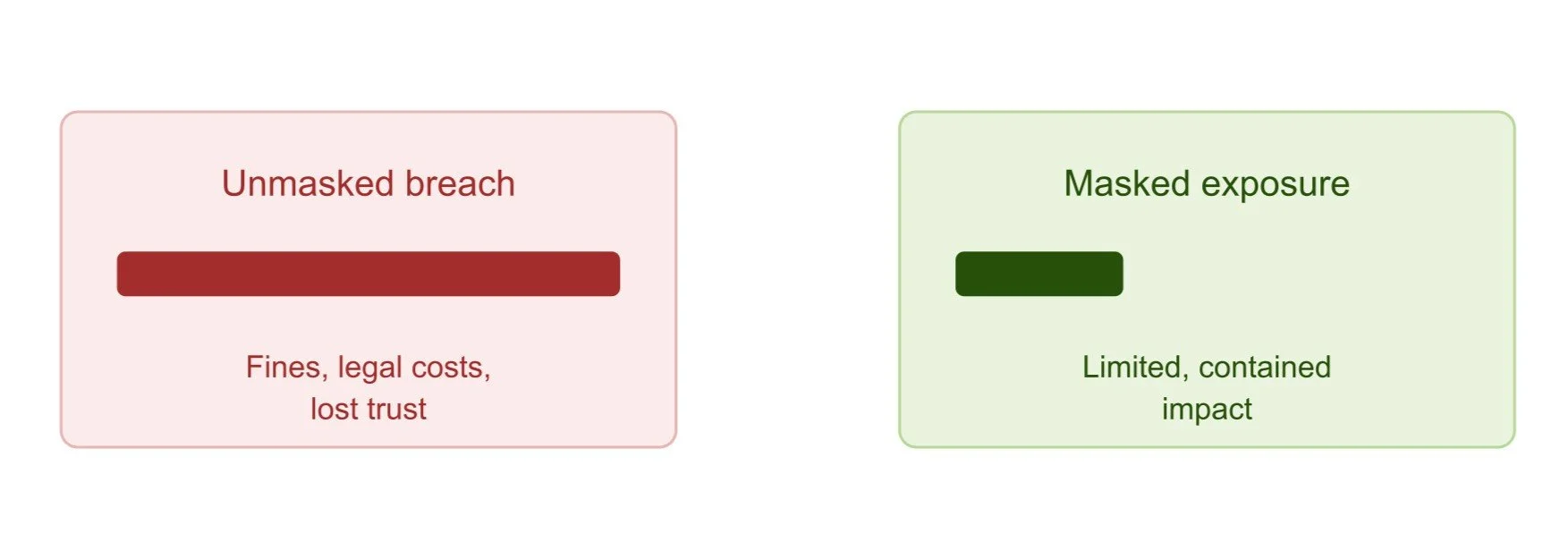
The financial and reputational cost of a breach is almost always higher than the cost of preventing one. Regulatory fines, legal fees, lost customer trust, and the operational disruption of incident response all add up quickly. Masked data significantly limits the impact even if unauthorized access does occur, since what's exposed is a masked value rather than the real one.
Each of these six reasons points to the same underlying idea: access control decides who can open a record. Masking decides how much of that record they actually see. Production data needs both.
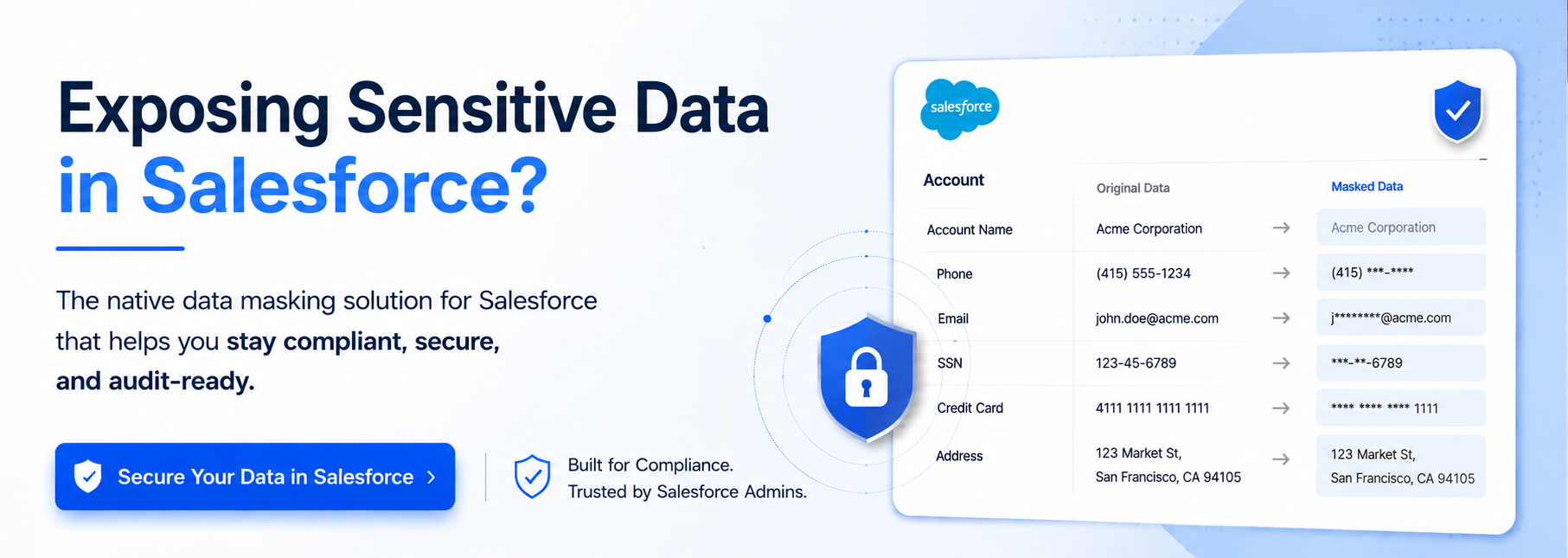
This is where a dedicated Salesforce data masker becomes genuinely useful. Contour, for instance, is a Salesforce data masker that’s built specifically to apply this kind of protection across a live production org. It scans for sensitive fields automatically, then lets you configure masking rules across different pages, profiles, and permission sets in bulk, rather than requiring custom code or a field-by-field manual effort.
For teams that already recognize the six reasons above but aren't sure how to act on them practically, that's usually the missing piece. Not more awareness of the risk, but a Salesforce data masking app that makes acting on it realistic.
Best Practices for Salesforce Data Masking
Understanding why production data needs masking is one thing. Making it a sustainable practice is another. A few habits consistently separate the best sensitive data masking that actually holds up from ones that quietly fall apart after the first few months.
Start with a full discovery scan. Most teams underestimate how scattered sensitive fields actually are across objects. Begin by identifying everything before deciding what to prioritize.
Prioritize by risk, not convenience. Mask the highest-risk fields first like financial details, government IDs, or health data, rather than starting with whatever happens to be easiest to configure.
Apply masking across every layer consistently. A field masked on a page layout but still visible through a Lightning component or an overlooked permission set isn't actually protected. Coverage needs to be complete, not partial.
Automate wherever possible. Manual, field-by-field configuration doesn't scale and introduces the kind of human error that undermines the entire effort. Automation keeps rules consistent as the org grows.
Maintain a documented audit trail. Every scan, configuration change, and deployment should be logged automatically, so proving Salesforce sensitive data protection to an auditor is a quick conversation, not a scramble.
Review and adjust regularly. New fields, integrations, and roles appear constantly. Revisit masking configurations on a regular cadence rather than treating the initial setup as permanent.
None of these practices require a massive one-time initiative. Most successful masking programs start narrow with a handful of high-risk fields and expand naturally as the process proves itself and teams see how much manual review it removes.
Final Thoughts
Production holds the most sensitive data your Salesforce org has, touched by the widest range of people and systems. Every reason covered above, from protecting customer information to avoiding costly breaches, points to the same conclusion: masking production data isn't an extra layer of caution. It's closing a gap that already exists today, whether or not anyone's actively thinking about it.
If your organization has treated Salesforce data masking as something that only applies to sandboxes, it's worth asking a direct question: how much sensitive data in your production org is currently visible to people who don't actually need to see it? For most enterprises, the honest answer is more than they'd expect, and that's exactly the gap masking tools like Contour are built to close.
Frequently Asked Questions
-
Production data is live, real information running your actual business. Sandboxes are copies used for development and testing. Since sandboxes typically mirror production, unmasked production data multiplies exposure risk across every sandbox refresh.
-
No. Profiles and permission sets control whether someone can open a record, not how much of it they see. If a user has field access, they see the full value; masking is what limits that further.
-
Prioritize customer PII, financial details, government IDs, and health information first. These carry the highest regulatory and reputational risk if exposed, and represent the smallest starting point for a masking program.
-
No. Salesforce Masking is role-based. Users like finance, compliance, or senior support tiers who require full visibility keep it. Only users without a genuine need to see the complete field get a masked version.
-
Regularly, not just once. New fields, integrations, contractors, and role changes appear constantly. Revisiting masking configurations on a set schedule prevents blind spots from developing as the Salesforce org evolves over time.
Related Readings

Let’s Talk

Drop us a note, we’re happy to take the conversation forward 👇🏻
