

Key takeaways:
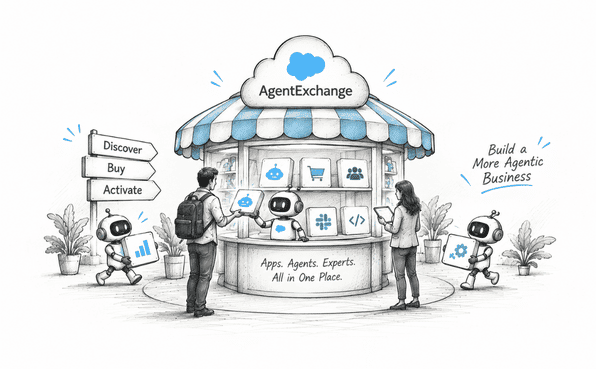
One unified marketplace. AgentExchange brings apps and AI agents into one hub to discover, buy, and deploy.
Security and simplicity built in. Security reviews and Private Offers make purchasing faster and easier.
Opportunity for both sides. Businesses get trusted solutions faster, while partners can build, publish, and scale.
If you follow Salesforce even a little, you've probably heard the name AgentExchange floating around lately. Maybe you saw it mentioned at TrailblazerDX, or maybe your admin team brought it up during a planning meeting. Either way, it's worth understanding, because it's changing how businesses find and deploy AI tools inside Salesforce.
Let's break down what AgentExchange actually is, why it exists, and what it means for you, whether you're a business owner, an admin, or someone just exploring it.
What Exactly Is AgentExchange?
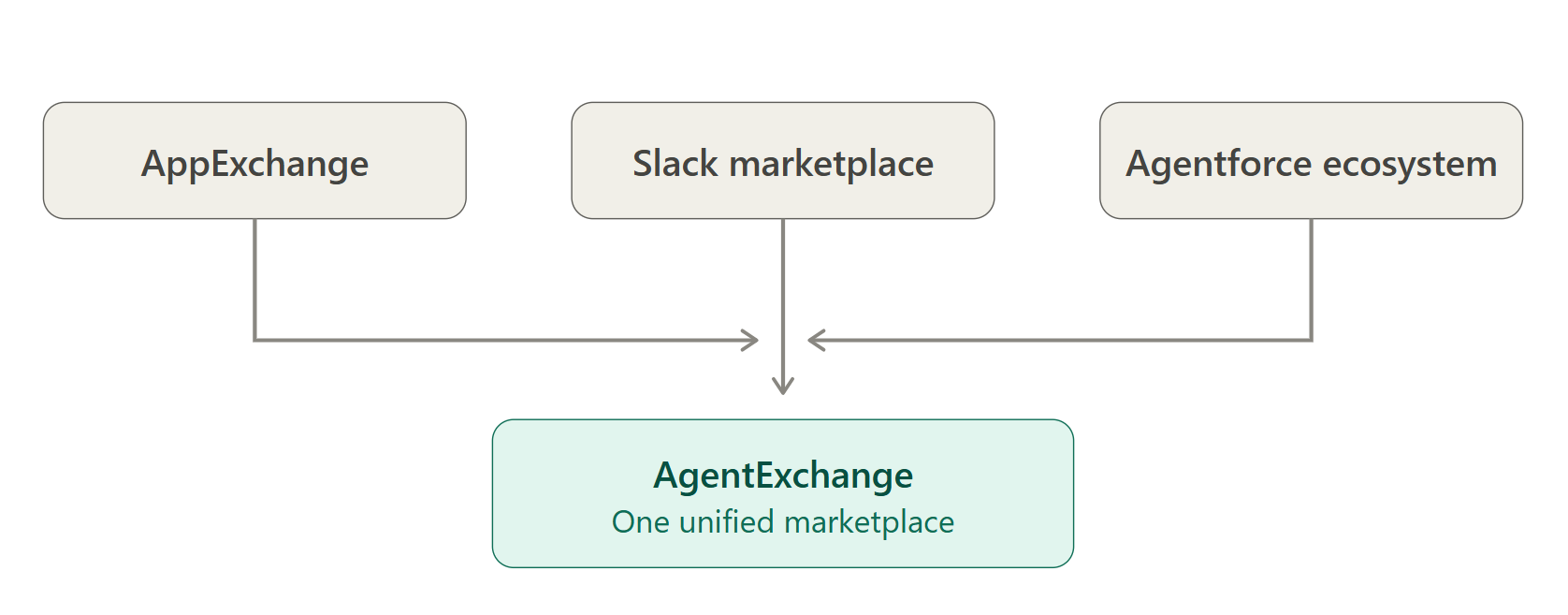
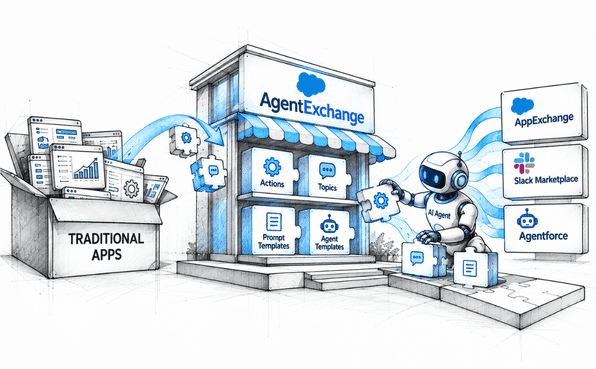
Wondering what a Salesforce marketplace is? Well, AgentExchange is the name you need to remember. AgentExchange is a unified hub where businesses can discover, buy, and activate AI agents and apps for Salesforce and Slack. Think of it as one big storefront that brings together three things that used to live separately: the old AppExchange, the Slack Marketplace, and the Agentforce ecosystem.
Salesforce officially rebranded AppExchange into AgentExchange, expanding it far beyond its original scope. AppExchange has been around since 2006, and it grew into one of the largest enterprise app marketplaces in the world. Now, with the rise of AI agents, Salesforce decided it needed a bigger, smarter home. That home is AgentExchange.
The platform currently hosts thousands of Salesforce apps, prebuilt AI agents, and Slack apps, all combined into a single, searchable destination. Instead of jumping between different tabs and platforms to find what you need, you can now do it all in one place.
Why Did Salesforce Build AgentExchange?
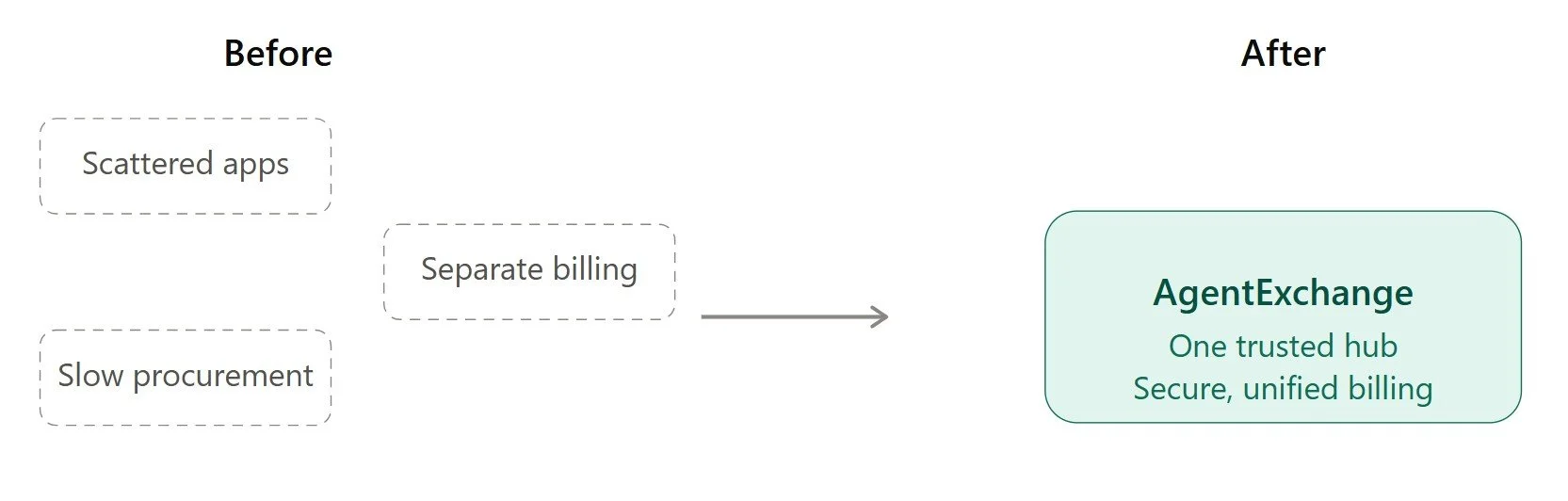
AI agents are becoming a core part of how businesses operate. Salesforce calls this the "agentic enterprise," where digital labor, meaning AI agents that can complete real tasks, works alongside human employees. But finding trustworthy, secure agents that actually fit your business needs used to be messy. You had to hunt across multiple marketplaces, deal with separate billing, and hope the tools you picked worked well together.
AgentExchange was built to fix exactly that problem. It gives businesses one trusted destination to explore agents, apps, integrations, and even certified consulting experts. And it does this while keeping security and compliance front and center, which matters a lot when you're dealing with sensitive company data.
According to Salesforce, AgentExchange launched with more than 200 initial partners, including big names like Google Cloud, Box, DocuSign, and Workday. These partners bring prebuilt actions, topics, and templates that businesses can plug directly into their Agentforce setup. You can read more about the official launch details on Salesforce's own AgentExchange announcement page.
How Does AgentExchange Actually Work?
Let's walk through it step by step, because the process is actually pretty straightforward once you understand the flow.
1. Discovery. You browse the marketplace, either directly on the AgentExchange website or right inside Salesforce's Agentforce Builder tool. You can search by industry, use case, or specific function, like customer service automation or sales support.
2. Evaluation. Once you find something interesting, you can review details about the agent or app, check its ratings, read about its capabilities, and see which partner built it. Every solution listed goes through security and customer reviews before it's allowed on the platform.
3. Purchase. This is where things get smoother than before. AgentExchange introduced something called Private Offers, which simplifies the buying process. Instead of dealing with weeks-long procurement, manual contracts, and separate vendor invoices, everything is handled through unified billing inside Salesforce.
4. Deployment. After purchase, you can plug the agent, sub-agent, or even an MCP server directly into Agentforce Builder in just a few clicks. No complicated setup, no jumping between systems.
Admins also keep full control over data boundaries and API scopes, so agents only access the information they're authorized to touch. That's a big deal for companies worried about AI overreach into sensitive systems.
What Kind of Solutions Will You Find on AgentExchange?
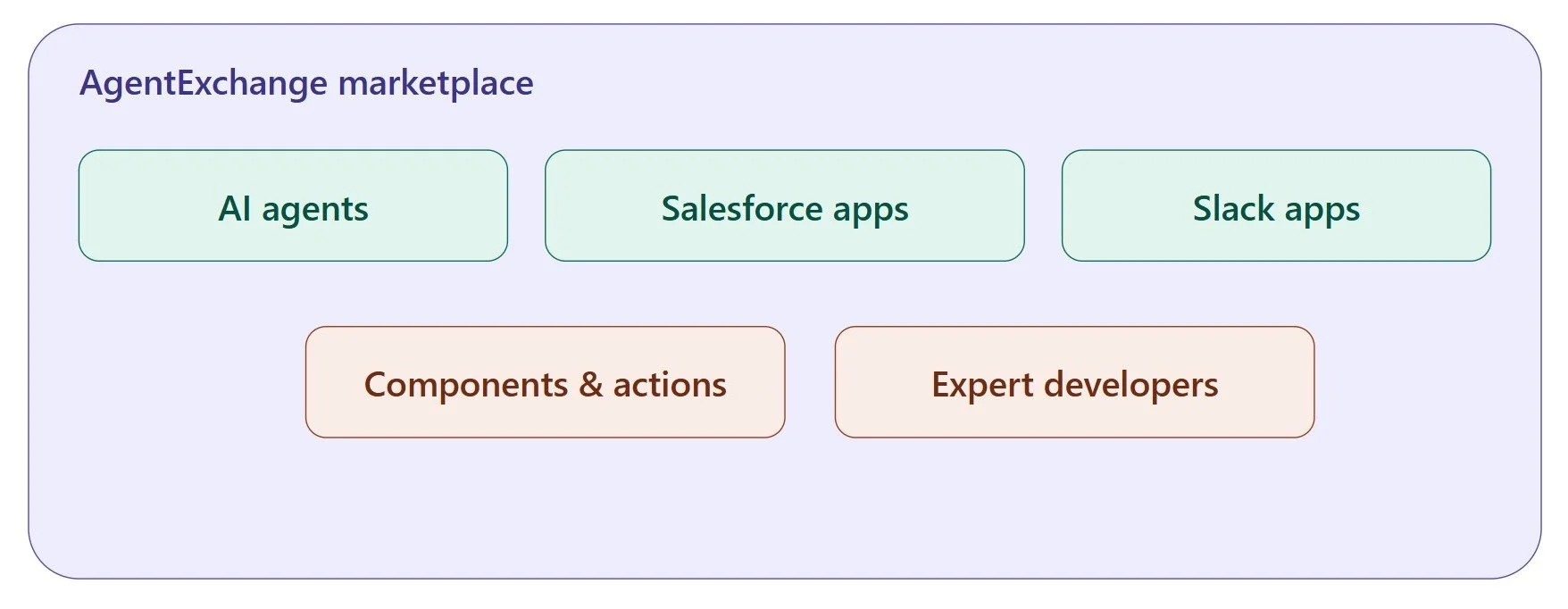
AgentExchange isn't just about AI agents. It's a broader ecosystem that includes:
Prebuilt AI agents for specific industries or tasks
Traditional Salesforce apps (carried over from the old AppExchange)
Slack apps and integrations
Reusable components, actions, and templates
Certified consulting experts and AgentExchange developers who can build custom solutions
That last point is worth pausing on. Not every business wants an off-the-shelf agent. Sometimes you need something tailored to your exact workflow, your data model, or your industry's compliance requirements. That's where working with experienced AgentExchange developers or a partner offering dedicated AgentExchange development services becomes valuable. They can build agents from scratch, customize existing ones, or help you integrate AgentExchange solutions smoothly into your existing Salesforce environment.
Who Can Use AgentExchange?
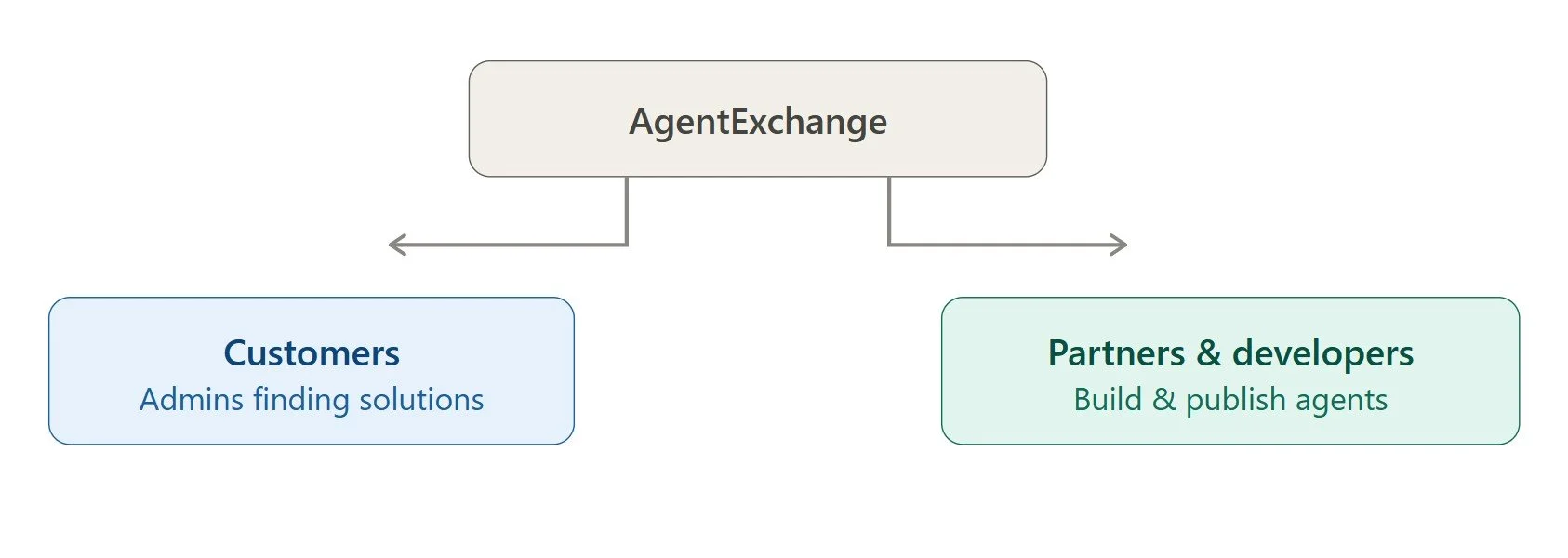
Two main groups benefit from this platform.
First, there are the customers, meaning Salesforce and Slack admins looking for solutions to real business problems. If you're trying to automate case management, speed up order processing, or improve how your sales team handles leads, AgentExchange is where you'd go looking for tools.
Second, there are the partners and developers. If you're a Salesforce ISV partner, AgentExchange gives you a platform to build, publish, and sell your own apps and agents to a massive audience. Salesforce handles a lot of the backend complexity, like trust, security, compliance, and scaling, through what they call the Headless 360 platform. That leaves developers free to focus on building the actual product logic instead of worrying about infrastructure.
If you want to publish your own solution, you do need to become a Salesforce partner first. It's not an open free-for-all marketplace where anyone can upload anything, which is part of why businesses trust what they find there.
Why Should Businesses Care About This?
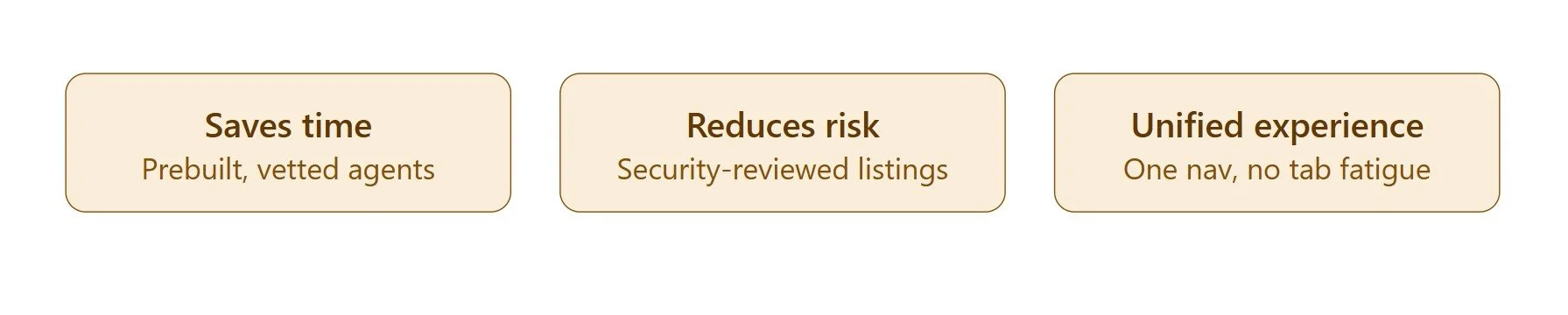
Honestly, the biggest advantage is time. Building AI agents from scratch takes real effort, and not every company has the internal resources to do it well. AgentExchange lets you skip a lot of that groundwork by tapping into prebuilt, vetted solutions that are already proven to work.
It also reduces risk. Because every listed solution goes through security and compliance review, you're not gambling on some random third-party tool that might mishandle your data. That matters a lot for larger organizations with strict governance requirements.
And then there's the unified experience. Before AgentExchange, switching between AppExchange, Slack Marketplace, and Agentforce felt disjointed. Now, there's a persistent navigation bar that lets you toggle between Salesforce apps, agents, and Slack integrations without losing your place. It sounds like a small thing, but it saves a surprising amount of friction day-to-day.
How to Get Started With AgentExchange
If you're new to this, the easiest way to explore is directly through the AgentExchange marketplace itself, where you can browse categories, filter by industry, and see what other businesses are using.
If you want a more concrete path to follow, here's how the process usually plays out step by step:
Log in to your Salesforce org. For AgentExchange login, you'll need admin access since deploying agents and apps requires certain permissions. If you're on Slack too, make sure your workspace is connected to your Salesforce org first.
Head to the AgentExchange marketplace. You can get there from within Agentforce Builder, or go directly to the AgentExchange website. Either way, you land on the same searchable catalog of agents, apps, and Slack integrations.
Search or filter by what you actually need. Instead of scrolling endlessly, filter by industry, function, or use case, like lead qualification, case deflection, or order tracking. This narrows things down fast.
Check the listing details closely. Look at what data the agent or app needs access to, which partner built it, its ratings, and whether it's gone through Salesforce's security review. This step matters more than people think, since it tells you how much trust you can put in the solution.
Try before you commit, if possible. Some listings offer trial access or demo environments. Take advantage of this whenever it's available, so you're not making decisions purely from a product description.
Use Private Offers for a smoother purchase. If you're ready to buy, Private Offers let you skip lengthy procurement back-and-forth. Everything gets billed through your existing Salesforce account, so there's no separate vendor invoice to chase down.
Install and configure inside Agentforce Builder. Once purchased, the agent or app usually installs directly into your Salesforce environment with just a few clicks. From there, you'll set data access boundaries and API scopes so it only touches what it's supposed to.
Test in a sandbox before going live. Run the agent through real scenarios in a sandbox environment first. This helps you catch any configuration issues before your team or customers interact with it.
Roll it out and monitor performance. Once it's live, keep an eye on how the agent performs and gather feedback from the people using it. Salesforce's admin tools let you adjust permissions or swap out agents later if something isn't working the way you expected.
Loop in a development partner if you hit a wall. If you find that no existing listing quite fits, or you need deeper customization, that's the point where reaching out to AgentExchange developers for dedicated development services makes the most sense. They can build something tailored instead of forcing a generic solution to fit.
Final Thoughts
AgentExchange represents a pretty significant shift in how Salesforce customers find and deploy AI tools. It's not just a rebrand of the old AppExchange; it's a genuine expansion into the agentic era, combining apps, agents, and Slack integrations into one trusted space. Whether you're a business looking to deploy your first AI agent or a developer aiming to publish your own solutions, AgentExchange gives you a structured, secure way to do it.
As AI agents continue to become a bigger part of everyday business operations, platforms like this will likely become the standard way companies shop for digital labor. Getting familiar with it now puts you ahead of the curve.
Frequently Asked Questions
-
The cost of the Salesforce AppExchange depends entirely on whether you are buying an app as a Salesforce customer or listing an app as a developer.
If you are a buyer (Salesforce Customer), there are various pricing options such as Free apps, per user/per month, flat rate/per org, and usage-based.
And if you are a Developer (Listing an App), there are various fee types such as Partner Program Signup, Security Review Fee, Annual Listing Fee, and Revenue Share.
You can check more pricing details directly on the AppExchange security review cost page.
-
Salesforce Agentforce offers a flexible structure spanning consumption-based plans, per-user subscriptions, and flat-rate resolution models, depending entirely on whether you are deploying customer-facing bots or internal employee tools.
You can check more pricing details directly on the New Agentforce Pricing model page.
-
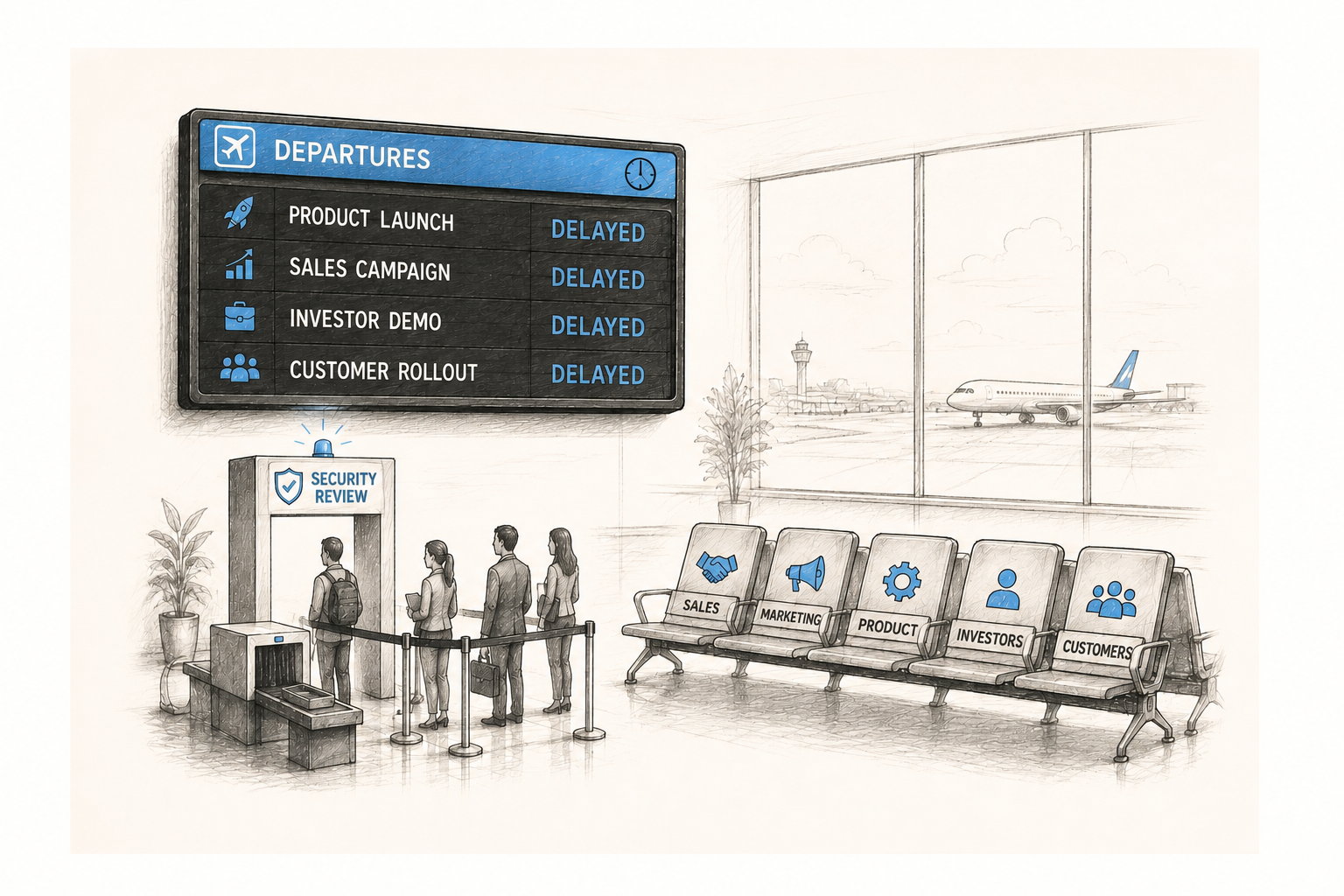
Salesforce requires a Security Review for any managed packages, platform APIs, or Marketing Cloud integrations before you can list them on the AppExchange/AgentExchange.
If you are struggling to pass the security review, hire an AppExchange developer now.
-
Salesforce license costs range from $25 USD to over $550 USD per user, per month, depending on the edition and features you choose.
You can check official tiers directly on the Salesforce CRM Pricing Plans page.
Related Readings
Let’s Talk

Drop us a note, we’re happy to take the conversation forward 👇🏻
