

ChatBridge for Omnichannel Support: Chat, Email, and Beyond
Key takeaways:
A single Salesforce case often spans live chat, case feed emails, and Chatter comments, so translation needs to cover the whole record, not just chat.
Inconsistent translation across channels creates a jarring experience that quietly hurts customer trust.
ChatBridge extends native, real-time translation across chat, Case Feed, and Chatter, keeping every part of a case consistent inside Salesforce.
Most businesses running support on Salesforce don't operate through a single channel anymore. A case might start as a live chat, get followed up through email, pick up an internal comment on Chatter, and eventually get updated again through the Case Feed before it's resolved. That's a completely normal case lifecycle inside Salesforce Service Cloud. What's not normal is expecting agents to keep up with all of that smoothly when the customer is writing in a language nobody on the team speaks.
This is where omnichannel translation support stops being a nice idea and becomes a real requirement in Salesforce. Let's talk about what that actually looks like across a Salesforce support setup, and how ChatBridge fits into channels that go well beyond just one channel.
Why Salesforce Support Teams Can't Rely on Single-Channel Translation Anymore
A few years ago, live chat was the main place multilingual support broke down. Customers expected instant replies, and any translation delay showed up immediately. That's still true. But for a Salesforce Service Cloud setup, the problem spreads well beyond the chat.
Today, a single case might involve:
An initial live chat conversation in Spanish
A follow-up email thread that gets logged into the same Case Feed
An internal comment from another agent or a supervisor sharing thoughts on the case
A customer reply that comes back in through email again before the case closes
If your translation setup only covers one of these channels, you’re solving one part of the problem and ignoring the rest. A support team that translates chat perfectly but leaves the email threads to manual workarounds hasn't actually fixed multilingual support inside Salesforce.
This is exactly why multichannel translation in customer support matters as much as translation speed itself. Coverage across channels isn't a bonus feature. It's the difference between a support setup that actually works end to end and one that only looks like it works in a demo.
What Omnichannel Translation Actually Means Inside Salesforce
Inside an actual Salesforce environment, omnichannel translation means a few concrete things:
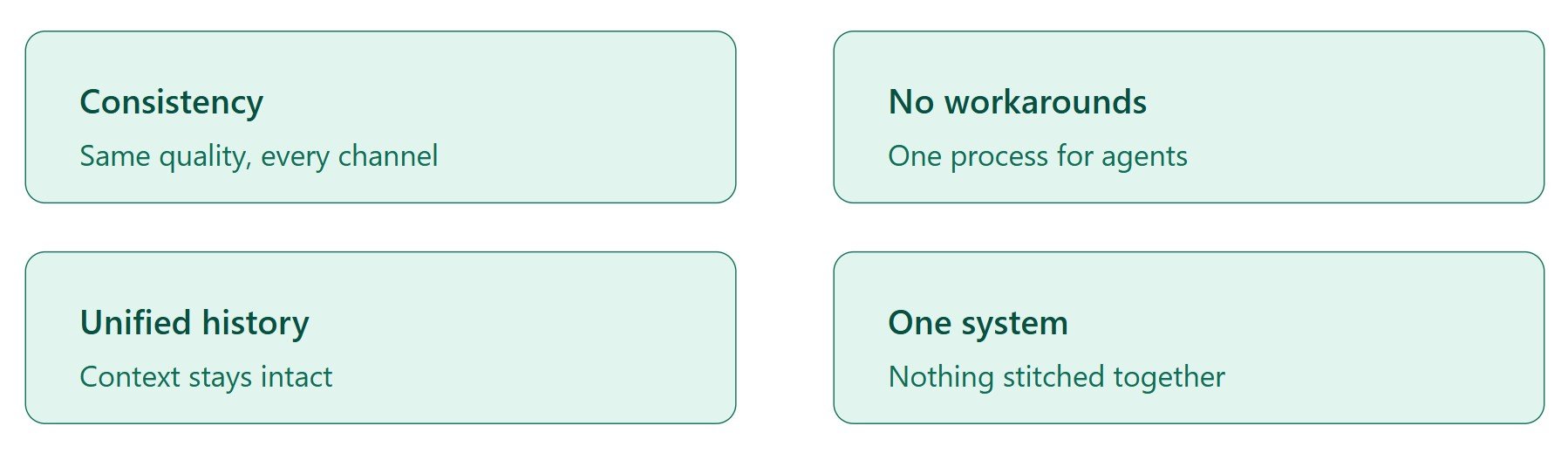
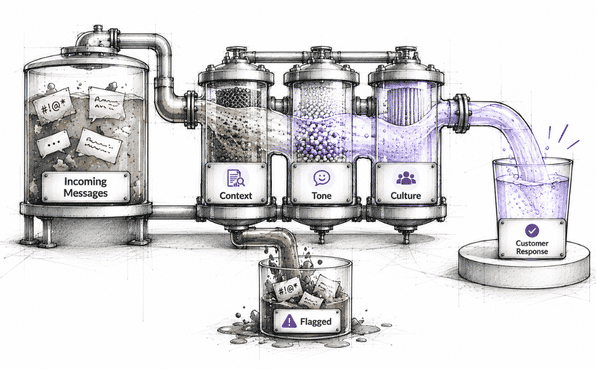
Consistency across channels. A customer and an agent get the same translation quality across different communication channels in Salesforce, whether they’re chatting live, using case feeds, or managing emails and comments.
No channel-specific workarounds. Agents don't need a different process depending on whether they're replying in chat or updating a case through email.
Unified case history. Conversations across channels stay connected to the same case record. So context isn't lost as a conversation moves between chat, email, and internal comments.
One system to manage. Support leaders aren't combining three different translation tools for three different channels.
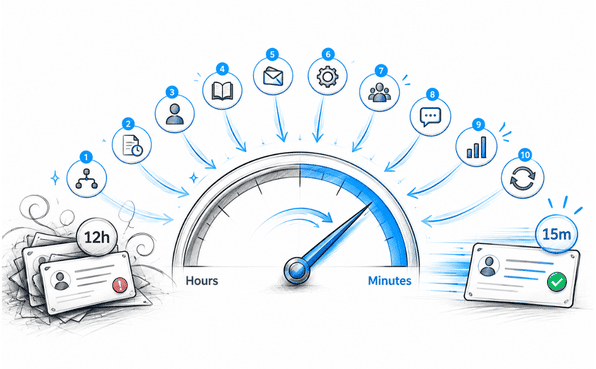
A customer who gets fast, accurate replies in live chat but a confused, delayed response over email doesn't experience your brand as "mostly good." They experience it as inconsistent, and inconsistency decreases trust just as much as slow response times do. Learn more about the 10 ways to reduce ticket response time in Salesforce.
How ChatBridge Extends Real-Time Translation Beyond Just Live Chat
ChatBridge is one of the best Salesforce chat translators, translating live conversations inside Service Cloud in real time. That's still the core of what it does, and it's the part of the solution that most businesses notice first, since live chat is where translation delays are most painful.
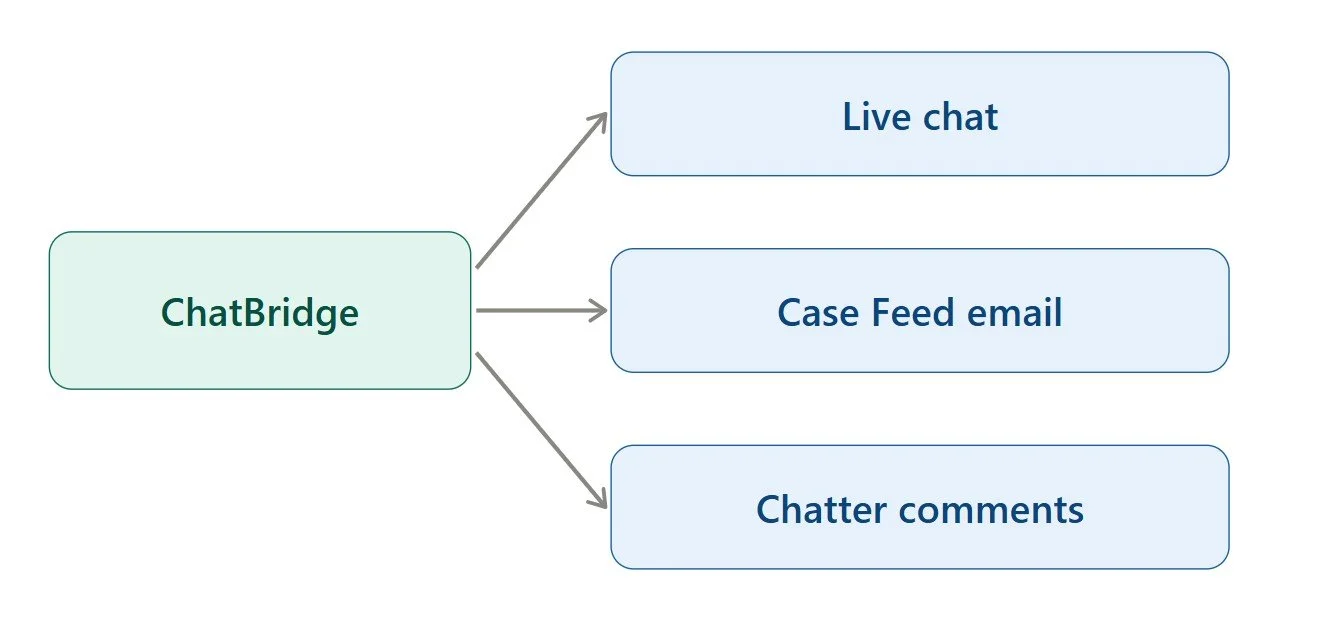
But Salesforce support isn’t limited to the chat window alone, so the same translation logic extends across channels and wherever the customer conversations happen:
Case Feed. Customers writing in their own language get replies from agents working entirely in theirs, with the same translation in customer chat support style applied to email as to live chat.
Chatter posts and internal comments. When a case gets escalated, or another team member comes in, that context stays translated and accessible, rather than becoming a blind spot for anyone who doesn't share the original language.
Case comments and reassignments. Multilingual context gets preserved even when a case gets picked up by a different agent partway through.
The point isn't that every part of a case needs to work identically. Email naturally has a slower pace than live chat, and that's fine. The point is that automated translation in customer service shouldn't stop the moment a conversation moves from the chat to email. If it does, you've just relocated the same manual translation bottleneck to a different part of your support operation.
What to Look for in a True Omnichannel Translation Setup on Salesforce
If you're evaluating whether your current setup actually delivers omnichannel translation, or just chat translation with an omnichannel label attached, here's what to check:
Does translation quality stay the same across the whole case record, including email threads in the Case Feed and Chatter comments, or does it noticeably drop outside of live chat?
Is case history preserved and translated consistently as a conversation moves between chat, email, and internal notes?
Do agents need to learn different tools or processes depending on which part of the case they're working in?
Is reporting unified, so you can actually compare performance across chat versus email rather than guessing?
Does the solution live natively inside Salesforce, or does it require separate integrations for each channel it claims to support?
That last point matters more than it might seem. A tool that handles chat translation natively inside Salesforce but needs a separate integration for email isn't really solving omnichannel translation. It's solving two separate problems and calling it one solution.
Why Native Salesforce Integration Matters for Multichannel Support
This is where being built specifically as a Salesforce chat translator actually pays off beyond just live chat. Since ChatBridge works natively inside Service Cloud, it isn't limited to translating one narrow interaction type. It's built around how Salesforce already organizes customer conversations, cases, and channels together. That native foundation means:
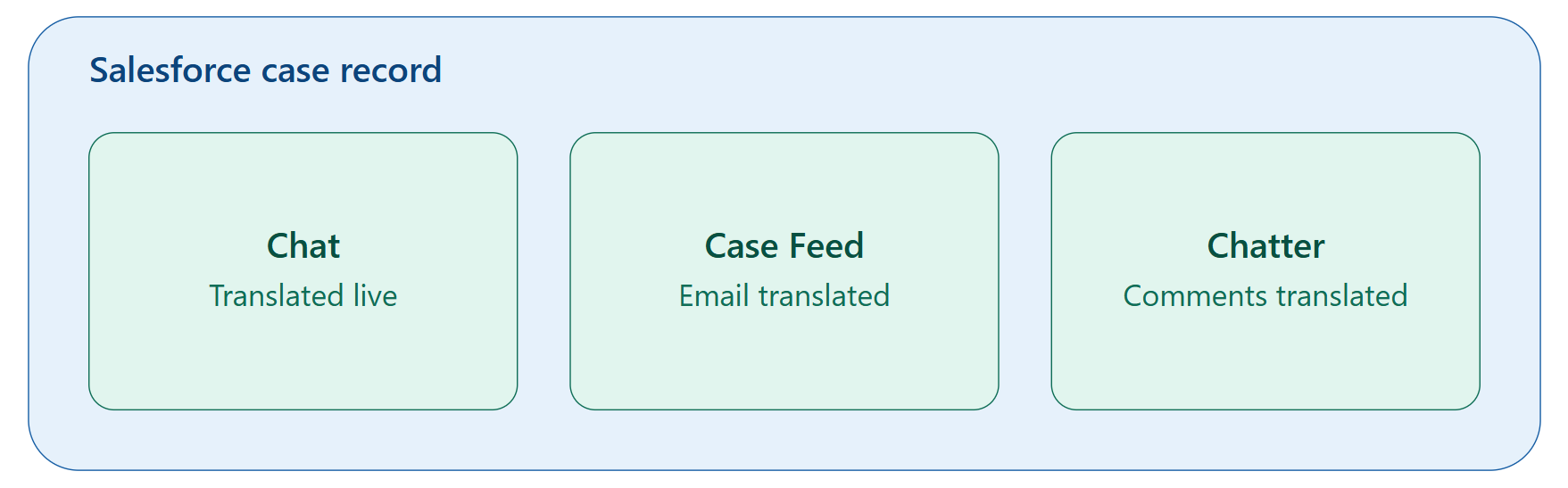
Case records stay whole and translated consistently, regardless of which channel a message came through
Agents don't need to context-switch between different tools depending on which part of the case they're working with
Supervisors reviewing a case get the full picture, translated the same way throughout
Chatbridge follows Salesforce’s own standards. That distinction shows up in exactly this kind of scenario, where a translation tool needs to work seamlessly across multiple channels instead of just one.
What Multichannel Support Looks Like for a Growing Salesforce Team
Think about a support team that started small, mostly handling live chat in English, French, and Spanish. As the business grows, ticket volume increases, new channels get added, and the customer base becomes more linguistically diverse. Without a real omnichannel translation strategy, here's what typically happens:
Chat translation gets solved first, since it's the most visible pain point
Email translation stays manual, handled with the same old copy-paste workarounds
Agents develop inconsistent habits depending on which channel they're working in
Support quality starts to vary noticeably depending on how a customer chose to reach out
With ChatBridge extending translation across the full case record rather than stopping at chat, that same growing team can scale its multilingual support without repeating the same translation problem channel by channel inside Salesforce. One system, one consistent standard, applied everywhere a customer might actually show up.
The Bottom Line
Customer support inside Salesforce doesn't happen in one place, and multilingual support can't either. A translation setup that only covers live chat solves half a problem while leaving the other half to manual workarounds that slow agents down and create inconsistent customer experiences.
ChatBridge extends real-time, native Salesforce translation across the channels your team actually uses, not just the one that happens to be easiest to fix first. That consistency is what actually makes omnichannel translation work in practice, rather than just sounding good in a product description.
If your support team has solved multilingual chat but is still quietly struggling with email replies or comments on the same cases, that's usually a sign the job isn't finished yet. Omnichannel translation support inside Salesforce should mean the same quality experience across the entire case, not just wherever your tools happen to work best.
Frequently Asked Questions
-
Both. ChatBridge extends real-time translation beyond live chat to cover email threads logged in the case feed, so the entire case stays consistently translated.
-
No. Since ChatBridge works natively inside Salesforce, translation activity across chat, email, and comments stays part of the same case record and standard reporting.
-
Salesforce's Translation Workbench handles static content like labels, picklists, and field names. It doesn't translate live customer conversations, which is what a dedicated chat translation app like ChatBridge is built for.
-
A properly built translation tool should support right-to-left languages without breaking formatting or display in the Service Console. It's worth confirming this during evaluation, since not all tools handle it well.
Related Readings
Let’s Talk

Drop us a note, we’re happy to take the conversation forward 👇🏻
