

Key takeaways:
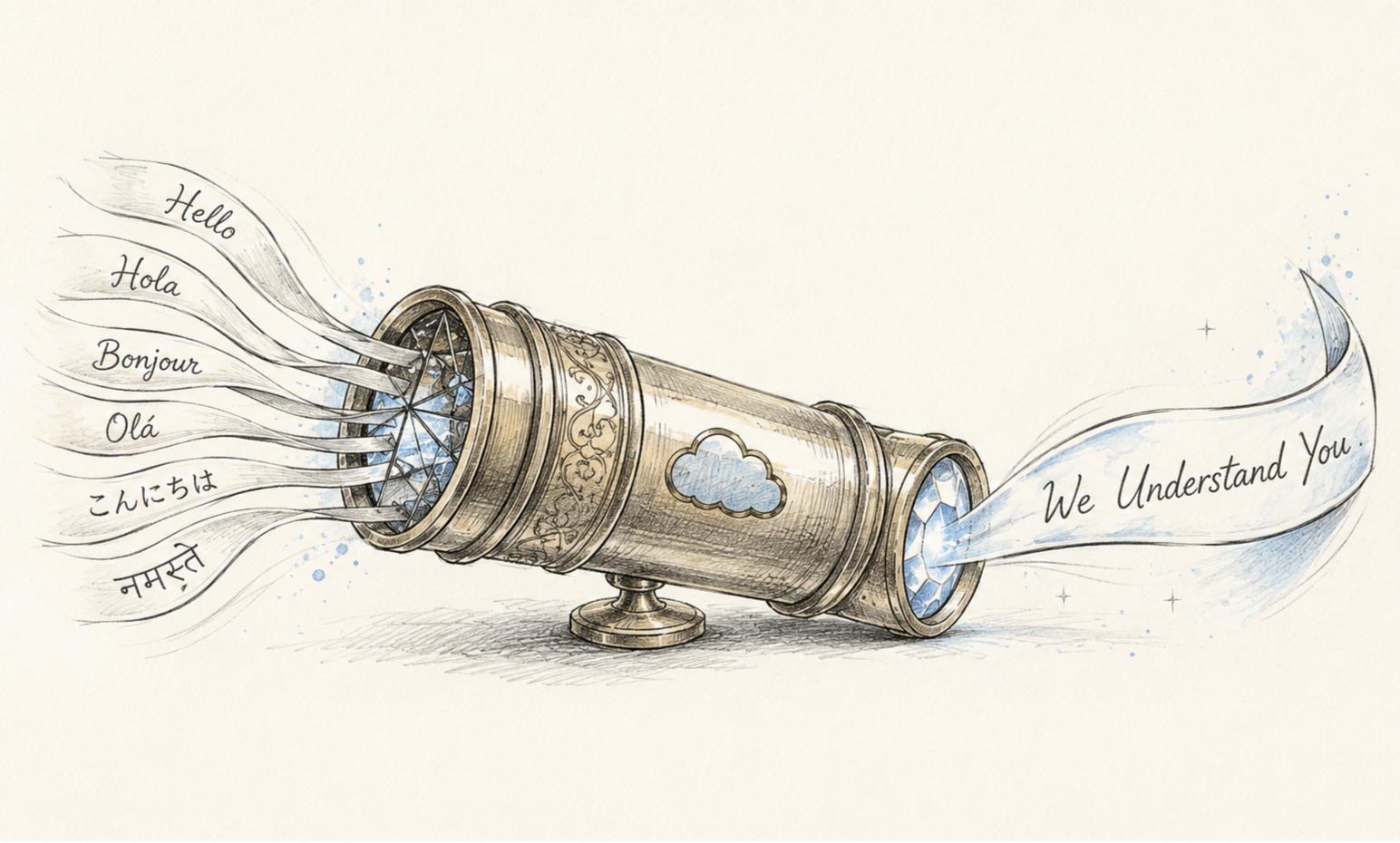
The best Salesforce chat translator works natively inside Service Cloud, translating in real time without pulling agents into separate tools.
ChatBridge covers 130+ languages with fallback support, so multilingual quality doesn't drop off outside common languages.
ChatBridge lets teams scale multilingual support without hiring bilingual staff, keeping costs and complexity low.
Your Salesforce support team might be doing great work, but the moment a ticket comes in from a customer who doesn't speak English, things slow down. Agents struggle, replies take longer, and somewhere in there, a customer is left wondering if anyone's actually listening.
That's exactly the gap a good Salesforce chat translator is supposed to close. But not all translation tools are built the same, and picking the wrong one can leave you with a clunky workaround instead of an actual fix. Let’s walk through what makes a Salesforce chat translation app the best.
Why You Need a Dedicated Chat Translator in Salesforce
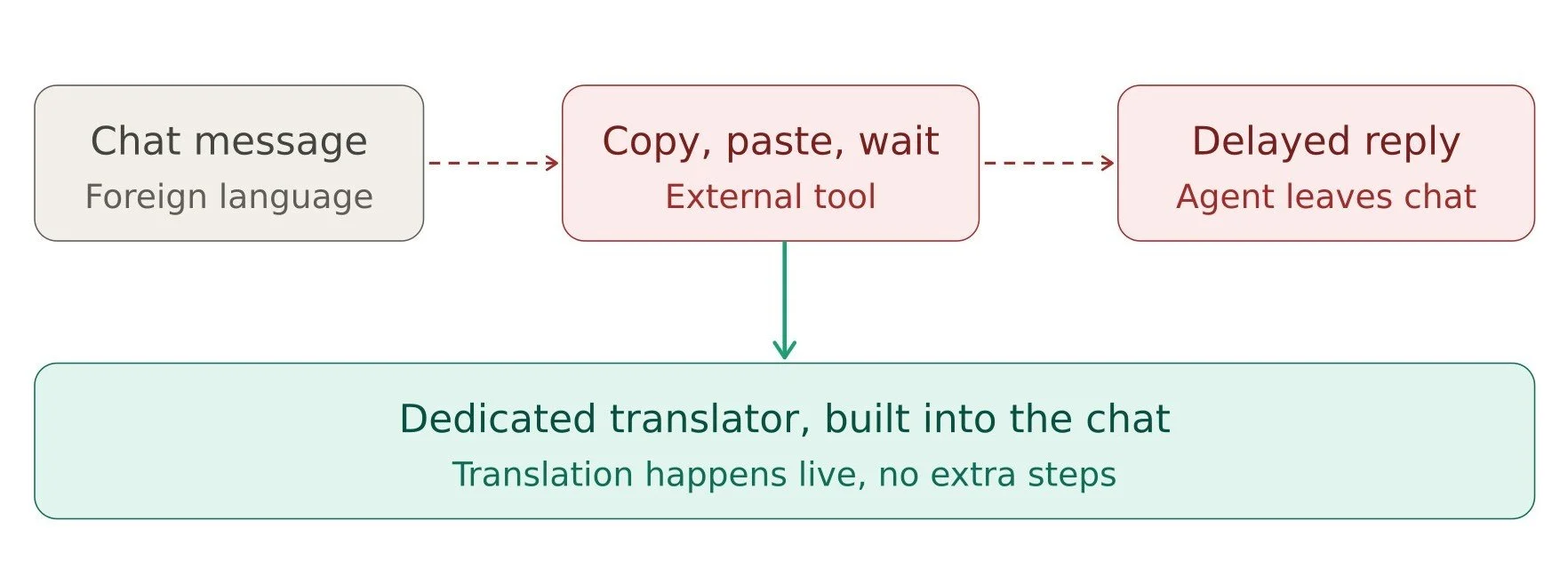
A lot of teams try to get by with browser-based translation tools sitting outside Salesforce. Copy the message, paste it into Google Translate, translate the reply, and paste it back. It works, technically. But it's slow, it's easy to mess up, and it pulls your agents out of their workflow every single time.
A good Salesforce translation solution doesn't ask your agents to leave the console at all. It works inside the chat, as the conversation is happening, so nobody has to stop and think about translation as a separate task. That's the baseline for what a good solution should look like.
What to Look for in the Best Salesforce Chat Translator
Here's what actually separates a solid tool from one that just adds friction elsewhere.
1. Native integration:
The tool should live inside Salesforce Service Cloud, not sit as a separate app you have to switch between. If your agents need to open another tab, that's a workaround, not a real solution.
2. True real-time translation:
Messages should translate as they're typed and sent, not with a delay that breaks the natural flow of a live chat conversation.
3. Wide language coverage:
English, Spanish, and French are a good start, but your customers probably speak a lot more than that. A good tool needs to handle regional and less common languages just as reliably.
4. Context awareness:
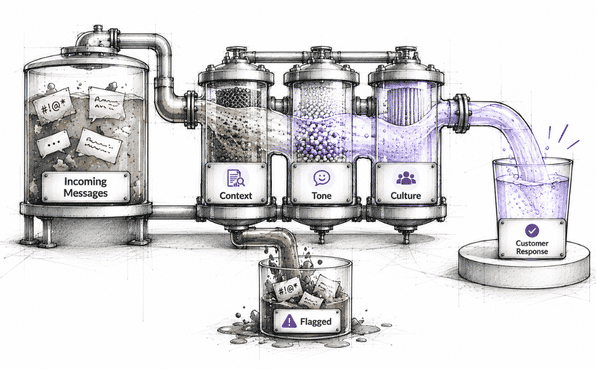
Translation should capture tone and intent, not just swap words one for one. A customer who's frustrated should still sound frustrated after translation, not flat and robotic.
5. Simple setup:
You shouldn't need a team of developers to get it running. Installing from Salesforce AppExchange and configuring it in a few clicks should be the norm, not the exception.
With that checklist in mind, let's look at how ChatBridge holds up.
Chatbridge: Features That Actually Solve the Problem
It’s best to look at the features when choosing the best Salesforce chat translator. Let’s look at the top features that Chatbridge comes with.
1. Real-Time Chat Translation, Built Right Into Salesforce
ChatBridge is a Salesforce chat translator designed to sit natively inside Service Cloud. There's no separate app to manage, no extra login, no browser extension your team needs to remember to turn on. Agents open a case in Salesforce like they always do, and translation happens automatically inside that same window.
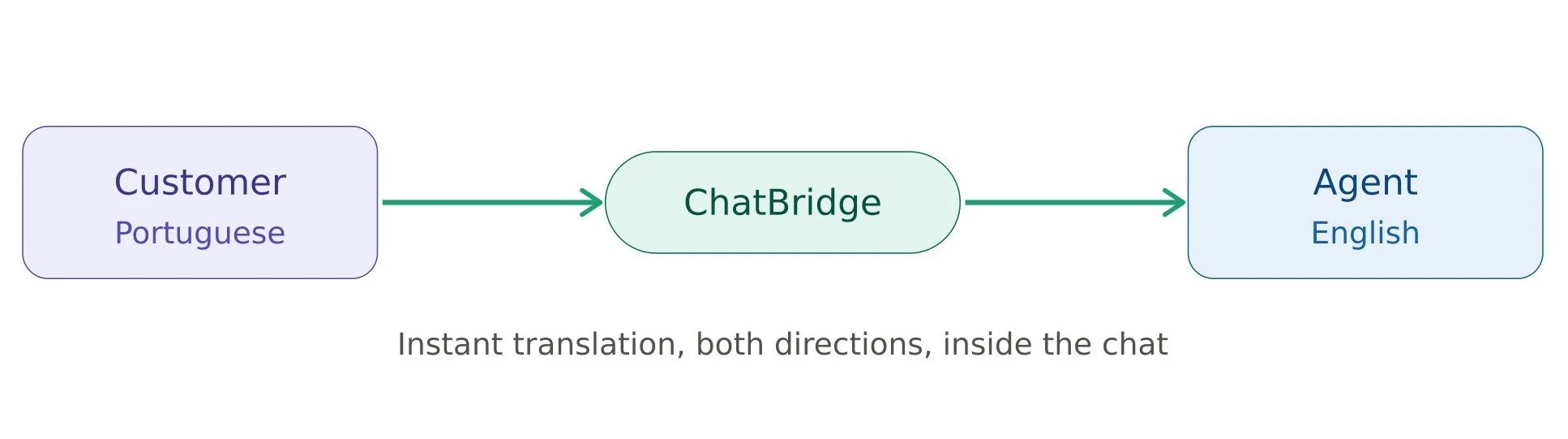
This is what Salesforce real-time translation should actually mean. A customer types in Portuguese, the agent sees it in English instantly, the agent replies in English, and the customer receives it in Portuguese. All of it happens live, without anyone stepping outside the conversation to make it work.
2. Coverage Across 130+ Languages
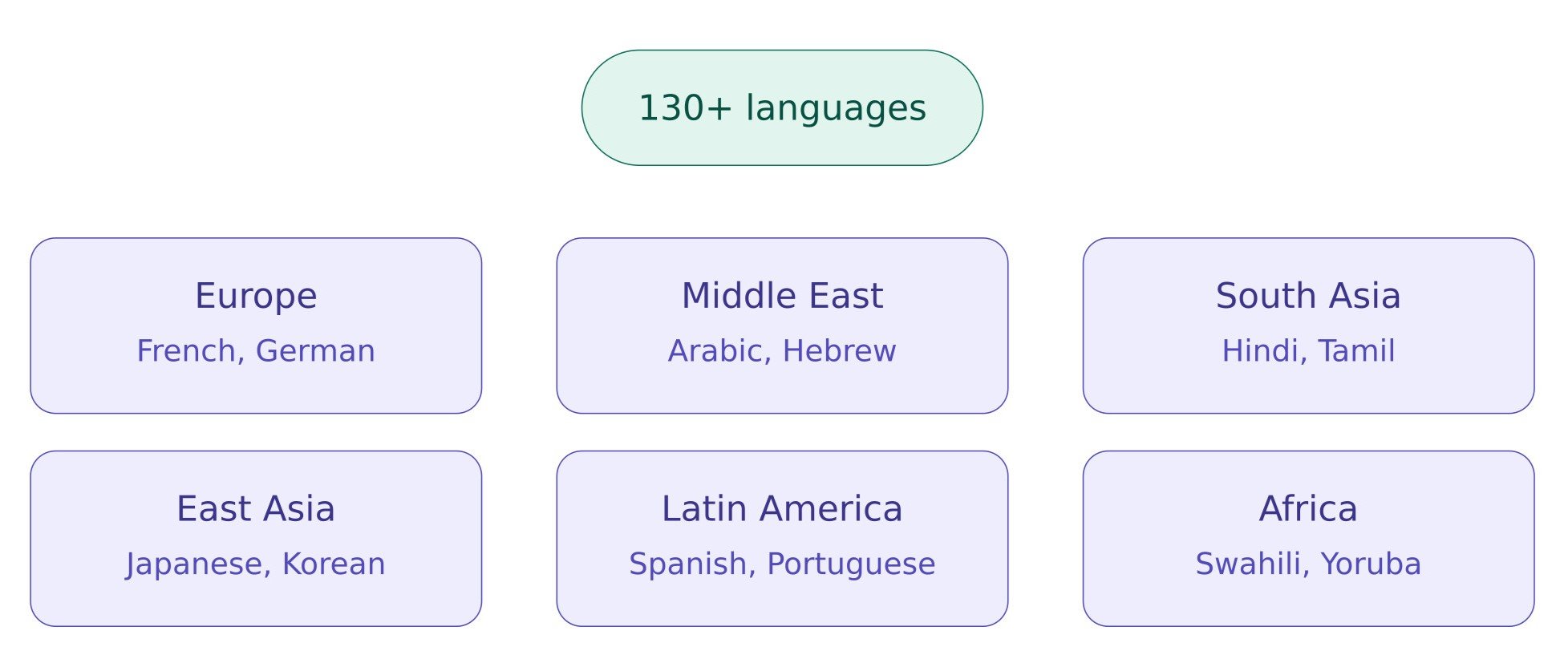
One of the biggest gaps with generic translation tools, or even AI agents that claim to handle multiple languages, is that quality drops sharply outside the most common ones. ChatBridge covers over 130 languages, including many regional and less widely supported ones. So your multilingual Salesforce support doesn't quietly fall apart the moment a less common language shows up in your queue. For a deeper look at why this matters, see 7 Ways ChatBridge Solves Multilingual Support Challenges That AI Agents Miss.
3. Works Inside the Salesforce Console Agents Already Use
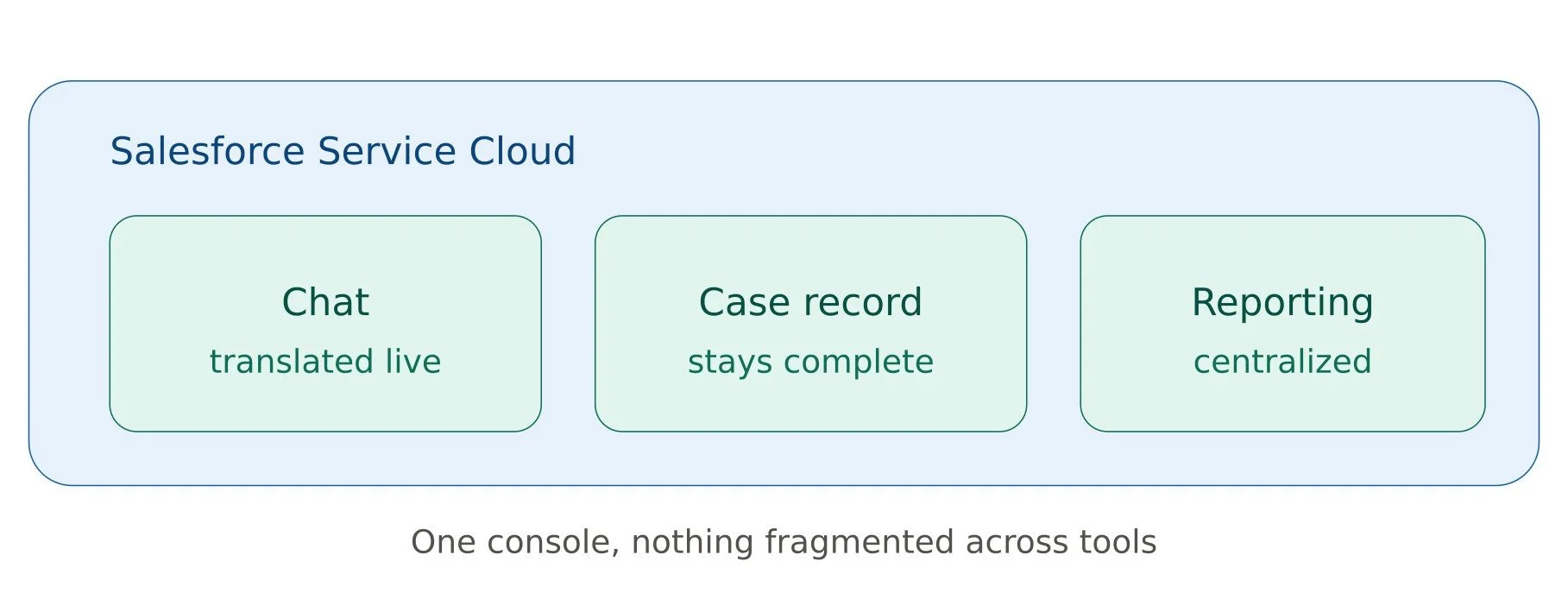
This might sound like a small detail, but it makes a big difference day to day. Since ChatBridge is a translation for Salesforce Service Cloud, case records, chat history, and reporting all stay in one place. Supervisors reviewing a case don't need a separate translator to understand what happened. This kind of native integration is also why tools likeSalesforce Agentforce improve both sales and service performance. Nothing gets fragmented across different tools.
4. Fast, Simple Setup
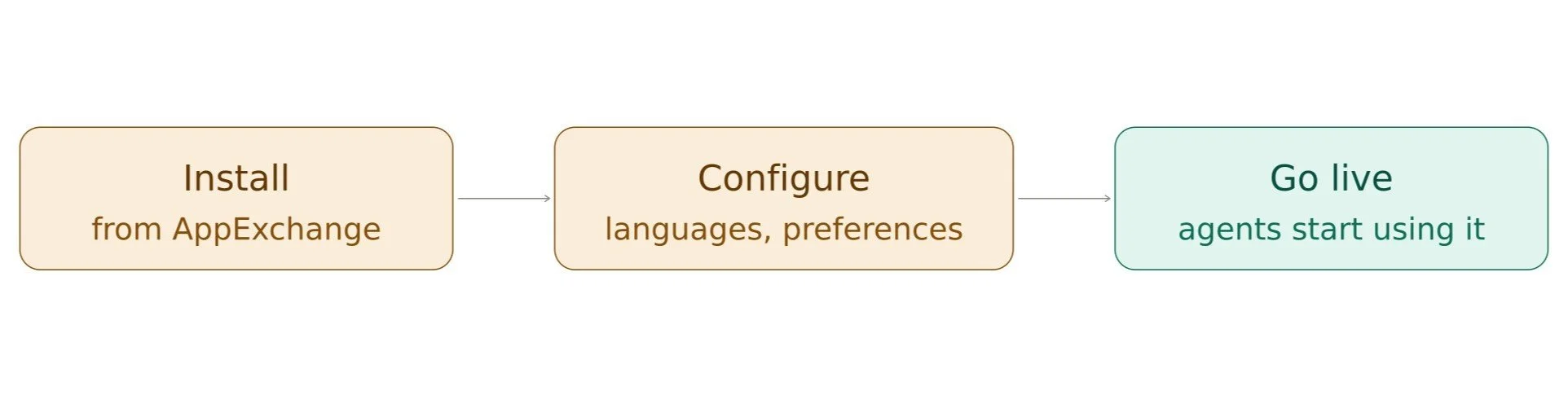
ChatBridge is available on Salesforce AppExchange, and getting it running doesn't require a lengthy implementation process. Most teams can install it, configure their language preferences, and have agents using it within a short setup window, without needing a dedicated technical team to manage the rollout.
The Benefits: What Changes Once You're Using Chatbridge
Let’s get into the benefits of Chatbridge. Let’s understand what actually changes for your team and your customers once a real Salesforce translation solution is in place.
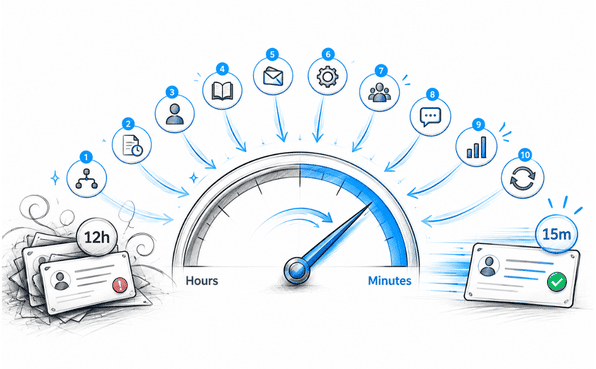
1. Faster response times: Agents aren't tab-switching or manually translating anymore, so international tickets move at the same pace as domestic ones.
2. No need to hire bilingual staff: Your existing team can handle chats in any supported language. Hiring decisions can be based on support skills, not language fluency.
3. Better customer experience: Customers get replies in their own language, at a normal pace, without ever needing to know that translation happened behind the scenes.
4. Consistent support quality everywhere: You're not offering a better experience to English-speaking customers and a weaker one to everyone else. Quality stays steady across every language you support.
5. Lower operational costs: Instead of scaling headcount for every new language or region, you scale your support capacity without growing your team in step.
Pricing: What to Expect
Pricing for Salesforce translation tools generally depends on factors like the number of agents using the tool, your chat volume, and which languages or features you need enabled. ChatBridge follows a simple, direct pricing model. It is billed annually, starting at USD $4,500/year/company.
The most accurate way to get exact numbers is to check ChatBridge on Salesforce AppExchange. It's worth noting that most teams find the cost far lower than the alternative of hiring dedicated bilingual staff for each language or region they support.
Why ChatBridge Stands Out as the Best Salesforce Chat Translator
There are a few translation tools out there that technically work with Salesforce. But being technically compatible and being genuinely built for it are two different things.
ChatBridge isn't a translation widget bolted onto the side of your CRM. It's built specifically as a Salesforce chat translation app, designed around how support teams actually work inside Service Cloud every day. That's the difference between a tool that adds one more thing to manage and one that quietly removes a problem your team has been dealing with for a long time. In this case, the problem is multilingual Salesforce support.
If you're comparing options and trying to figure out which one actually deserves the title of best Salesforce chat translator, the real test is whether it translates instantly, accurately, and without pulling your agents out of their workflow. ChatBridge checks all three.
Conclusion
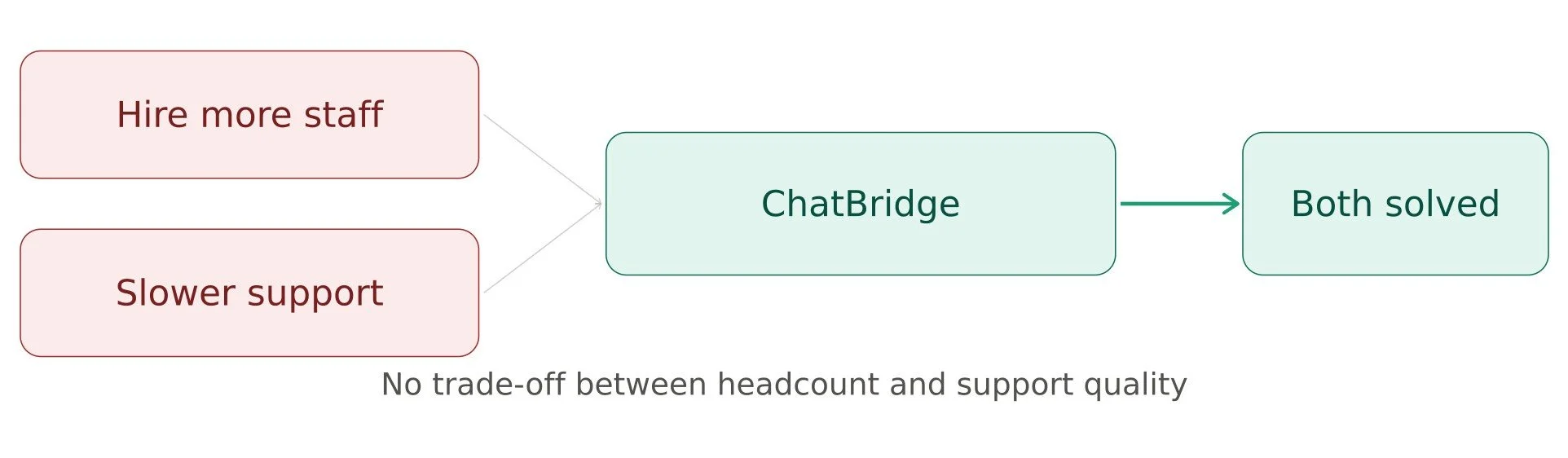
Multilingual support shouldn't mean choosing between hiring more staff or accepting slower, clunkier service for international customers. A proper Salesforce chat translator removes that trade-off entirely.
ChatBridge brings real-time translation, wide language coverage, and native Salesforce integration together in one tool. So your team can support customers in any language without adding complexity or cost. If you're ready to see how it fits into your setup, it's worth checking out the listing on AppExchange or reaching out for a quick demo.
Frequently Asked Questions
-
ChatBridge is built natively inside Salesforce Service Cloud, not as a separate app or browser extension. It covers 130+ languages, translates in real time, and keeps your entire case history in one place, without pulling agents out of their workflow.
-
No. A reliable Salesforce chat translator, such as Chatbridge, is available on the Salesforce AppExchange and can be installed and configured in a short setup window. Most teams get it running without needing a dedicated developer or implementation team.
-
Yes. ChatBridge covers over 130 languages, including many regional ones, and includes a built-in fallback system for edge cases. So quality doesn't drop off outside the most common languages.
-
For most teams, yes. ChatBridge lets your existing team handle chats in any supported language, so hiring can focus on support skills rather than language fluency. You scale multilingual support without scaling headcount.
Related Reading
Let’s Talk

Drop us a note, we’re happy to take the conversation forward 👇🏻
