
Key takeaways:
Complementary Roles: Encryption protects stored data at rest, while masking controls data visibility for users.
Best Practice Strategy: Combine both techniques with field-level security for comprehensive data protection in Salesforce.
Simplified Execution: Native data masking tools like Contour automate discovery, masking, and auditing in Salesforce.
Salesforce organizations handle large amounts of sensitive information, including customer details, financial records, healthcare data, and personally identifiable information (PII). Protecting this information requires more than simply restricting user access. Organizations also need to ensure that sensitive data remains secure when stored and isn't unnecessarily exposed to employees, integrations, or automated systems.
Two common approaches to achieving this are data masking and encryption. While both help strengthen sensitive data protection, they address different security challenges.
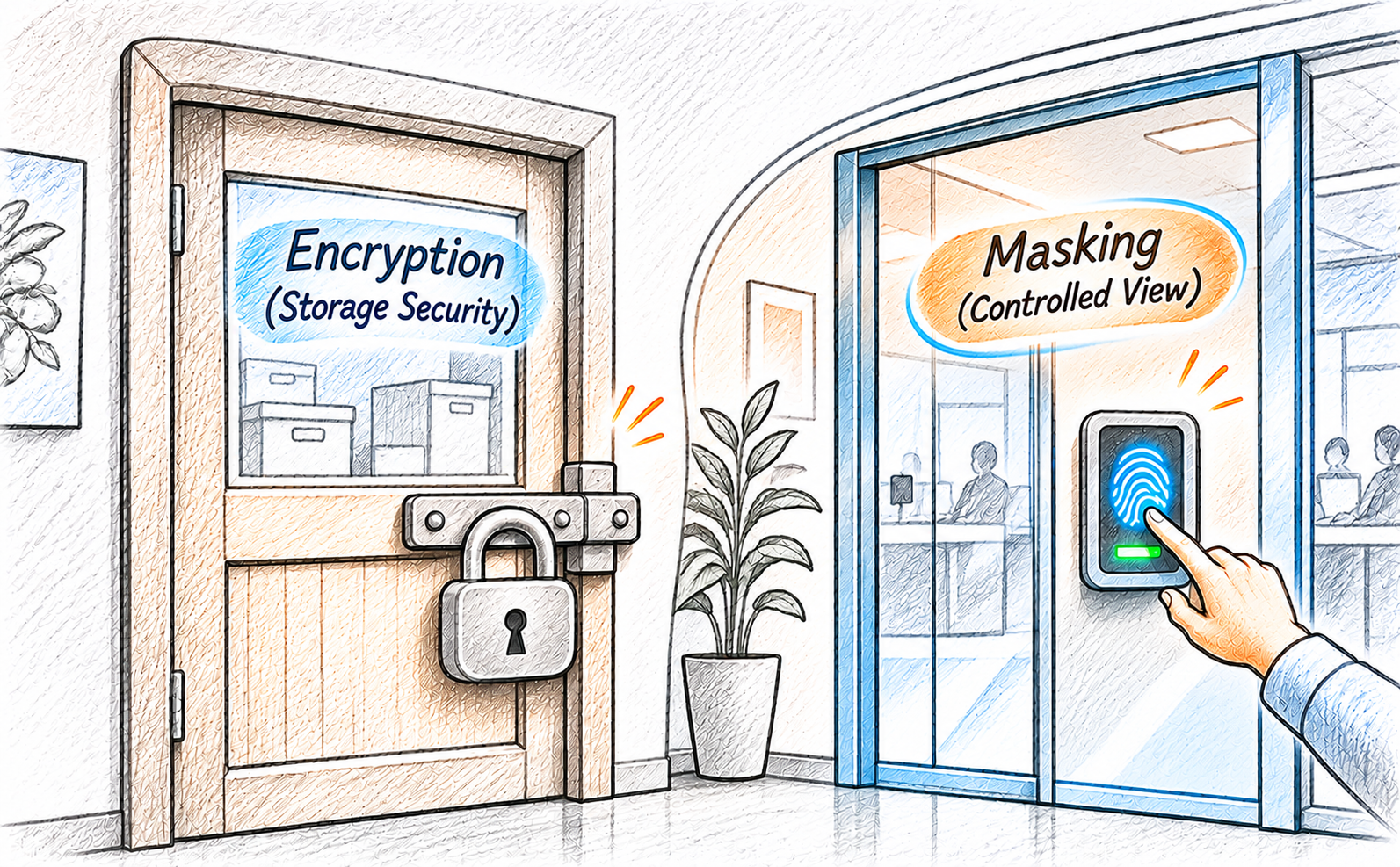
Encryption protects data by converting readable information into an unreadable format, while data masking conceals sensitive values to limit what users can see. Understanding the difference between encryption vs masking helps Salesforce admins choose the right protection strategy.
So, when should you use encryption, when is masking more appropriate, and can you use both together? Let's explore.
What Is Data Encryption in Salesforce?
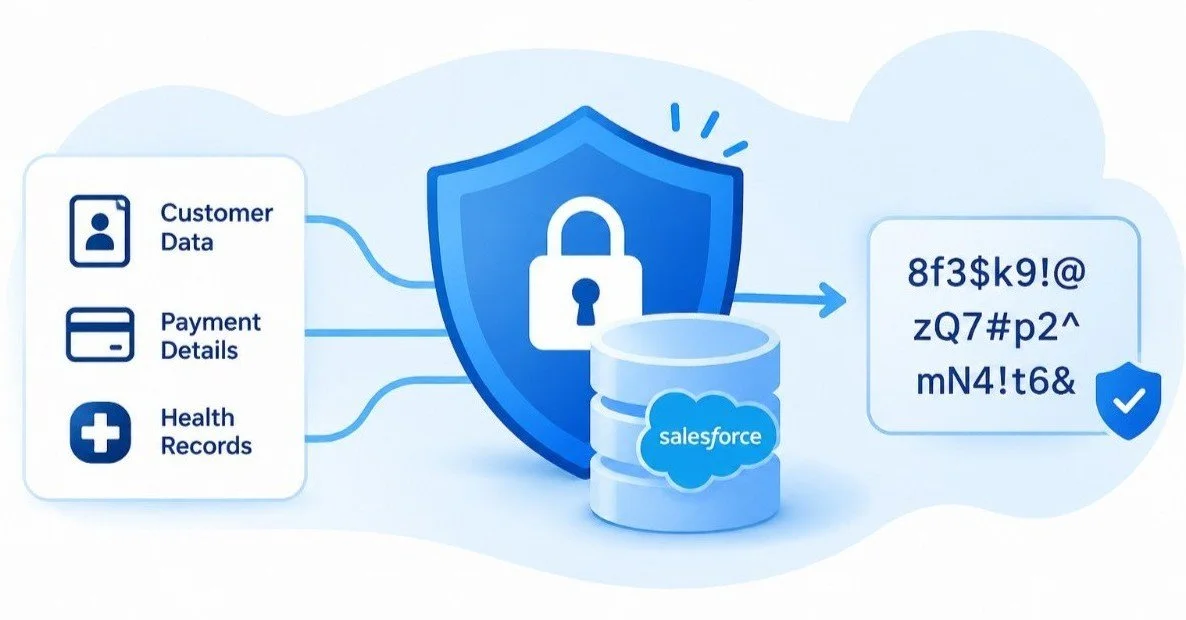
Data encryption is a security technique that converts readable information (plaintext) into an unreadable format (ciphertext) using an encryption algorithm and a key. Only users or systems with the appropriate decryption capabilities can convert it back into its original form.
In Salesforce, encryption adds another layer of protection to sensitive information, particularly when data is stored.
How Salesforce Encryption Works
Salesforce supports encryption at rest and protects data in transit through its secure communication mechanisms. Encryption at rest protects information stored in the Salesforce database, files, and other supported storage locations. Encryption in transit protects information as it moves between Salesforce and other systems through secure communication protocols.
Understanding Salesforce Shield Platform Encryption
Salesforce Shield Platform Encryption is Salesforce's native solution for protecting sensitive information at rest. It allows organizations to encrypt supported standard and custom fields, files, and other supported data. It also provides encryption key management capabilities, including options for organizations that want greater control over their encryption keys.
However, encryption has limitations. It doesn't automatically prevent authenticated Salesforce users with the necessary permissions from viewing sensitive information. It primarily protects data at the storage layer rather than controlling what individual users see. For example, encrypting a customer's Social Security Number doesn't automatically hide it from a support agent who has permission to access the field.
What Is Data Masking in Salesforce?
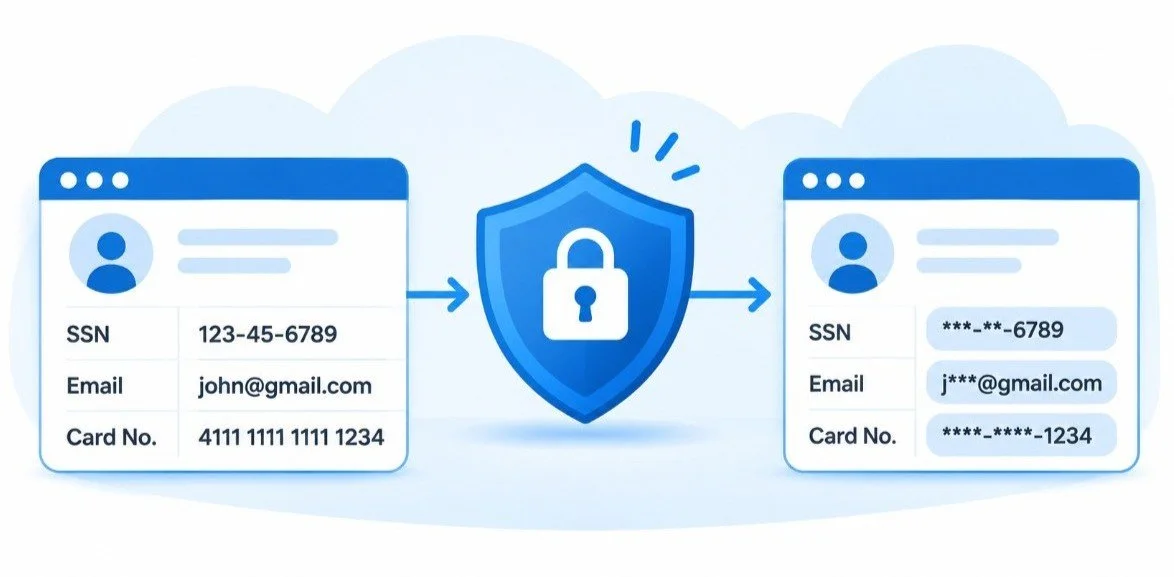
Salesforce data masking is a technique that replaces or conceals sensitive information with characters, symbols, or alternative values to prevent unnecessary exposure. Unlike encryption, which protects information in its stored form, data masking focuses on controlling the visibility of sensitive values.
For example:
| Data Field | Original Value | Masked Value |
|---|---|---|
| SSN | 123-45-6789 | ***-**-6789 |
| john@gmail.com | j***@gmail.com | |
| Card Number | 4111111111111234 | **-**-****-1234 |
The original information remains available to authorized users, while other users see masked values based on their access permissions.
Salesforce Data Masking vs. Encryption: Key Differences
Although encryption and masking both contribute to Salesforce data security, they operate differently. Here's a quick comparison:
| Comparison | Data Encryption | Data Masking |
|---|---|---|
| Primary purpose | Protect stored information | Limit exposure of sensitive values |
| How it works | Converts data into ciphertext | Replaces or conceals sensitive values |
| Protection layer | Storage/database | Data visibility/display |
| User visibility | Authorized users can access readable data | Users see masked or original values based on access |
| Key management | Uses encryption keys | Uses masking rules and access controls |
| Common use case | Protecting sensitive stored information | Restricting unnecessary data exposure |
The key distinction is that encryption protects the underlying data, whereas masking controls how sensitive information is presented.
For example, if a customer's credit card number is encrypted, authorized systems can still decrypt and retrieve the original value. If the number is masked, a support agent might see only its last four digits.
Neither technique replaces the other. Encryption doesn't automatically hide information from authorized users, and masking a displayed value doesn't necessarily encrypt or protect the original data stored in Salesforce.
When Should You Use Encryption in Salesforce?
Encryption is particularly useful when your primary concern is protecting sensitive information stored within Salesforce. Here are some common scenarios where it makes sense.
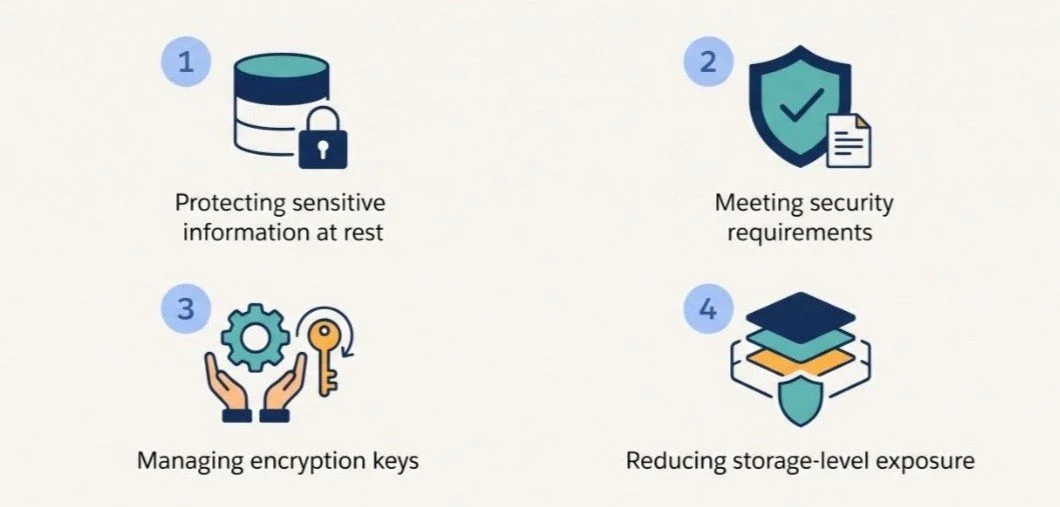
1. Protecting sensitive information at rest: Organizations handling financial information, personal identifiers, and confidential business records can use encryption to add protection to stored data.
2. Meeting security requirements: Businesses operating in regulated industries may need encryption as part of their broader security and compliance strategy.
3. Managing encryption keys: Organizations that require greater control over encryption key ownership, rotation, and management can use the available key management options.
4. Reducing storage-level exposure: Encryption adds protection if unauthorized parties gain access to underlying storage or data outside the normal Salesforce application access model.
However, remember that encryption alone isn't enough to manage data visibility among authenticated Salesforce users. That's where field-level security and data masking become important.
When Should You Use Data Masking in Salesforce?

Salesforce data masking is particularly useful when employees need access to records but don't require complete visibility into every sensitive field. Consider these scenarios:
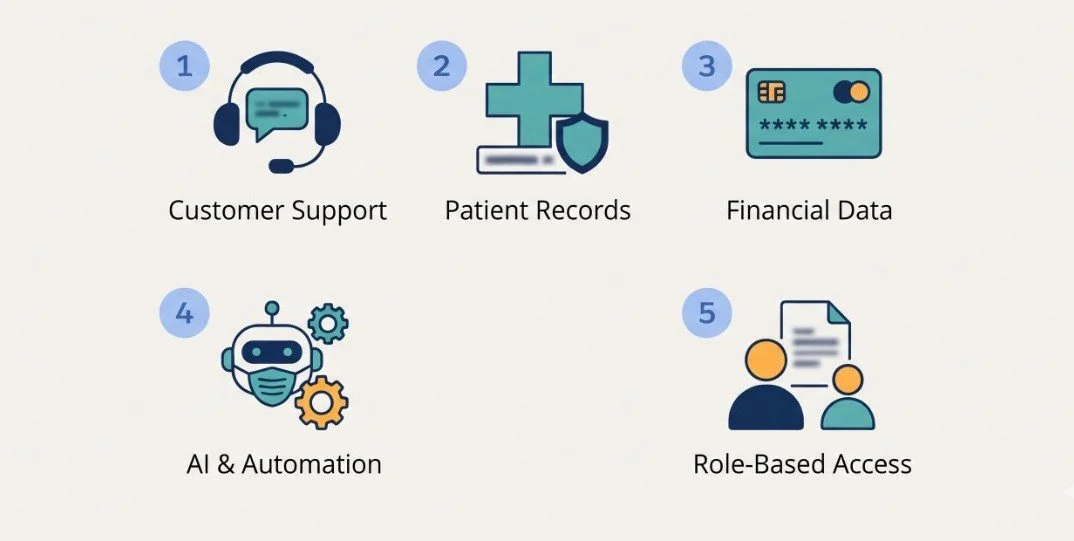
1. Customer support teams: Support agents may need customer names, email addresses, and phone numbers to resolve cases. However, they might not need full Social Security Numbers or payment details.
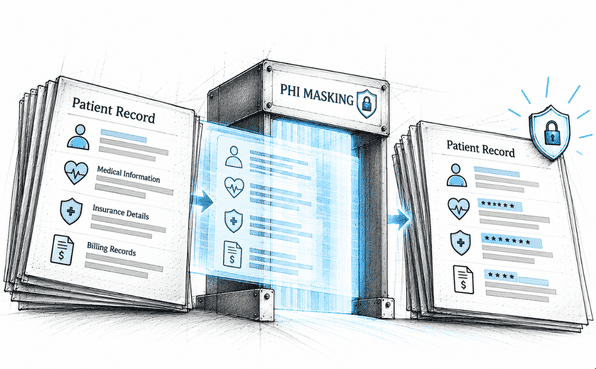
2. Healthcare organizations: Healthcare employees may need access to patient records without seeing every sensitive identifier. Masking can help limit unnecessary exposure while supporting role-based access.
3. Financial services: Employees handling customer accounts may need partial visibility into payment information without accessing complete card numbers or banking details.
4. AI agents and automation: Organizations can use masked fields and appropriate permissions to limit the sensitive information available to AI agents and automated workflows.
5. Role-based data visibility: Different teams often require different levels of access to the same Salesforce records. Masking helps provide relevant information without exposing complete sensitive values to everyone.
In these situations, Salesforce data masking helps organizations balance sensitive data protection with business usability.
Can You Use Data Masking and Encryption Together in Salesforce?
Yes. In fact, combining encryption and masking can create a stronger Salesforce data security strategy. Both techniques address different security requirements:
Encryption protects sensitive information at rest.
Data masking limits unnecessary exposure of sensitive values.
Field-Level Security (FLS) controls which users can access or edit specific fields.
For example, consider a financial services organization storing customer payment information in Salesforce.
It can use Salesforce Shield platform encryption to protect supported payment fields at rest. At the same time, data masking can ensure that support agents see only the last four digits of a customer's card number, while authorized finance personnel can access the complete value.
This layered approach strengthens Salesforce data governance by addressing both storage protection and user-level visibility.
Implementing Data Masking in Salesforce with Contour
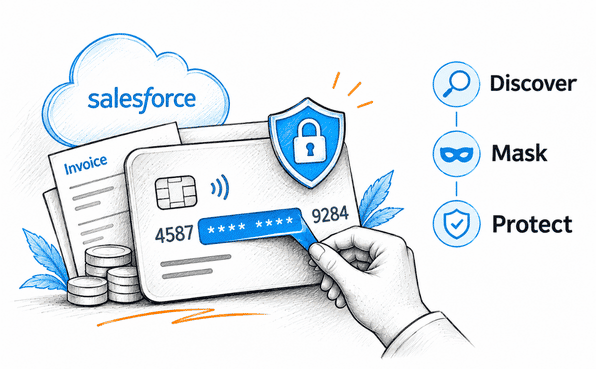
Implementing data masking manually can become complicated as a Salesforce org grows. Contour, a native Salesforce data masking solution, helps simplify this process by automating sensitive data discovery, masking configuration, deployment, and rollback. Here's how it works:
1. Discover Sensitive Data Across Your Salesforce Org
Before masking information, admins need to identify where sensitive data exists. Contour offers three scanning options:
Full Org Scan: Scans supported objects across the entire Salesforce org.
Custom Scan: Focuses on selected objects and fields.
Persona-Based Scan: Identifies sensitive data based on specific user personas and access patterns.
That’s how admins can discover sensitive fields without relying entirely on manual reviews.
2. Configure Role-Based Masking Rules
Once sensitive fields are identified, admins can configure masking rules based on field data types and business requirements. Contour provides various masking templates. Admins can use these rules to provide different levels of data visibility based on user roles and permissions.
3. Deploy Masking Configurations
Contour automates changes across page layouts, Lightning pages, profiles, and permission sets. Admins can add masked fields alongside original fields and configure visibility through standard Salesforce FLS settings. This allows users to work with masked information while restricting access to the original values where necessary.
4. Track Changes and Roll Back When Needed
Data protection changes need to be traceable. Contour keeps a record of every deployment and maintains audit evidence of masking changes. If a deployment causes unexpected issues, admins can use its one-click rollback capability to restore the previous configuration.
Because Contour runs as a native Salesforce managed package, sensitive data stays within the Salesforce org during its scanning, masking, and deployment processes.
Best Practices for Choosing Between Masking and Encryption
Choosing between encryption and masking depends on your security requirements. Here are some practices Salesforce admins should follow:
Classify sensitive data first: Identify PII, financial information, healthcare records, and other confidential fields before selecting protection methods.
Understand your security requirements: Determine whether you need storage protection, restricted user visibility, or both.
Apply least-privilege access: Give users access only to the information required for their responsibilities.
Use masking to reduce unnecessary exposure: Avoid providing complete visibility when partial information is sufficient.
Combine encryption and masking: Use both where your security requirements call for storage protection and controlled visibility.
Review permissions regularly: Reassess profiles, permission sets, and field-level security as your Salesforce org evolves.
Final Thoughts
Encryption and data masking serve different but complementary purposes in Salesforce data security. Encryption protects sensitive information at rest, while masking limits unnecessary exposure of sensitive values to users. Neither replaces the other, and both can work alongside field-level security to strengthen your overall protection strategy.
For Salesforce admins, the goal isn't simply to hide or encrypt every sensitive field. It's to ensure that the right people can access the right information without exposing more data than necessary.
If you're looking to simplify production-level Salesforce data masking, Contour can help automate sensitive field discovery, role-based masking, and rollback.
Frequently Asked Questions
-
No. Salesforce Shield Platform Encryption protects supported data at rest, while data masking controls the visibility of sensitive values. Salesforce also offers Data Mask & Seed for sandbox environments, but production masking requires a different approach.
-
Yes. Users with the necessary permissions may still access encrypted field values through Salesforce. Encryption protects stored data but doesn't automatically restrict visibility. Field-Level Security and data masking help address user-level data exposure.
-
It depends on the masking method. In production visibility-based masking, the original field value can remain intact while users see a masked version. In sandbox masking, original values may be permanently replaced with obfuscated data.
-
Yes, both techniques can be part of the same security strategy. Encryption protects supported stored data, while masking limits unnecessary visibility. However, implementation depends on field compatibility, permissions, and the masking solution being used.
-
Salesforce admins can use a production data masking solution such as Contour. It helps discover sensitive fields, configure masking rules, deploy masked fields, manage visibility through FLS, and roll back masked fields when needed.
Related Readings
Let's Talk

Drop us a note, we’re happy to take the conversation forward 👇🏻