

Salesforce Data Masking: Best Practices, Benefits, and Setup
Key Takeaways:
Salesforce data masking is an ongoing practice, not a one-time setup. Production orgs change constantly, and coverage needs to keep pace.
Masking must cover every visibility layer at once; protecting one layer while leaving another exposed isn't real protection.
Automated discovery and bulk configuration by a masking app turn what could be a months-long manual project into a sustainable, repeatable process.
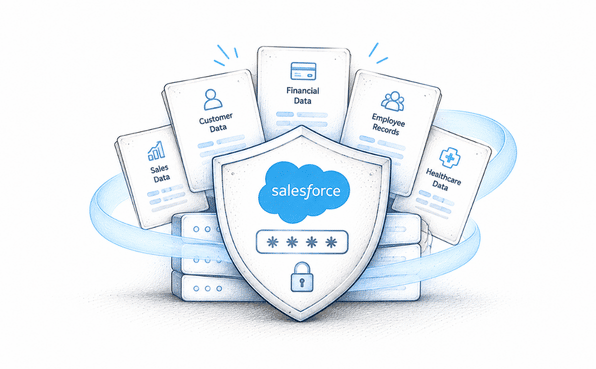
If you're reading this, you probably already know Salesforce holds a lot of sensitive information. Customer names, financial details, health data, employee records, all sitting inside one platform that dozens or hundreds of people touch every day. The question isn't whether that data needs protecting. It's how to actually do it without slowing your team down.
That's where Salesforce data masking comes in. This article walks through what it is, why it matters, the best practices that separate a solid masking program from a shaky one, and a practical setup process you can actually follow.
What Salesforce Data Masking Actually Means
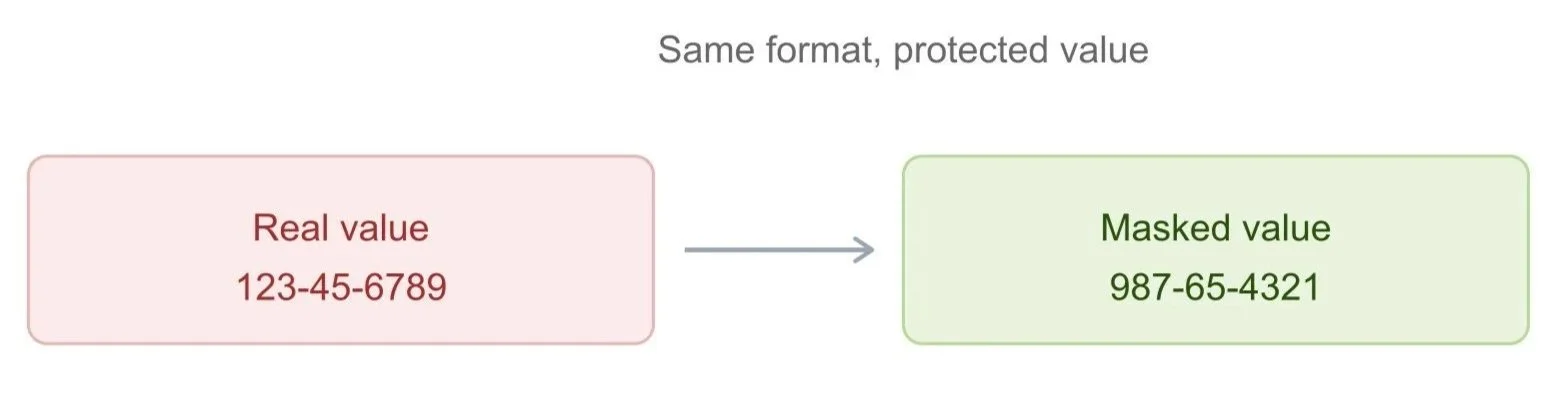
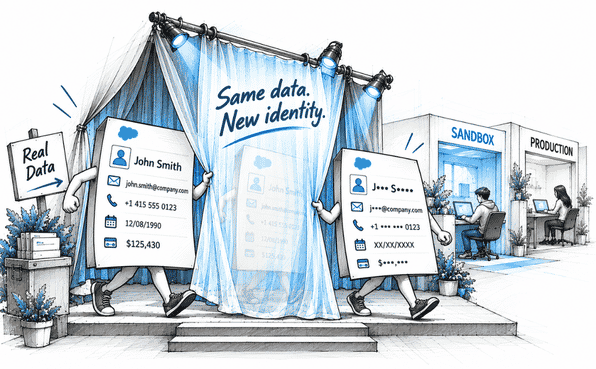
Salesforce data masking is the process of replacing or hiding sensitive field values so that only the people who genuinely need to see them can. Instead of a real Social Security number, a masked field might show a realistic but fake one. Instead of a full customer email, a masked field might show only part of it, or nothing at all, depending on who's looking.
This is a specific form of data obfuscation, a broader term covering any technique that disguises real data while keeping it usable for the systems and people who rely on it. The goal isn't to delete or corrupt information. It's to control exactly who sees the real thing and who sees a protected version.
Sensitive data masking applies in two main places inside Salesforce: sandboxes, where full copies of production data get used for testing and development, and production itself, where real users interact with real records every day. Both need attention, and they need it for slightly different reasons.
Why Salesforce Data Security Depends on Getting This Right
It's worth being direct about why this matters beyond "it's good practice." Salesforce data security has real consequences attached to it, and those consequences show up in a few specific ways.
Fewer people see more than they need to. Without masking, anyone with field access typically sees the full value, regardless of whether their job actually requires it.
Sandboxes stop being a hidden risk. Since sandboxes are usually full copies of production, unmasked sandbox data means contractors, developers, and QA teams are working with real customer information they never needed to see.
Compliance becomes demonstrable, not just claimed. Regulators increasingly want proof that sensitive data is actively protected, not just a policy stating that access is controlled.
Breach impact shrinks. If a masked field is ever exposed through a misconfiguration or an attack, what's exposed is a fake value, not a real one.
Put together, these points explain why Salesforce data protection can't rest entirely on permission sets and profiles. Those tools decide who can open a record. They don't decide how much of that record someone actually needs to see.

The Business Benefits of Salesforce Data Masking
Beyond the security argument, there's a genuine business case for doing this well.
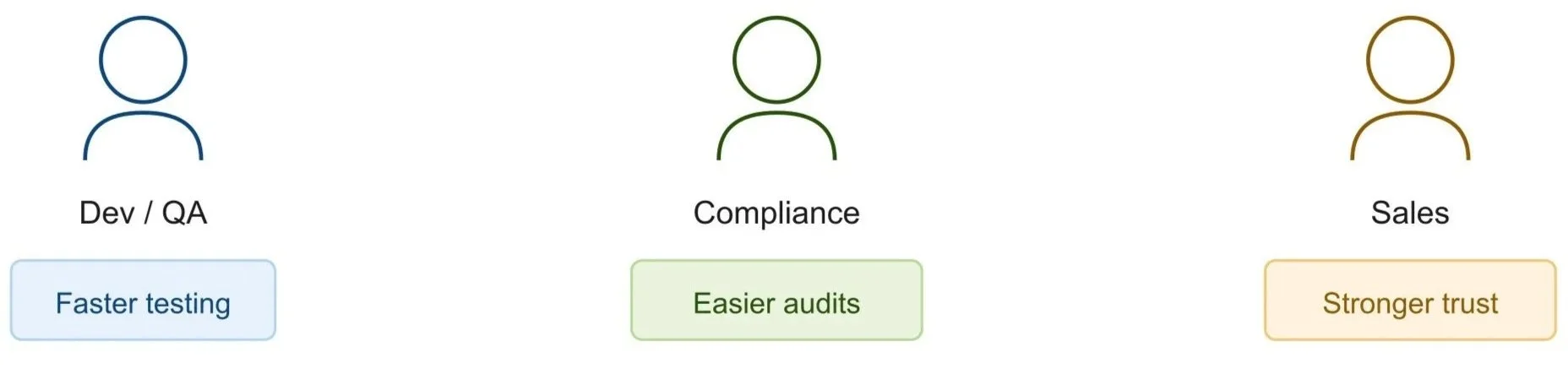
Development and QA teams move faster because they're not waiting on manually cleaned data or fighting with a security team over access requests. Compliance teams spend less time assembling evidence for audits because the documentation exists automatically, generated as a byproduct of the masking process itself. And customer-facing teams like sales especially have an easier time in enterprise deals where prospects ask pointed questions about data handling during security review.
“Masking isn't just a defensive move. It removes friction from testing, shortens audit prep, and gives sales teams a stronger answer when a prospect asks how customer data is actually protected.”
When sensitive data masking is applied consistently, nobody discovers six months later that a contractor had access to something they shouldn't have. The protection is built into the system rather than depending on someone remembering to configure it correctly every time.
Salesforce Data Masking Best Practices Worth Following
Not every masking effort turns out well. The difference usually comes down to a handful of practices that experienced teams follow consistently.
1. Start with full discovery, not assumptions. Most teams underestimate how scattered sensitive fields actually are across objects. Scan the entire org rather than relying on memory of where sensitive data "probably" lives.
2. Prioritize by actual risk. Financial details, government IDs, and health information should be masked before less sensitive fields. Don't try to protect everything at once on day one.
3. Cover every layer where data is visible. A field masked on a page layout but still exposed through a Lightning component or an overlooked permission set isn't actually protected. Consistency across all layers matters more than speed on any single one.
4. Automate the repetitive parts. Manual, field-by-field configuration doesn't scale and introduces errors. Automation keeps masking rules consistent as the org grows and changes.
5. Keep masked data realistic. Masked values should still look and behave like real data (correctly formatted emails, sensible dates) so testing and development don't break because the data looks obviously fake.
6. Document everything automatically. Every scan, every rule, every deployment should be logged without requiring someone to remember to write it down. This is what makes compliance reviews painless instead of stressful.
7. Revisit the setup regularly. New fields, integrations, and personas show up constantly. A masking configuration from a year ago won't account for what's changed since.
Following these seven practices is really the difference between a masking program that holds up over time and one that quietly develops gaps nobody notices until it's too late.
Setting Up Salesforce Data Masking: A Practical Walkthrough
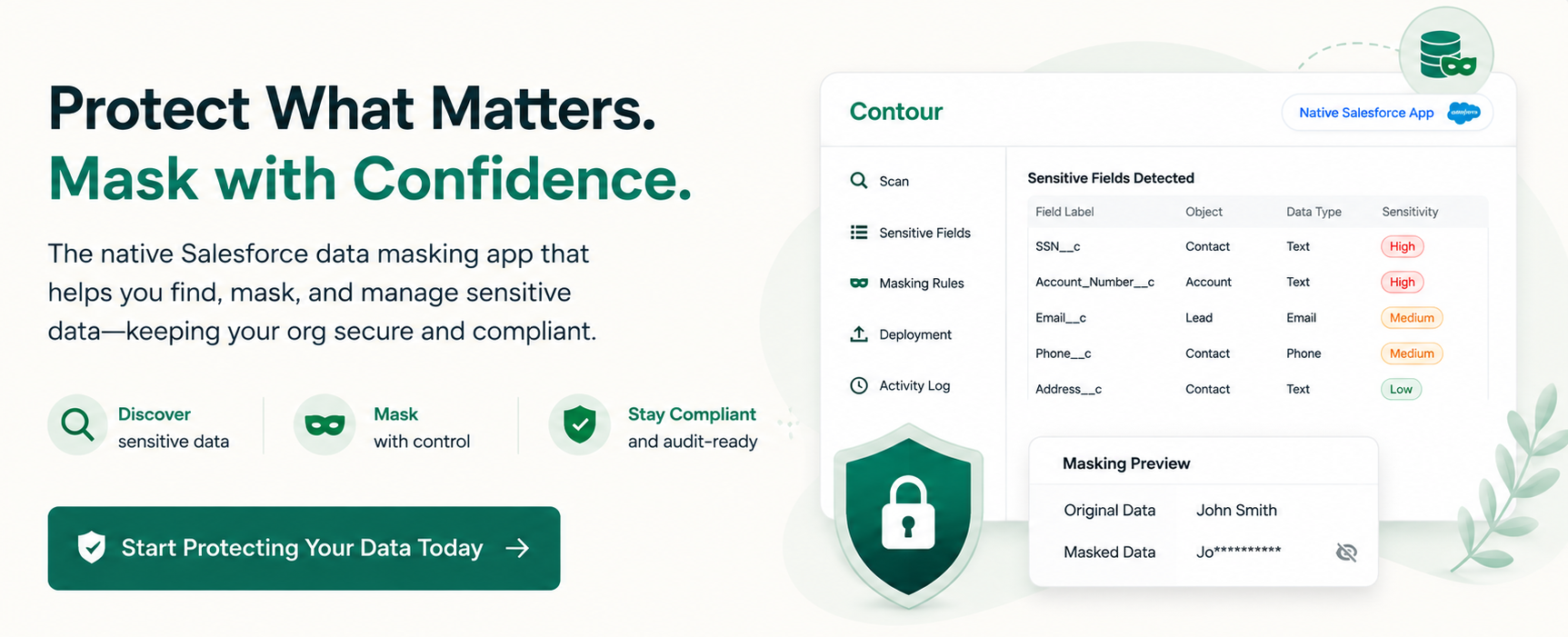
Here's what the setup process of Salesforce data masking looks like using a data masking tool like Contour.
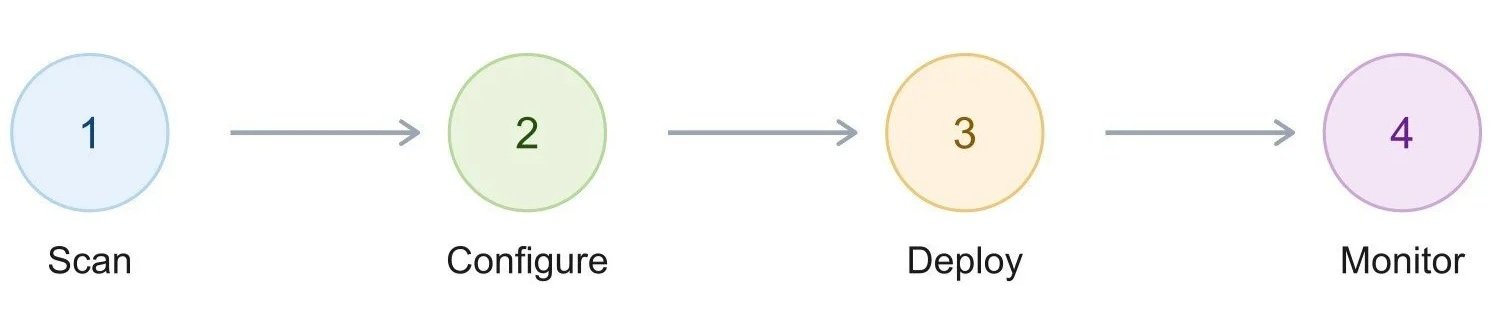
1. Scan your org for sensitive fields:
Identify which fields contain sensitive data.
Manual scanning can be slow and error-prone, especially in large orgs.
Contour, for example, runs a Full Org Scan that automatically scans supported objects and flags sensitive fields.
Custom Scan allows targeted reviews.
Persona-Based Scan shows which sensitive fields specific user roles can currently access.
2. Configure masking rules:
Decide how each sensitive field should be masked.
Define who should still be able to see the real value.
Configuring fields individually can become repetitive in large orgs.
Contour’s Mass Configuration lets you group fields by object or data type and apply rules in bulk.
3. Deploy the changes:
Push the configured masking rules to the live org.
Real-time deployment logs provide visibility into exactly what changed and when.
Automatically generated deployment records provide an audit trail.
If something doesn’t look right after deployment, rollback allows you to restore fields to their pre-deployment state with a single click.
4. Monitor and maintain:
Salesforce orgs continuously evolve, so masking configurations need regular review.
Re-run scans periodically to identify newly added sensitive fields.
Review and update masking rules as user roles and access requirements change.
Ongoing monitoring helps ensure the masking setup stays current and effective.
Common Mistakes That Undermine Salesforce Compliance Efforts
A few mistakes come up often enough to call out directly.
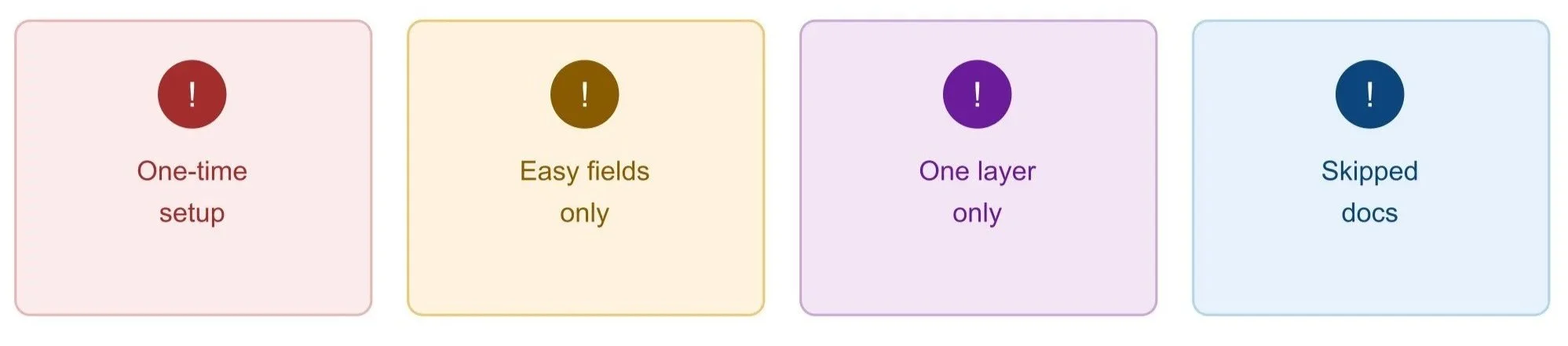
1. Treating masking as a one-time project. Orgs change constantly, and a setup from a year ago won't reflect what's been added since.
2. Masking only the fields that are easy to configure. The highest-risk fields aren't always the easiest ones to set up, but they're the ones that matter most.
3. Assuming one masked layer means full protection. A field hidden on a page layout can still be visible through an API integration or an unrelated permission set.
4. Skipping documentation. Without an audit trail, proving Salesforce compliance to a regulator or auditor becomes a struggle instead of a five-minute conversation.
Final Thoughts
Salesforce data masking isn't a single action you take once and forget about. It's a practice, one that combines the right priorities, consistent coverage across every layer, and enough automation that it doesn't become a permanent burden on your admin team.
The benefits go beyond avoiding a worst-case scenario. Done well, masking speeds up development, makes compliance reviews far less stressful, and gives your team confidence that sensitive data is actually protected, not just theoretically restricted. Data masking apps like Contour exist specifically to make the setup and maintenance side of this realistic, turning what could be a months-long manual project into an automated masking process your team can actually sustain.
If your organization hasn't taken a close look at how sensitive data is currently protected across sandboxes and production, that's a reasonable place to start. Scan your org, see what turns up, and go from there.
Frequently Asked Questions
-
Data obfuscation is the broader category with any technique that disguises real data. Data masking is a specific type of obfuscation focused on replacing or hiding sensitive field values while keeping the data usable and realistic for testing or daily work.
-
Yes, ideally both. Sandboxes are usually full copies of production. So unmasked sandbox data creates the same risk as unmasked production data, just accessed by a different group of people, including contractors and developers.
-
The masking setup process depends on Salesforce org size, but automation tools significantly shorten the timeline. Discovery and configuration of sensitive data that might take weeks manually can often be completed in hours or even minutes using automated scanning and bulk configuration features.
-
Regularly, not just once. New fields, integrations, and user roles appear constantly as an org evolves. Revisiting masking rules on a set schedule prevents blind spots from developing as your Salesforce environment changes over time.
Related Readings

Let’s Talk

Drop us a note, we’re happy to take the conversation forward 👇🏻
