Key Takeaways
HubSpot portal audits help assess portal structure for migrations, optimization, and governance.
DiffSpot automates portal audits, delivering structured insights in minutes.
Portal audits uncover CRM properties, workflows, pipelines, custom objects, and key metadata.
Auditing a HubSpot portal before any strategic initiative begins isn't optional; it's preparation your project can't skip without paying for it later.
Yet many HubSpot consulting teams still treat this step manually. That choice quietly eats into the timeline before the actual work begins. A project that should take weeks ends up delayed before it's even started, all because the warm-up took longer than the workout.
Agencies do an audit review every time a new client signs on. RevOps teams do it every time a new business unit, region, or brand gets added to the fold. Doing that manually isn't practical.
This is where a faster, more repeatable approach to HubSpot portal audits comes in, and where a tool like DiffSpot is built specifically for how agencies and RevOps teams actually work.
If you're new to what a HubSpot audit involves, our HubSpot audit guide is a good place to start.
The Shared Challenge of HubSpot Portal Audits
Agencies and RevOps teams don't audit HubSpot portals once. They audit them constantly, just for different reasons.
Agencies get a new portal with every client engagement. Each one needs to be understood before any strategy, migration, or cleanup work can start. The problem isn't that portal audit is hard; it's that doing a thorough one manually every time eats into billable hours and the quality depends heavily on the consultant doing the digging.
RevOps teams do the same review, but sideways. Multiple business units, multiple regions, or a sandbox and a production environment that are supposed to mirror each other but rarely do. The audit here isn't a one-time event; it's a recurring governance task that needs to produce the same kind of output every time so it can actually be compared over time.
Both teams end up needing the same three things: speed, consistency, and a report that holds up outside the tool.
Introducing Diffspot - Do Hubspot Portal Audit In a Minute
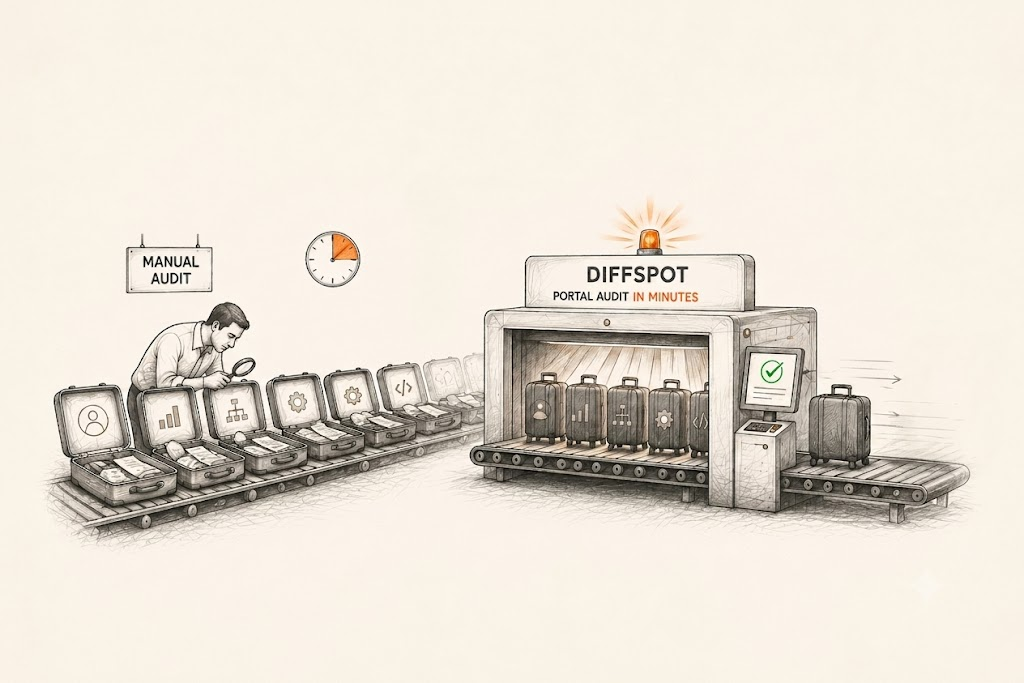
A properly done manual HubSpot audit can take anywhere from hours to days depending on portal size. That's manual navigation through settings, properties, and workflows, one section at a time, with findings pieced together in a spreadsheet afterward.
DiffSpot replaces that manual walkthrough with a single automated scan, and here's what actually happens behind it:
Connect securely: Authorize DiffSpot through HubSpot's permission screen and select the portal you want to audit. No customer records or personal data are accessed, only portal metadata is scanned.
The scan pulls every relevant object: Standard and custom CRM properties (contacts, companies, deals, tickets), pipelines, custom objects, workflows, forms, landing pages, etc, everything covered in one scan
The full report in a minute: DiffSpot creates an audit report for properties, workflows, and pipeline stages along with the flagged errors so you know at a glance whether the portal is clean, cluttered, or somewhere in between.
The scan itself doesn't replace judgment or strategy. What it replaces is the slow, manual information-gathering phase that used to happen before either of those could even start.
What DiffSpot's Portal Audit Can Reveal
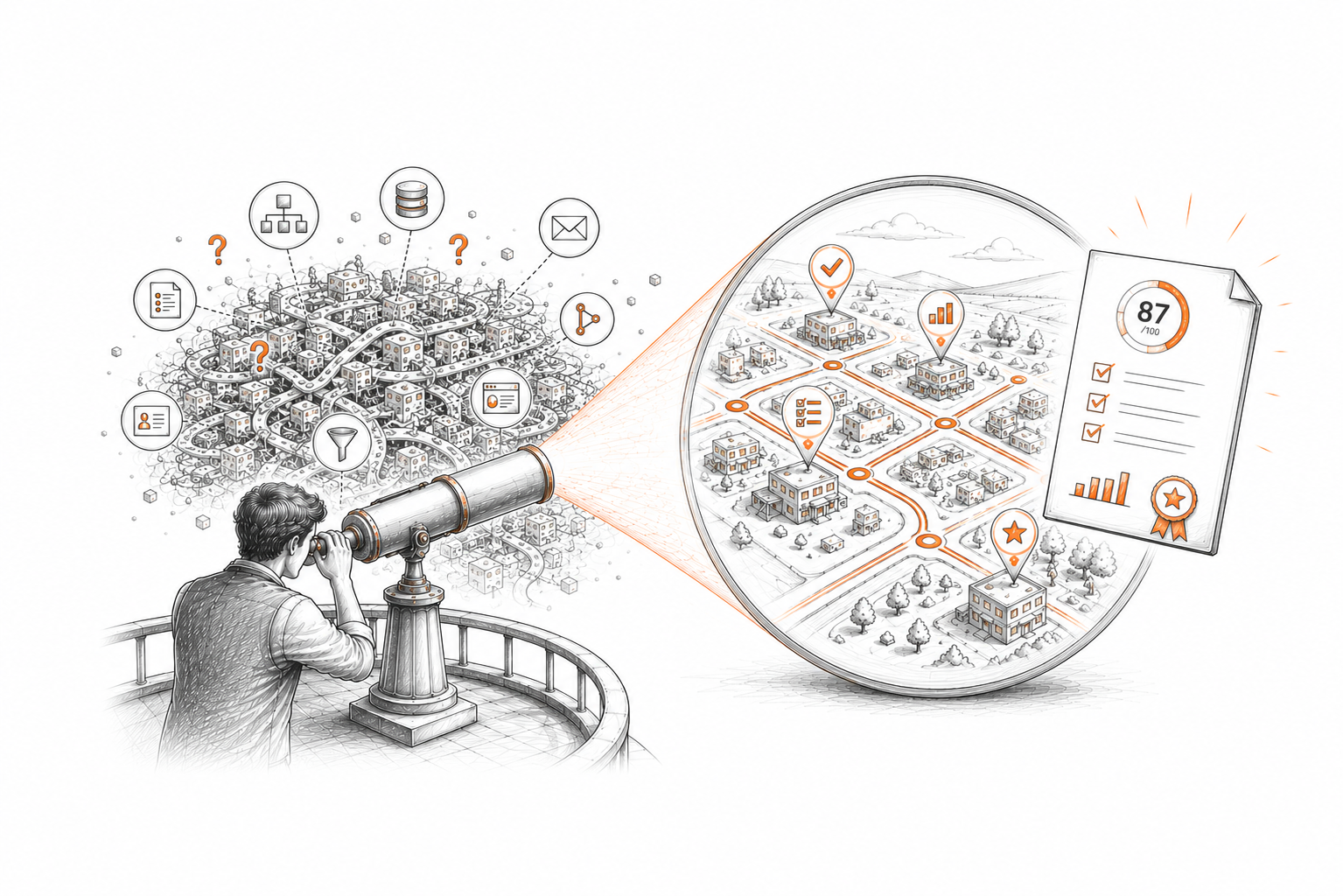
DiffSpot gives agencies and RevOps teams a complete view of their HubSpot portal by bringing key metadata into one structured audit report.
Here's what a DiffSpot HubSpot portal audit reveals:
CRM Properties
You can view all your standard and custom CRM properties across contacts, companies, deals, and tickets. This helps you understand your portal's data structure, property groups, and the overall scale of customization before making changes.
Workflows and Automation
The audit lets you review the workflows configured in your portal, including their triggers, actions, and logic. Understanding existing automation makes it easier for you to assess how business processes are currently implemented.
Pipelines and Stages
See every configured sales and service pipeline along with their stages. This provides a clear picture of how records move through your business processes and supports future planning.
Custom Objects and Associations
Understand how custom objects extend your CRM and how they're connected to standard HubSpot objects. This is especially useful for organizations with complex data models.
Forms, Landing Pages, and Marketing Assets
Using DiffSpot, you can access a centralized inventory of forms, landing pages, and other marketing assets to understand what currently exists within your portal.
Portal Complexity and Audit Reports
Alongside the metadata inventory, DiffSpot also gives portal complexity insights and structured audit reports, making it easier to understand your environment and share findings with stakeholders.
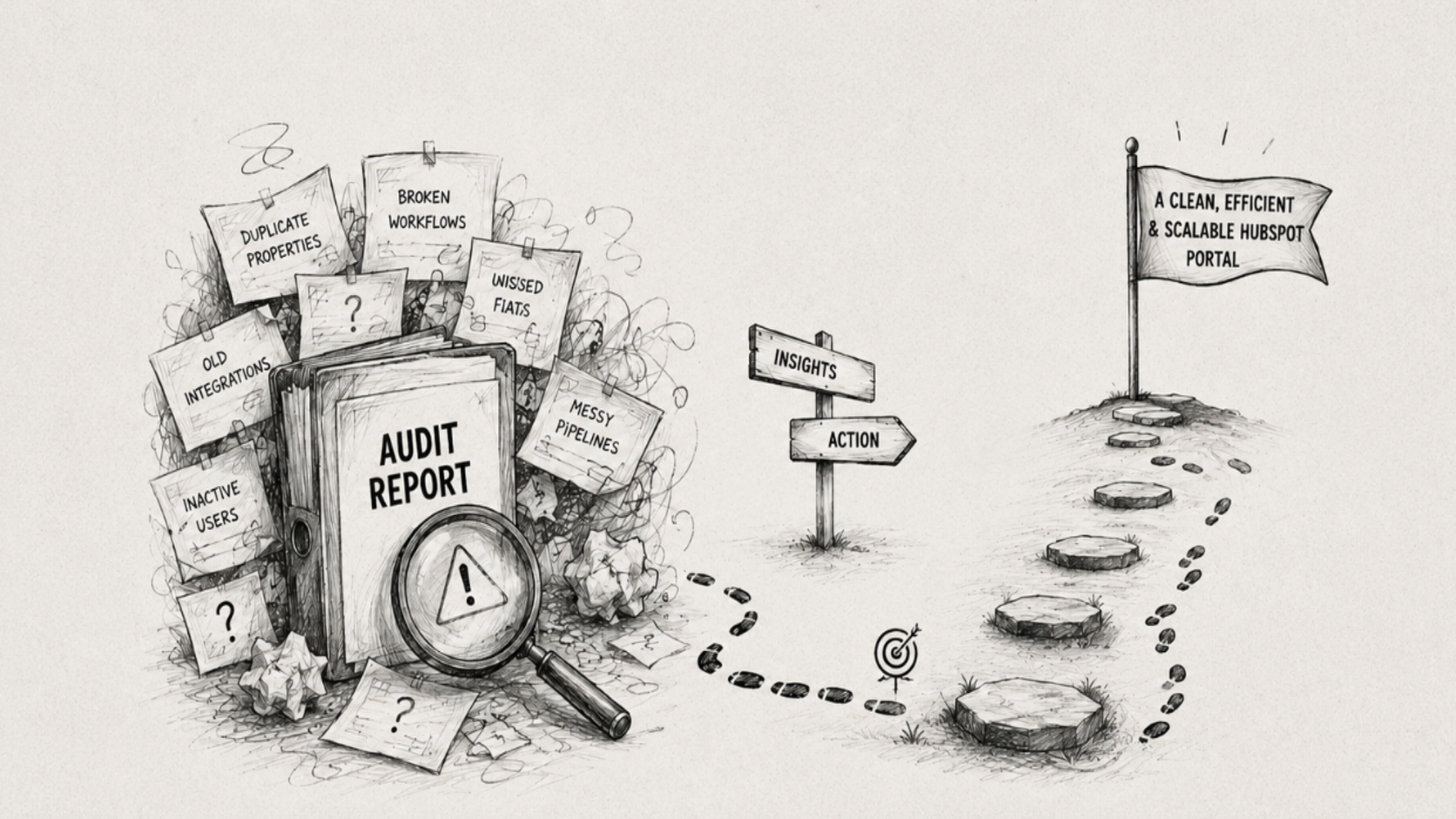
Not sure where to start after auditing? Our guide by certified HubSpot experts explains how to turn a HubSpot audit into results so you can translate findings into an actual project plan.
When Should You Audit a HubSpot Portal?
A HubSpot portal audit is most valuable when you're about to make significant changes in instance. It gives you a clear understanding of your current setup, helping you identify potential risks before they turn into costly surprises.
Before a new client engagement: For agencies, every client portal comes with its own configurations, workflows, custom properties, and automation, built by whoever was there before you. An audit gives you that visibility upfront, so you can scope the engagement with real numbers instead of a guess.
Before a Migration or Portal Consolidation: Whether you're migrating data or moving to a new portal, it's important to know exactly what you're migrating. An audit reveals assets, properties, workflows, and other elements that should be passed to the new environment.
After a merger, acquisition, or team handoff: A portal that's changed hands usually comes with inconsistent naming, duplicate assets, and automation nobody documented. An audit gives the new team a real starting point to understand the portal they've inherited before making new changes.
As Part of Regular Portal Governance: HubSpot portals constantly evolve. New properties are created, workflows are updated, and teams introduce changes over time. Scheduling regular audits, whether quarterly or twice a year, helps identify configuration drift, unused assets, and growing complexity before they become long-term problems.
Manual HubSpot Audit vs. DiffSpot
| Manual Audit | DiffSpot | |
|---|---|---|
| Time required | Days to several weeks, depending on portal size. | Minutes. |
| Consistency | Varies by whoever runs it. | Same structure and scoring every time. |
| Multi-portal comparison | Manual, side-by-side spreadsheet work. | Built-in comparison mode. |
| Output | Ad-hoc notes or a self-built spreadsheet. | Structured report with readiness score and complexity rating. |
| Repeatability | Starts from scratch each time. | Run the same scan again on any instance. |
| Setup | Manual navigation through Settings. | One-click OAuth with no API keys or installs. |
The gap isn't just speed. A manual audit's quality depends entirely on the person running it, while a DiffSpot scan produces the same dependable output regardless of who clicks "scan."
How Agencies and RevOps Teams Benefit from DiffSpot
Agencies and RevOps teams may approach HubSpot differently, but both depend on one thing before any initiative begins: a clear understanding of the portal they're working with. DiffSpot provides that visibility in minutes.
For Agencies
Every new client engagement starts with understanding the portal. Instead of spending days navigating through HubSpot to document properties, workflows, pipelines, and other assets, agencies can start with a complete portal inventory in minutes. This gives consultants a consistent foundation for project discovery, scoping, and planning. Because every audit follows the same structure, teams can produce standardized, client-ready reports, making it easier to collaborate internally.
For RevOps Teams
For RevOps teams, consistency is just as important as visibility. Whether comparing sandbox and production environments, reviewing multiple business units, or performing recurring governance checks, DiffSpot provides a standardized view of the portal every time. This makes it easier to understand structural changes, compare environments, and track how the portal evolves over time without relying on manual documentation or individual knowledge.
Once the audit is complete, DiffSpot generates shareable HubSpot health reports, making it easier to present findings to leadership, clients, and internal stakeholders.
Conclusion
A HubSpot portal audit isn't a box to check before "real" work starts; it's what tells you whether the project ahead is a simple cleanup or a much bigger rebuild. Skipping it doesn't make that work go away; it just pushes the discovery into the middle of the project, where it costs more time and resources.
Agencies and RevOps teams feel this more than most, because they're not auditing a portal once. They're doing it with every new client, every new business unit, every migration, every quarterly check.
That's the gap DiffSpot closes. What used to take days of manual audits now takes minutes through a structured portal audit.
Frequently Asked Questions
-
Agencies should audit HubSpot portals because every client portal comes with its own history, custom properties, workflows, and configurations built by whoever managed it before you. Without an audit, an agency is essentially scoping a project blind.
An audit turns that guesswork into real numbers: how many properties, how many workflows, how many pipeline stages are actually in use, so the scope of work is depends on what's really in the portal, not an assumption.
-
Yes. DiffSpot's comparison mode scans two portals side by side, sandbox vs. production, or one business unit against another, and surfaces exactly where they've drifted apart, whether that's mismatched properties, missing pipeline stages, or workflows that exist in one portal but not the other.
-
No. DiffSpot doesn't access any of the real data; it only reads portal metadata, such as property names, workflow structure, and pipeline configuration. It does not access customer records or personal information during the audit process.
-
Yes. Once a scan is complete, DiffSpot lets you export the audit results to Excel for sharing with clients or stakeholders. Developers can also download the metadata as JSON or push it to GitHub for use in their development workflows.
-
When two portals need to be merged or a business unit's HubSpot instance changes ownership, DiffSpot can scan both environments and compare them directly, the scan report helps finding overlapping properties, conflicting pipeline structures, and duplicate workflows before the merge actually happens.
Related Reading
Let’s Talk

Drop us a note, we’re happy to take the conversation forward 👇🏻