How to Generate Shareable, Actionable HubSpot Health Reports for Your Stakeholders
Key Summary:
A great HubSpot health report gives the right people the right data, backed by a readiness score that leads to real decisions.
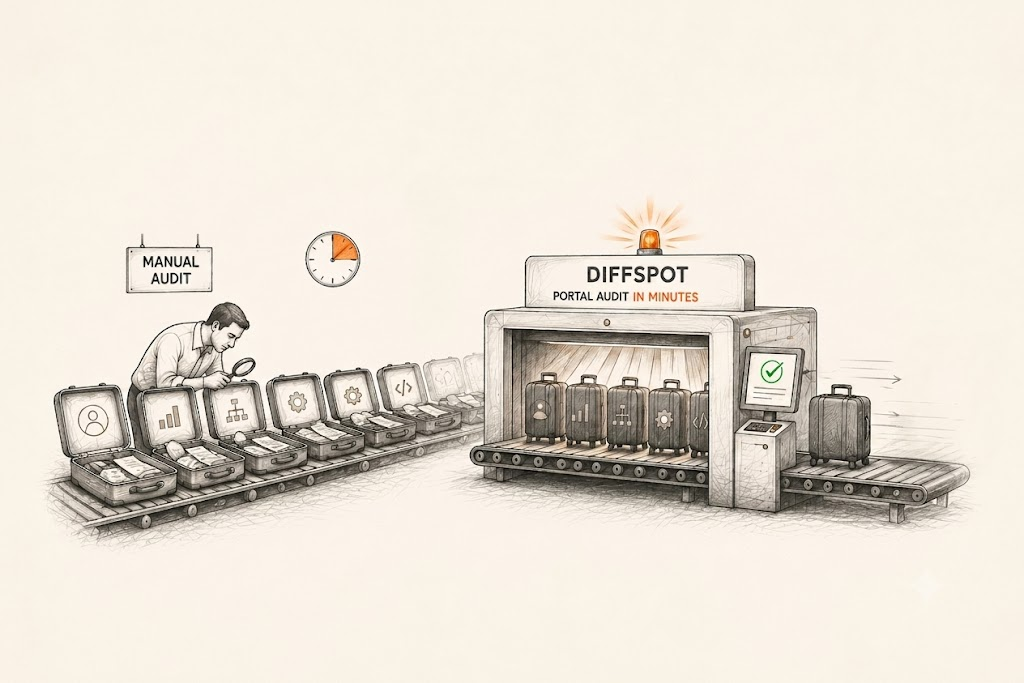
Manual portal audits take days and miss edge cases. A HubSpot audit tool like DiffSpot scans in under 60 seconds.
DiffSpot is now free on the HubSpot Marketplace. HubSpot admins, RevOps teams, and agency partners can audit and compare portals instantly.
You've been managing your HubSpot portal for months or maybe years. Workflows are running, properties are stacking up, pipelines are being tweaked, and new team members keep adding their own configurations. Before long, nobody really knows what's in the portal anymore.
That's when stakeholders start asking questions. The marketing head wants to know if campaigns are set up correctly. The sales leader wants pipeline clarity. The CEO wants to know if the CRM investment is paying off. And you're expected to produce a HubSpot health report that answers all of this clearly and quickly.
This article walks you through exactly how to do that: what a good HubSpot health report looks like, what it should include, how to generate one without spending days on manual work, and how to make it actually useful for the people reading it.
Why Most HubSpot Health Reports Miss The Real Insights
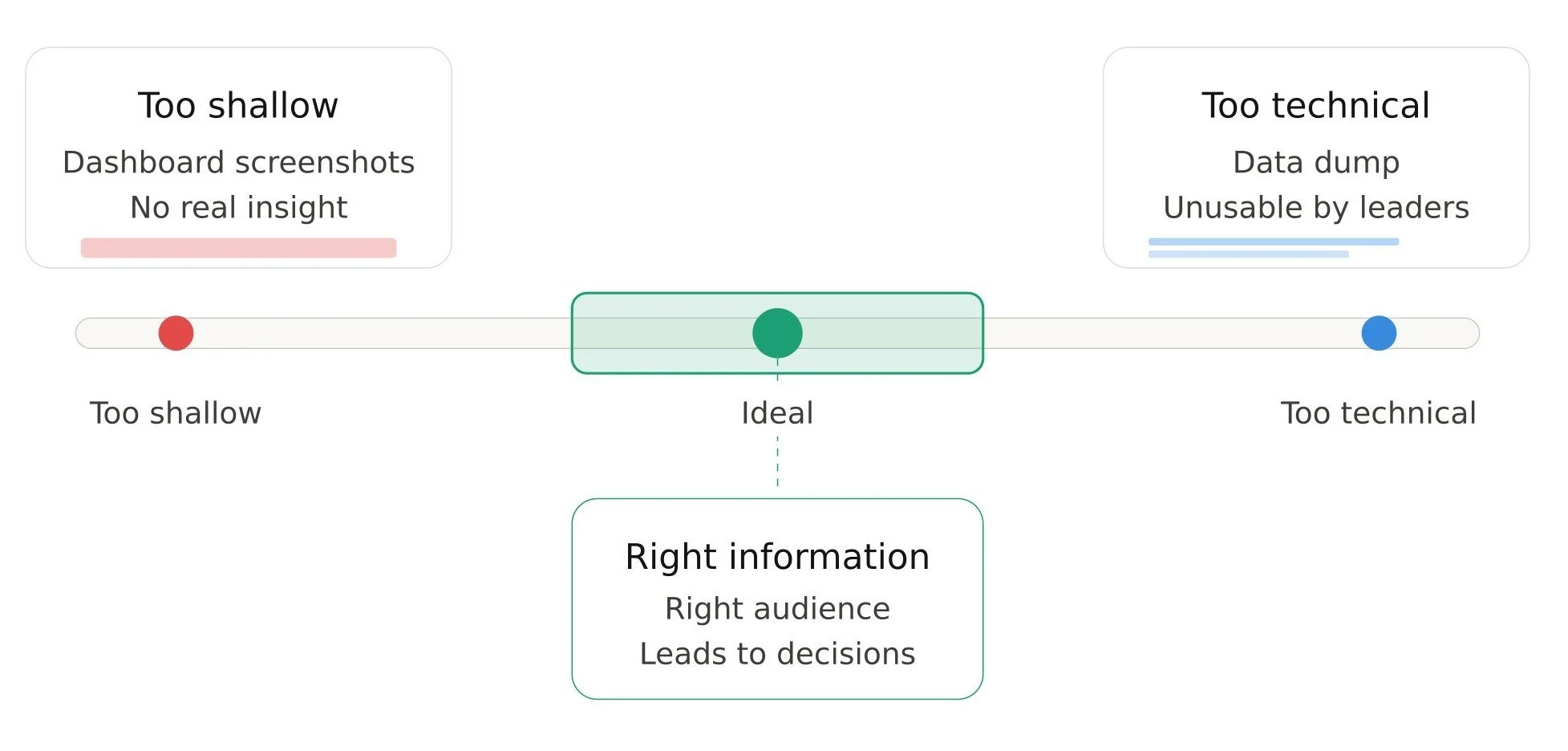
Most HubSpot account health audits are either too shallow or too technical.
Too shallow means someone pulls a few dashboard screenshots, puts them into a slide deck, and calls it a report. Stakeholders get a surface-level view with no real insight into whether the system is healthy or heading toward chaos.
Too technical means a full data dump, every property, every workflow, every pipeline stage listed out in a spreadsheet. This might satisfy a developer, but it's useless to a VP of Sales or a business owner who just wants to know "are we good?"
A great HubSpot performance report sits in the middle. It should give the right people the right information, backed by real data, and presented in a way that leads to decisions.
The Manual Way of Audits (And Why It's Painful)
You can build a HubSpot health report manually. Log in to your portal, go through each section, take notes, export what you can, and piece it together into a document. Many HubSpot admins have done it this way.
The problem? It takes days. You'll miss things. And by the time you've finished auditing workflows, the CRM properties section you started with is already out of date.
Manual audits also tend to be inconsistent. If you're a HubSpot-powered business or an agency running HubSpot CRM reporting across multiple clients, doing it manually means every report looks different and takes a different amount of time. There's no standard, no repeatability, and no scalability. This is where a dedicated HubSpot audit tool changes the game entirely.
Stop Doing It Manually, Automate Your HubSpot Auditing With DiffSpot
For HubSpot admins, RevOps professionals, and agency partners looking to audit their HubSpot, Diffspot has got your back.
DiffSpot is a free HubSpot portal audit tool built by Concret.io, a certified HubSpot Implementation Partner. It connects to your portal in a click, no installation, no API tokens, no setup, and delivers a full scan report in under 60 seconds.
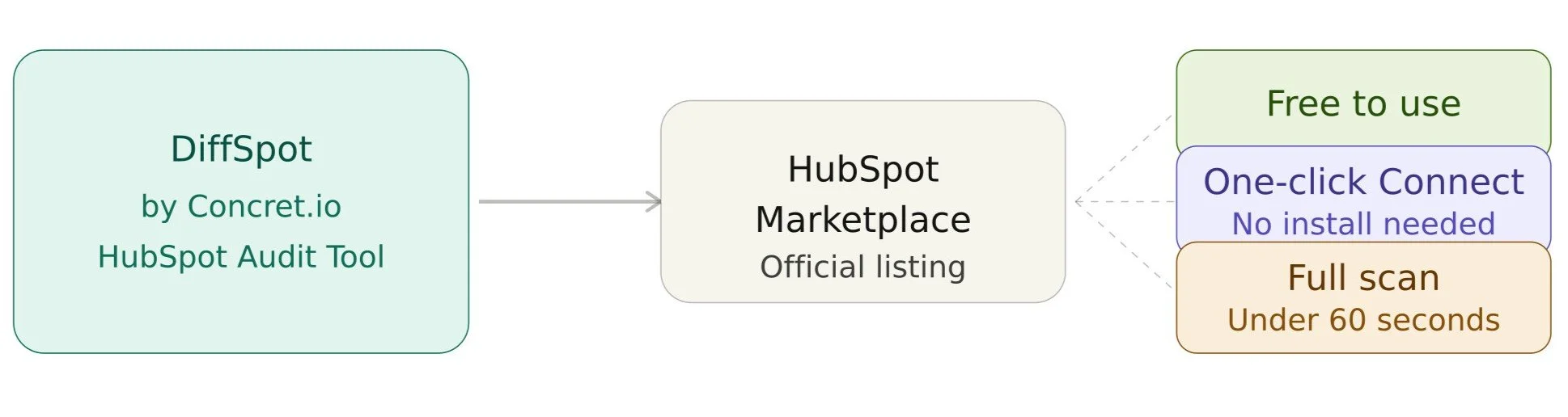
Diffspot is now available on the Hubspot Marketplace, and guess what? It’s available to use completely free of charge.
Whether you're an in-house admin trying to understand your portal before a cleanup, or a partner agency running regular assessments for clients, DiffSpot gives you everything you need to generate a professional, shareable HubSpot health report in minutes.
How to Generate a Shareable HubSpot Health Report with DiffSpot
Here's a step-by-step look at how the process actually works.
Step 1: Connect Your Portal
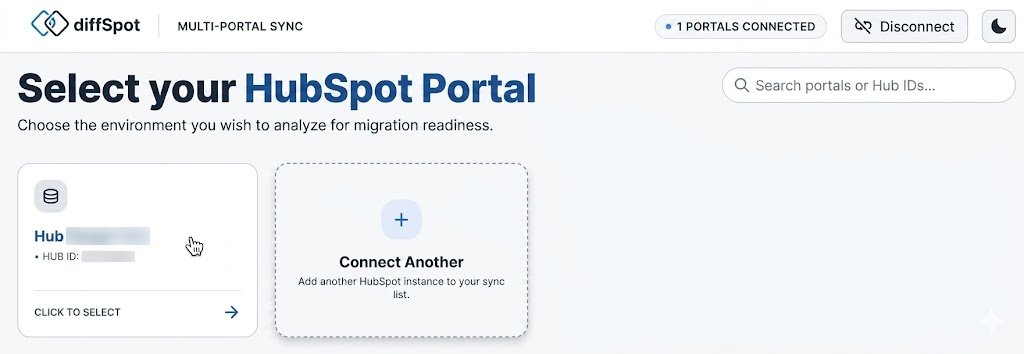
Head to diffspot.concret.io and click "Scan Single Portal." DiffSpot only reads metadata; it never touches your actual CRM data. The connection takes about 30 seconds. You can also compare two different portals. For that, go with “Compare Two Portals” instead of scanning a single portal.
Step 2: Run the Scan
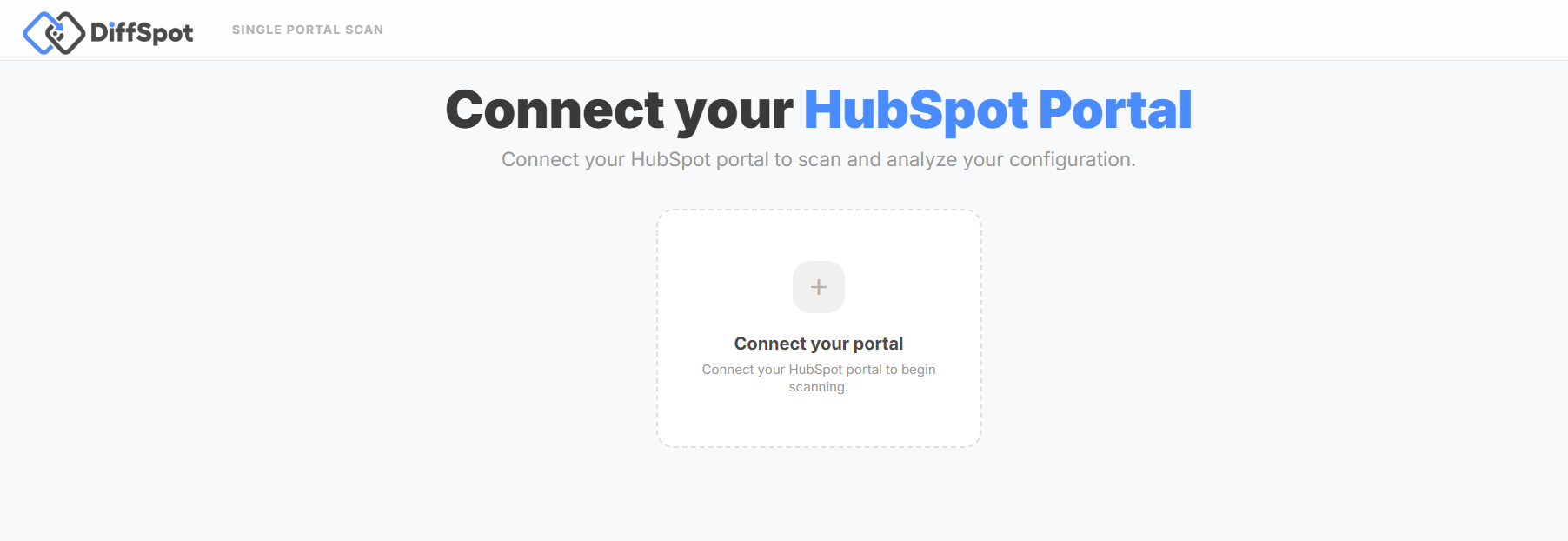
DiffSpot scans your entire portal, including properties, pipelines, custom objects, workflows, forms, lists, landing pages, sequences, and more. The full inventory is done in under a minute.
Step 3: Review Your Readiness Score and Complexity Rating
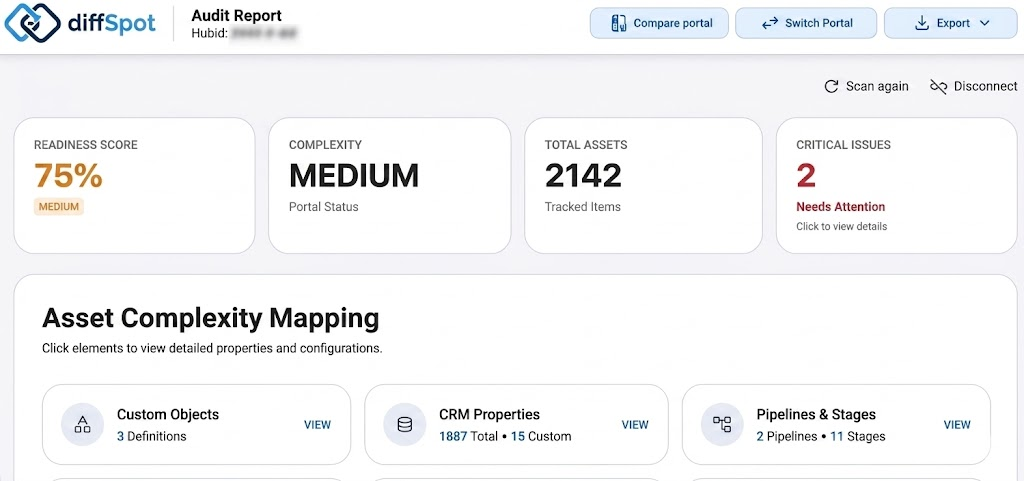
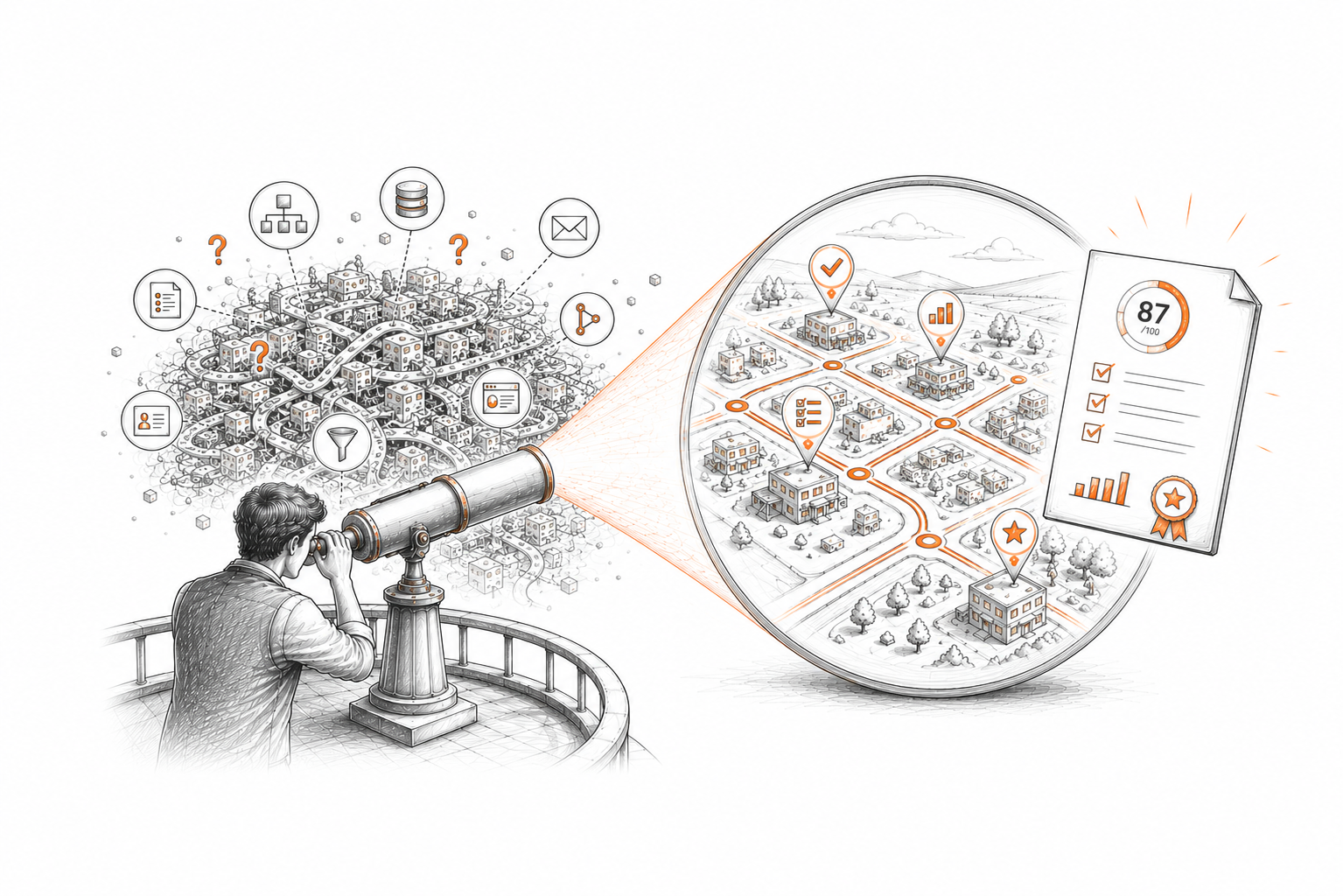
Once the scan completes, you'll see a portal readiness score and a complexity rating right at the top. This is your executive summary. The one number that tells stakeholders immediately whether the portal is well-configured or needs work.
Step 4: Dig Into the Details
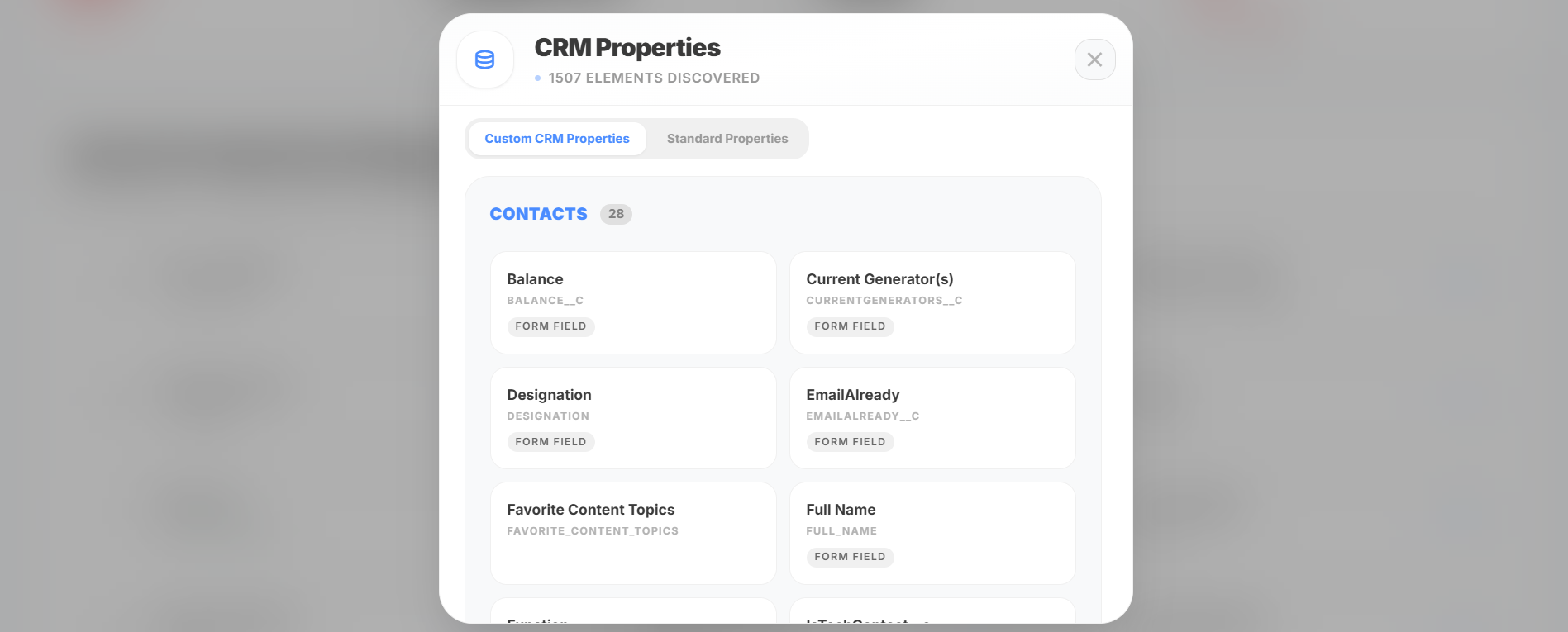
Apart from the score, you get a bifurcation of every asset category individually. You can see exactly how many contact properties exist (standard and custom), how your workflows are structured, whether pipeline stages have win probabilities set, what forms are collecting data, and much more.
For workflows specifically, DiffSpot generates workflow diagrams that visually represent how your automation flows. So instead of reading through a list of actions, you can actually see how an automation is structured. This is incredibly useful when presenting to stakeholders who aren't HubSpot power users.
Step 5: Export and Share
This is where the HubSpot report generation piece comes together. DiffSpot lets you export your audit in multiple formats like PDF, Excel, JSON, or GitHub.
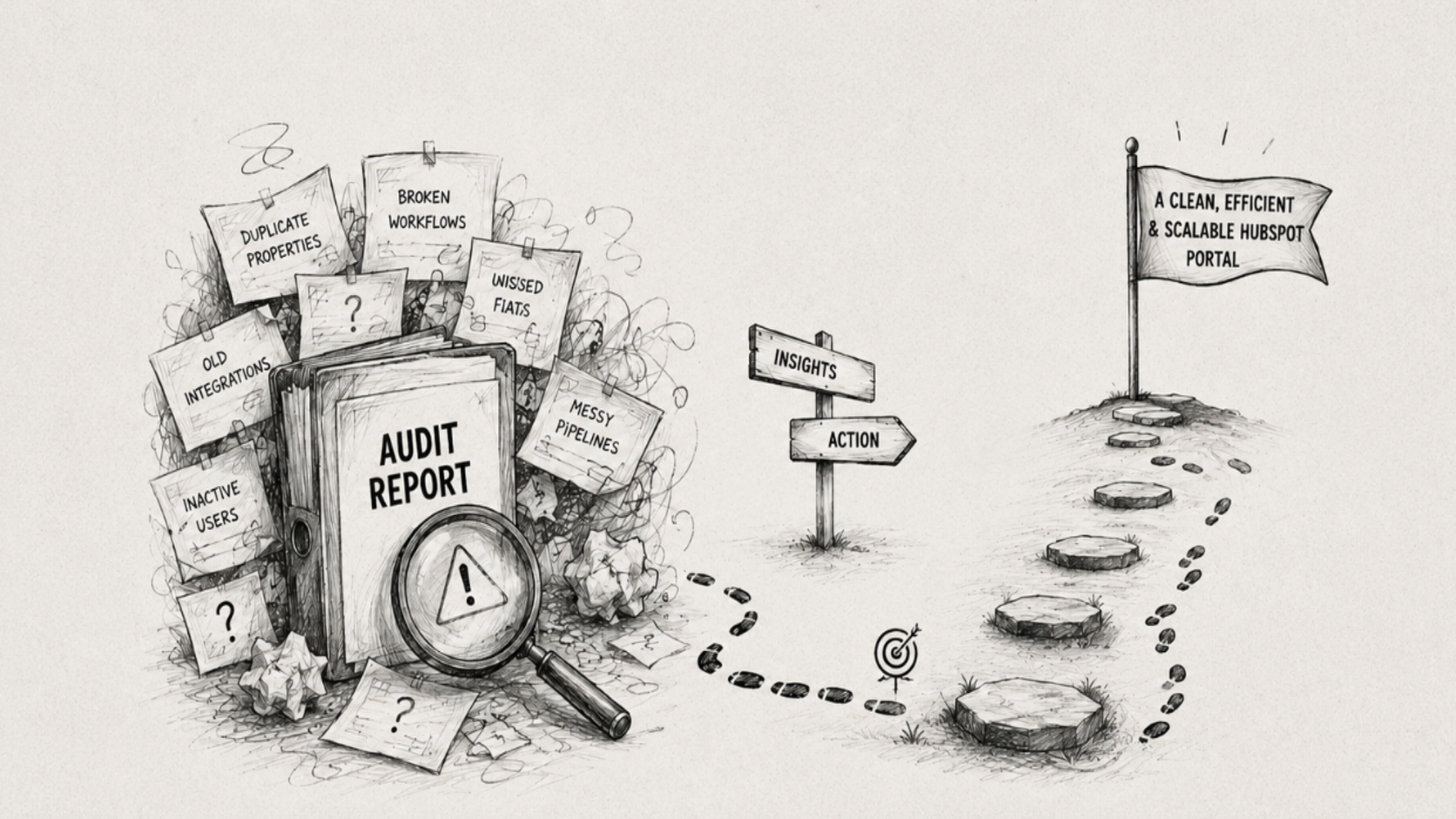
The PDF export is particularly well explained. It includes the readiness summary, organized insights across all asset categories, and actionable recommendations with priority areas clearly called out. You don't have to clean it up before sending it. It's ready to go.
Making Your HubSpot Report Actually Actionable
Generating a report is one thing; making your report useful is another. Here's how to turn a HubSpot performance report into something your stakeholders can act on:
1. Lead with the score, not the data: Start with the readiness score and overall complexity rating. Stakeholders don't want to read 40 pages before they understand whether there's a problem. Give them the headline first.
2. Highlight the top 3 issues: From the detailed audit, pick the three most critical findings and explain them in plain language. "We have 214 unused contact properties" or "12 workflows haven't been updated in 18 months" is more actionable than a raw list.
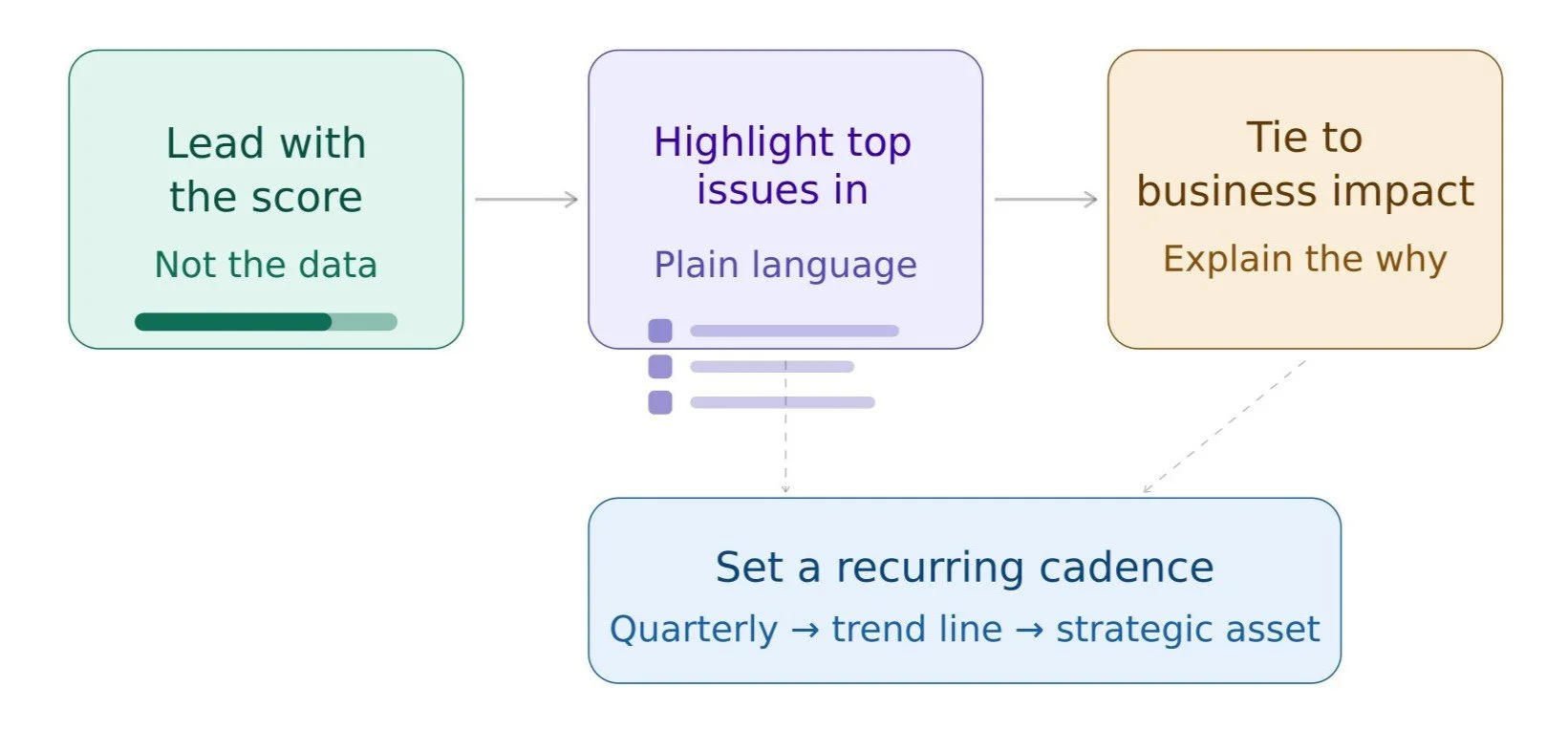
3. Tie findings to business impact: Don't just say what's wrong, explain why it matters. Unused properties slow down your team. Outdated workflows can mis-enroll contacts. Pipeline stage mismatches create reporting blind spots. When stakeholders understand the so what, they're more likely to approve time or budget to fix it.
4. Set a follow-up schedule: A one-time report is a snapshot. A recurring HubSpot CRM audit, quarterly, or even monthly for active portals, creates a trend line. When stakeholders can see that the readiness score improved from 68% to 85% over two quarters, their CRM becomes a strategic asset, not just a tool.
Who HubSpot Audits and Reports Matters Most To
If you're a HubSpot admin, this is how you communicate the health of your system to people who don't live in it every day. A clean, professional report gives you credibility and makes it easier to get buy-in for cleanup projects.
If you're a RevOps professional or consultant, this is how you standardize your engagement process. Every client onboarding starts with a portal audit. Every handoff includes a documented state of the system. DiffSpot makes that scalable.
If you're a HubSpot agency partner, this is a value-add you can offer immediately. A free HubSpot portal audit delivered in under minutes is a compelling way to open conversations, demonstrate expertise, and build trust with new and existing clients.
Final Thoughts
A HubSpot health audit shouldn't be a burden. It should be a regular part of how you manage, communicate, and improve your CRM environment. The problem has never been that people don't want visibility. It's that getting that visibility used to take too long and required too much manual effort.
With an auditing tool like DiffSpot now available for free on the HubSpot Marketplace, there's no longer a good reason to skip the audit. Connect your portal, run the scan, export the report, and share it. The whole thing takes less time than your next standup.
Your stakeholders deserve a clear picture of the HubSpot account health audit, and now you have an easy way to give it to them.
Frequently Asked Questions
-
For most teams, a quarterly audit is a good baseline. If your portal is actively changing with new integrations, team members, or campaigns, monthly audits give you a real trend line and catch drift before it compounds.
-
DiffSpot covers CRM properties, workflows, pipelines, forms, lists, custom objects, landing pages, marketing emails, sequences, subscription types, quotes, tickets, and more. It reads metadata only; it never touches your actual CRM records.
-
Yes. DiffSpot has a multi-portal compare mode that lets you check two portals side by side. It is ideal for spotting configuration drift between a sandbox and production environment before a migration or major deployment.
-
Standard HubSpot reporting focuses on activity and results, such as deals closed, emails opened, and contacts created. A HubSpot performance report (or portal audit) looks at the health of the system itself to know whether it's configured correctly, whether automations are working as intended, and whether the CRM is set up to support your team's goals.
Related Reading
Let’s Talk

Drop us a note, we’re happy to take the conversation forward 👇🏻