From Audit to Action: Turning Your HubSpot Report Into Results
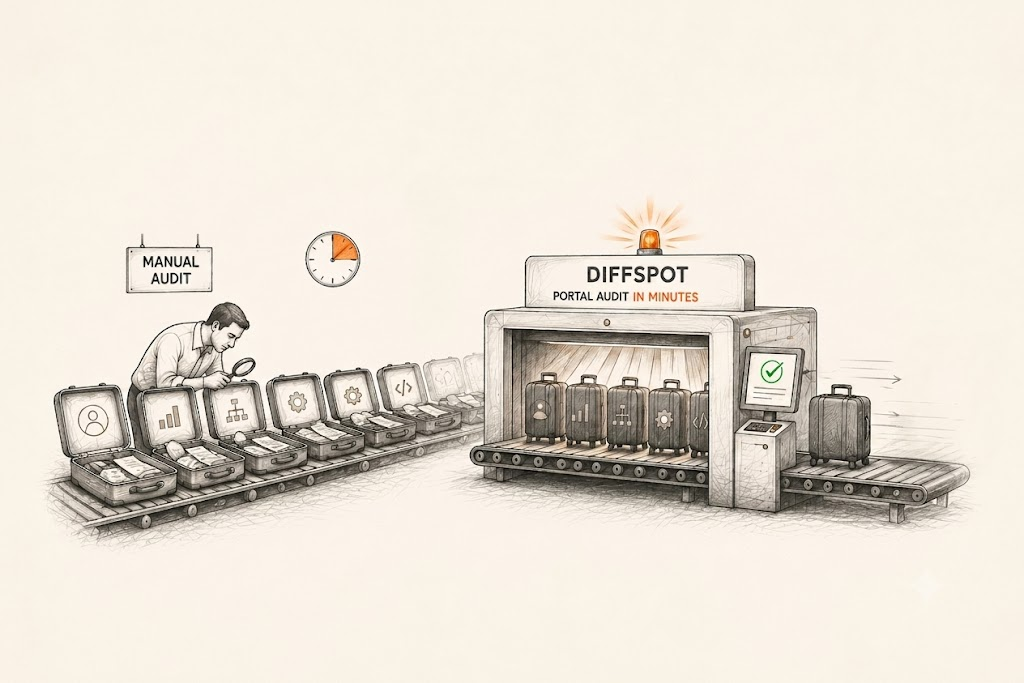
Running an audit in HubSpot is often the easy part. Most teams today can scan their portal and generate a detailed report in just a few minutes using the HubSpot portal audit tool ‘DiffSpot’.
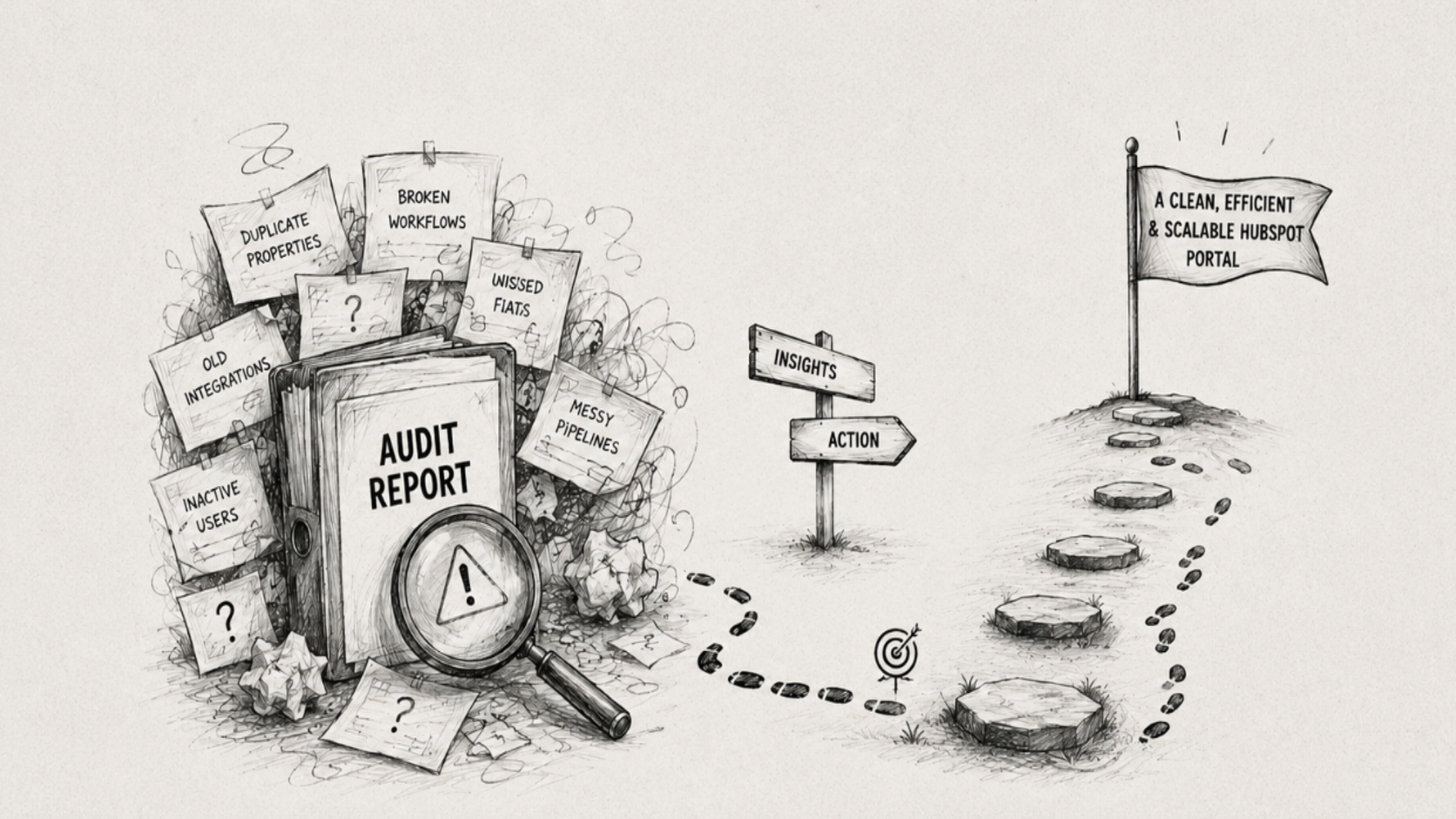
But what comes next is where things start to get unclear. Many teams end up with a report full of data, without a clear idea of what to actually do with it.
An audit gives you visibility into your system, properties, workflows, pipelines, and more. However, visibility alone does not improve your setup.
The real value lies in how you act on those insights. Today, we’ll walk through what to do after auditing a HubSpot portal to turn findings into meaningful improvements.
We’ve already covered how to conduct a HubSpot audit in our previous blog posts; If you’d like to revisit the process, you can read:
What to Do After a HubSpot Audit
Once you have a complete picture of your HubSpot portal, you have a clear blueprint to take the following actions.
1. Start by Prioritizing What Matters
Not everything in your audit report needs immediate attention. The key is to focus on areas that have the biggest impact on your day-to-day operations.
Start by identifying critical issues, broken workflows, duplicate properties, or misaligned pipelines. These are the elements that can directly affect your processes and should be addressed first.
2. Clean Up Your CRM Properties
Properties are one of the most important parts of your system, as they define the data structure of your HubSpot portal. Portals often accumulate a large number of properties, many of which become outdated, duplicated, or simply unused.
To fix this, first review your properties and:
Remove or archive unused fields
Merge duplicate properties
Standardize naming conventions
This helps keep your data organized and makes the system easier to manage.
3. Review and Optimize Workflows
Workflows are at the core of automation in your system. They handle everything from lead nurturing to internal processes, making them one of the most critical areas to review after an audit.
However, as your system evolves, workflows often grow in number and complexity. Some become outdated, others overlap, and a few may continue running without delivering meaningful value.
After reviewing your audit report, focus on:
Identifying inactive or redundant workflows
Eliminating duplicate or overlapping logic
Ensuring workflows align with your current processes
Optimizing workflows not only improves efficiency but also prevents unexpected behavior and keeps your automation reliable.
4. Simplify Pipelines and Stages
Pipelines define how deals or tickets move through your process. In many HubSpot portals, stages are sometimes added for temporary needs and never cleaned up.
After getting a bird’s-eye view from your audit report, review whether each stage still serves a clear purpose. Remove unnecessary steps, merge duplicates, and ensure the pipeline reflects how your team operates today.
A simplified structure improves visibility, keeps reporting accurate, and helps teams move deals or tickets forward with clarity.
5. Validate and Improve Data Quality
Your system is only as reliable as the data it holds. Focus on improving data quality by:
Identifying and removing duplicate records
Filling in missing key fields (email, phone, etc.)
Assigning ownership to contacts, companies, and deals
Cleaning up outdated or inactive data
Strong data quality improves targeting, reporting accuracy, and ensures your team can act on insights without gaps or confusion.
6. Review and Optimize Integrations
Integrations connect HubSpot with the rest of your tech stack, but not all of them remain useful or function as expected. Your analysis may highlight broken syncs, duplicate data flows, or tools that are no longer needed.
Review active integrations to ensure they are relevant and correctly configured. Remove unnecessary connections, fix data sync issues, and confirm that key systems are aligned.
A well-managed integration setup improves data consistency, reduces manual effort, and ensures your tools work together seamlessly.
7. Review User Permissions and Access Levels
Audit findings often reveal users who no longer need access or have permissions beyond their current role. It’s common to see inactive users still in the system or too many users with high-level access granted for temporary needs.
Tools like DiffSpot can help surface the total number of users, making it easier to identify which accounts should be reviewed or removed.
Focus on tightening access by:
Removing inactive or former users
Limiting Super Admin access to a small, trusted group
Ensuring permissions align with current roles and responsibilities
This improves security, reduces risk, and ensures better control over your system.
Common Mistakes to Avoid After a HubSpot Audit
During optimization, teams often make a few common mistakes that can reduce the effectiveness of their audit efforts.
Over-prioritizing low-impact issuesTeams often focus on minor fixes while ignoring critical problems like broken workflows, misaligned pipelines, or poor data quality.
Ignoring data dependenciesFields, workflows, and reports are often interconnected. Changing one element without checking dependencies can lead to reporting gaps.
Making changes without documentationWithout proper documentation, it becomes difficult to track what was changed, why it was changed, and how it impacts the system later.
Treating the audit as a one-time taskA HubSpot audit is often treated as a one-time cleanup activity, but without regular reviews, the system quickly becomes outdated again.
Addressing these mistakes helps ensure your audit efforts lead to long-term improvements, not just temporary fixes
Wrapping Up
A HubSpot audit is not just about identifying issues; it’s about understanding how your system is actually being used and where it can be improved. The real impact comes after the audit, when findings are translated into clear, structured actions.
By prioritizing key problems, cleaning up data and configurations, optimizing automation, and keeping your setup aligned with current processes, teams can significantly improve the system’s performance and usability.
However, the value doesn’t come from a one-time cleanup. Regular audits using a tool like DiffSpot help ensure ongoing visibility and better system management.
Related Reading