Salesforce Health Cloud in Healthcare: Where to Begin
Updated on: August 10, 2026
The healthcare sector is undergoing a massive shift driven by digitalization. Organizations today need more than basic patient care applications; they require a unified platform that seamlessly connects providers, payers, and public health organizations.
Salesforce Health Cloud meets this need with a unified patient-centric foundation that unites every stakeholder to streamline and enhance the entire care journey.
This guide breaks down the path to a successful Health Cloud implementation, covering its benefits, pricing, and the essential steps to plan, deploy, and scale it for better outcomes.
What is Salesforce Health Cloud?
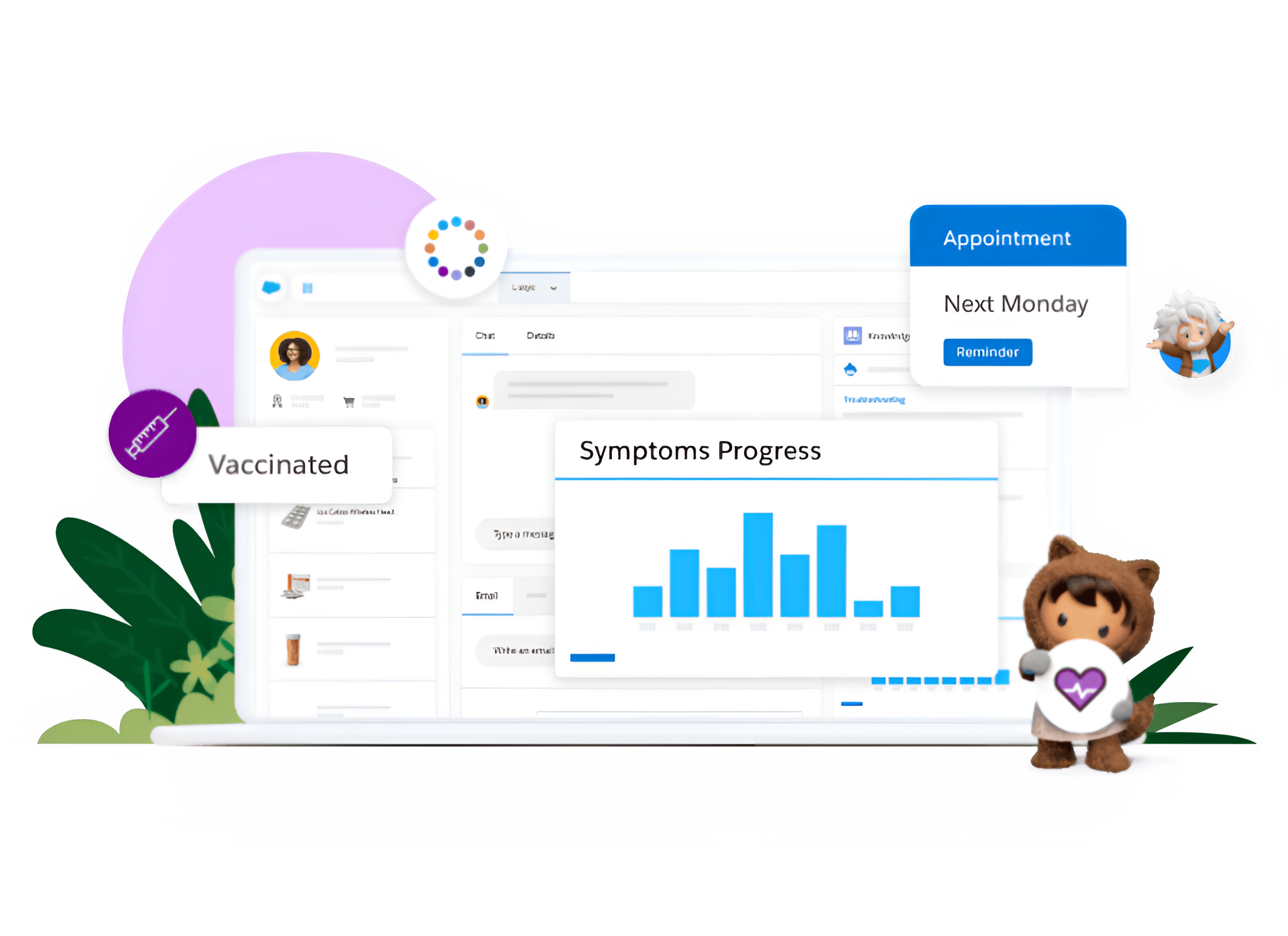
Introduced in 2016, Salesforce Health Cloud is a healthcare-specific CRM platform designed to improve patient experiences and streamline healthcare operations. Unlike generic CRMs, it goes beyond managing records; it connects providers, payers, and public health organizations on a single, secure platform.
At its core, Health Cloud consolidates clinical and non-clinical data into a complete patient profile, giving care teams the insights they need to coordinate effectively and engage more personally. It also supports regulatory compliance, making it a trusted choice for modern healthcare organizations.
Simply put, Health Cloud transforms disconnected systems into a unified ecosystem that puts patients at the center of every interaction.
Source: Salesforce.com
Note: Salesforce also offers Life Sciences Cloud, a related solution released in 2024, tailored for pharmaceutical, biotech, and medtech companies, focusing on industry-specific needs beyond patient care.
Why Healthcare Organizations Should Implement Health Cloud
The healthcare industry is under constant pressure to deliver high-quality care with less time and effort. Providers need instant access to patient records, including medications and treatment history. Payers want to manage claims efficiently, while patients expect personalized, seamless experiences at every touchpoint.
Salesforce Health Cloud fulfills all these needs by unifying providers, payers, and patients on a single platform. Here’s what implementing Health Cloud can bring to your organization.
1. 360° Patient View: Health Cloud consolidates all patient information, medical history, prescriptions, lab results, and more, in one place. This empowers providers to make faster, better-informed decisions while focusing on what truly matters: the patient.

Source: Salesforce
2. Patient Empowerment & Self-Service: With self-service features powered by Experience Cloud, patients can access their health records, track medications, schedule appointments, and find answers to common questions. This not only lightens the workload for care teams but also gives patients more control over their healthcare journey.
3. Utilization & Resource Management: Health Cloud helps providers monitor and optimize how critical resources are used, from hospital beds and medical equipment to medication and supplies. With visibility into utilization rates, providers can reduce waste, avoid shortages, and ensure patients always get timely access to the right care and resources.
4. Security & Compliance: One key reason healthcare organizations need Health Cloud is its robust security and compliance framework. The platform adheres to HIPAA, GDPR, and other healthcare regulations, offering role-based access, audit trails, and HL7 support. This ensures patient data remains protected.
Architectural Imperative: HIPAA Compliance & Data Security
Managing Protected Health Information (PHI) requires strict adherence to security protocols. Deploying Health Cloud without proper data encryption and role-based access control exposes organizations to severe regulatory penalties:
Salesforce Shield Enforcements: Enable Platform Encryption to encrypt PHI/ePHI fields at rest, run Event Monitoring to audit user data access logs, and set Field Audit Trail to track historical patient record updates.
Granular Patient Consent Rules: Utilize native Health Cloud Consent Management tools to capture, track, and enforce patient opt-in preferences for clinical data sharing across care teams and digital portals.
Isolated Prompt Boundaries: If deploying Agentforce AI agents for patient scheduling or care coordination, enforce strict masking inside the Einstein Trust Layer to prevent PHI exposure to external LLMs.
Salesforce Health Cloud Pricing and Licenses
Salesforce Health Cloud comes in four editions, each with its own pricing and feature set. Choosing the right edition and add-ons is a crucial step in planning your Health Cloud implementation.
Health Cloud Enterprise — $350/user/month (billed annually)
Best for foundational healthcare CRM needs such as care team collaboration, EHR integration, and a unified patient view.
Health Cloud Unlimited — $525/user/month
Includes everything in Enterprise plus additional storage, Live Agent Chat, and a Full Sandbox.
Health Cloud Agentforce 1 for Service- $750/user/month
Designed for service teams, this advanced Health Cloud edition includes AI-powered Agentforce agents, additional Data Cloud credits, Slack integration, and Tableau Next for advanced analytics.
Health Cloud Agentforce 1 for Sales- $750/user/month
Nearly identical to the Service edition but optimized for sales use cases, with features like Slack Sales Elevate and Salesforce Maps.

Source: Salesforce
Add-Ons to Expand Capabilities
In addition to core editions, Health Cloud offers optional add-ons to extend functionality further. You can choose any add-ons that complement or fill gaps in your current license type.
Provider Network Management- $100/user/month
Helps healthcare organizations gain a 360-degree view of their provider network.Agentforce for Health Cloud- $150/user/month
Empowers healthcare teams with unlimited AI-driven support designed specifically for Health CloudHome Health- Starting at $30/login/month
Extends care beyond hospital walls by enabling in-home services

Source: Salesforce
👉 For more details on pricing and additional add-ons, refer to this official Salesforce page.
3 Key Steps to Prepare for Your Health Cloud Implementation
Before starting your Health Cloud implementation, it’s essential to plan and align everything in advance. This includes defining business goals, identifying requirements, setting your budget, and more. Let’s take a closer look at each step.
Outline Your Goals: Health Cloud serves all pillars of healthcare: hospitals, insurers, providers, and patients. Determine whether the solution is for internal teams (doctors, nurses, care coordinators), patient engagement, provider coordination, or all. Involve end users in the planning process to ensure the solution is practical, user-friendly, and meets real-world needs.
Access Existing Data: Salesforce can integrate with any system and utilize both structured and unstructured data. Ensuring all relevant data from your EHR, EMR, or legacy CRM is ready for migration not only enables a smooth implementation but also provides more accurate insights.
Plan Your Budget: Define your budget based on your requirements, as you will need to select the license type accordingly. If your needs are basic, Enterprise will suffice. For additional features, avoid upgrading unnecessarily; instead, consider add-ons. For example, if you need a patient-facing portal, adding the Experience Cloud for Health Cloud add-on is a cost-effective option. A Salesforce consulting partner can help you choose the right license type.
Choosing the Right Way to Implement Health Cloud
Once your objectives, data, licenses, and budget are finalized, the next step is implementation. Broadly, there are two approaches: doing it yourself or collaborating with an experienced Salesforce Health Cloud implementation partner.
Some organizations consider DIY, which may seem cost-effective at first but often comes with hidden challenges. The other approach involves certified professionals who ensure a seamless and scalable rollout. Let’s look at both in detail.
Why You Shouldn’t DIY Health Cloud Implementation
Implementing Salesforce Health Cloud requires more than just purchasing licenses. It isn’t a simple plug-and-play solution. A successful setup demands expertise in configuring account settings, mapping complex healthcare data models, meeting strict compliance standards, and much more.
The DIY route often leads to:
Misconfigured data models that limit functionality.
Ineffective integrations with EHR/EMR and legacy systems.
Low adoption due to poor user experiences.
The Modern Standard: FHIR R4 & MuleSoft Direct for Health Cloud
Integrating legacy Electronic Health Record (EHR) systems like Epic, Cerner (Oracle Health), or Athenahealth into Salesforce Health Cloud has evolved beyond complex custom ETL coding. Modern deployments rely natively on the Fast Healthcare Interoperability Resources (FHIR R4) data standard.
Utilizing MuleSoft Direct for Health Cloud enables out-of-the-box, pre-built FHIR APIs to securely stream patient clinical data, appointment histories, and diagnostic results directly into the Health Cloud Data Model. Standardizing on FHIR schema mappings prevents data transformation errors, guarantees real-time clinical context updates, and significantly reduces overall implementation timelines.
The Smarter Approach: Work with Health Cloud Implementation Partners
Partnering with certified Salesforce Health Cloud experts ensures a smooth and scalable rollout. Implementation partners bring:
Proven Expertise: Backed by years of experience with diverse healthcare providers and payers, partners know how to get it right.
Customization & Best Practices: Partners design solutions that fit your organization’s unique needs while following healthcare best practices.
Faster Time to Value: A guided implementation accelerates setup, ensuring your teams can start using Health Cloud effectively in less time.
Ongoing Support: Beyond implementation, these partners provide training, adoption assistance, and, most importantly, serve as Salesforce managed service providers who actively manage your Salesforce solution to ensure it scales and adapts as your organization grows.
Pro Tip: Maximize Value After Implementation
Implementation should not be your last step. To get even more out of Salesforce Health Cloud, explore the Salesforce AppExchange, a marketplace filled with solutions tailored for healthcare and beyond. From patient engagement tools to advanced analytics, you can choose apps that extend the core capabilities of your system and bring additional value to your organization.

Source: Salesforce
Mitigating Risk: Choosing a Specialized Healthcare Integration Partner
Health Cloud implementations cross complex operational boundaries—combining clinical EHR data pipelines, payer insurance verification workflows, and strict HIPAA compliance rules. Attempting a deployment with generic CRM admins frequently leads to data pipeline failures and regulatory gaps.
Partnering with specialized Salesforce Health Cloud implementation services provides your organization with an immediate, compliant rollout blueprint. Certified healthcare architects ensure your EHR integrations are seamless, care coordination workflows are automated, and your digital health portals deliver a secure, frictionless patient experience from day one.
Conclusion
Salesforce Health Cloud is a powerful solution that addresses the full spectrum of needs within the healthcare domain. From unifying patient data to streamlining care coordination and ensuring compliance, it empowers organizations to deliver better outcomes efficiently.
When combined with expert guidance and AppExchange extensions, you can implement it seamlessly into your operations while building a scalable, future-ready solution supported by experienced professionals for continued success.
If you’re still unsure where to start, reach out to us. Together, with our Salesforce Health Cloud implementation services, we’ll find the right path to meet your organization’s needs and ensure a successful rollout.
FAQs
Q-1. Is Salesforce Health Cloud natively HIPAA compliant out of the box?
Ans: Salesforce provides HIPAA-compliant infrastructure and will sign a Business Associate Agreement (BAA) with your organization. However, achieving full HIPAA compliance depends on your custom configuration—you must enable tools like Salesforce Shield for encryption at rest, configure proper role-based sharing permissions, and audit user access.
Q-2. What is the primary difference between Service Cloud and Health Cloud?
Ans: Service Cloud is built for generic case management and customer service. Health Cloud extends the platform with healthcare-specific data models (incorporating EHR clinical objects, care plan engines, household mapping, and FHIR alignment) custom-tailored for health systems, payers, and life sciences companies.
Q-3. How long does a typical Health Cloud deployment take?
Ans: A focused implementation covering core Patient 360 and care management workflows with standard EHR integrations generally takes 12 to 16 weeks. Complex enterprise deployments spanning multiple hospital networks, payer integrations, and custom patient portals can take 6 to 9 months.
Q-4. Can Health Cloud integrate with non-standard legacy medical devices or software?
Ans: Yes. Utilizing MuleSoft Accelerators for Healthcare and custom REST/SOAP webhooks, Health Cloud can ingest telemetry data from IoT medical devices, remote patient monitoring (RPM) equipment, and custom laboratory information management systems (LIMS).